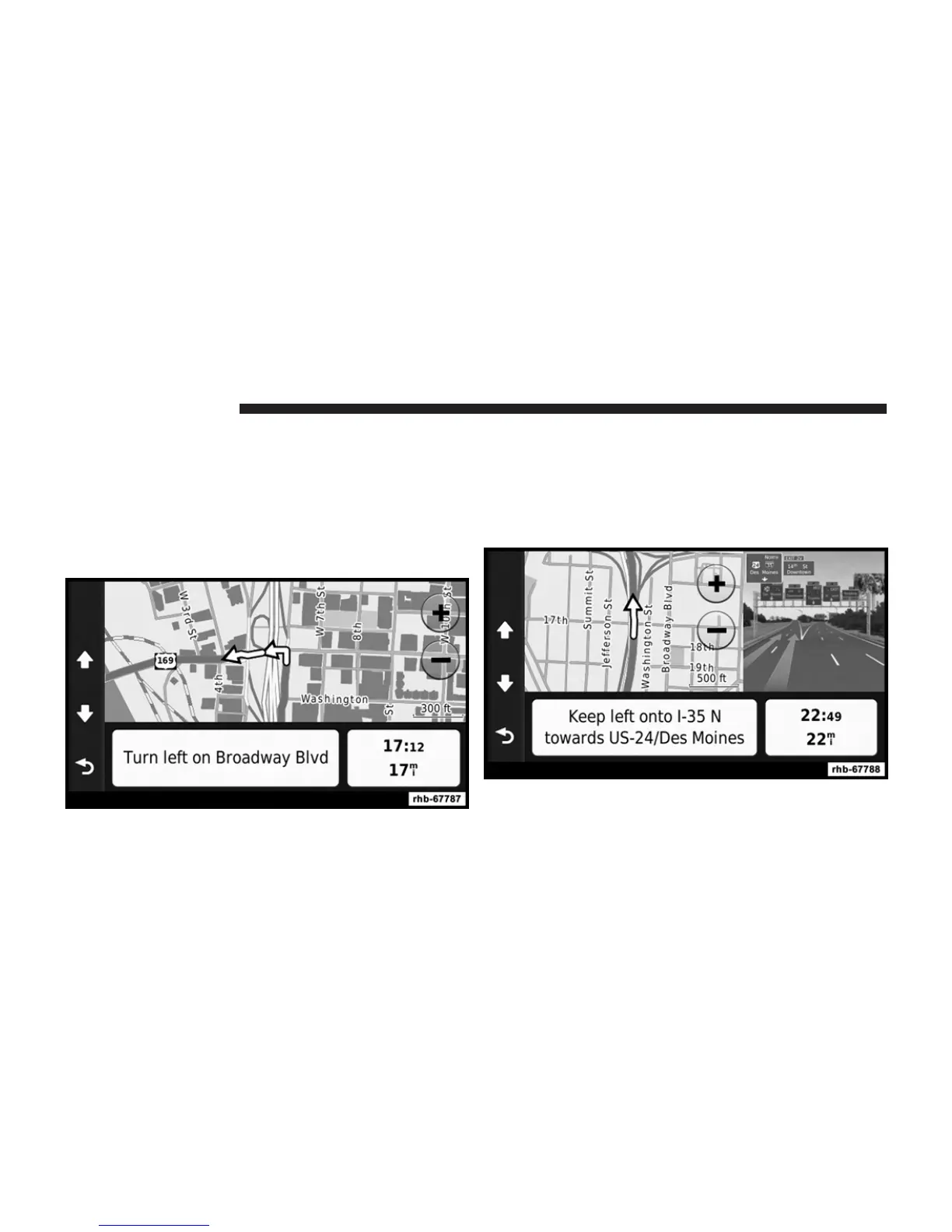
Viewing the Next Turn
Before you can view the next turn, you must be navigat-
ing a route.
The next turn shows the turn on the map and the distance
and time left before you reach the turn.
Touch the turn indicator in the top left corner of the map.
Viewing the Junction View
Before you can view the junction view, you must be
navigating a route.
The junction view displays a view of some upcoming
junctions and in which lane you should be driving.
96 Uconnect姞 8.4 & 8.4N



 To Next Page