Using the In-line ControllerUsing the In-line Controller
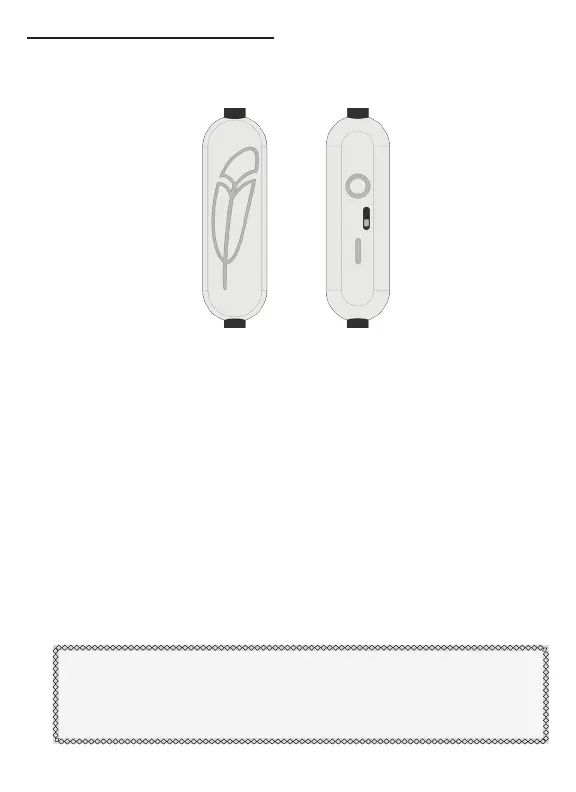
The In-line Controller is a single button remote control activated
by squeezing the middle of the In-line Controller.
The function of this single button remote can be changed by the
switch located on the back of the controller.
•
l
- The standard setting for most applications. This setting
keeps the microphone connected continuously. Squeezing
the controller sends basic commands recognized by most
phones. (For a full list of commands, see the “Smart Phone
Application Cable” section on page 12)
•
O
- This setting is intended for push-to-talk systems
compatible with external PTT switches like Walkie-Talkies
and other hand-held devices. In this setting, the microphone
is normally disconnected and only connects while the In-line
Controller button is held.
Note: Do not use the O setting on headsets communicating
with ATC in an aircraft with a PTT switch, the microphone will
not transmit unless the In-line button is held. This setting may
be safely used in all other positions in the aircraft.
7



 To Next Page