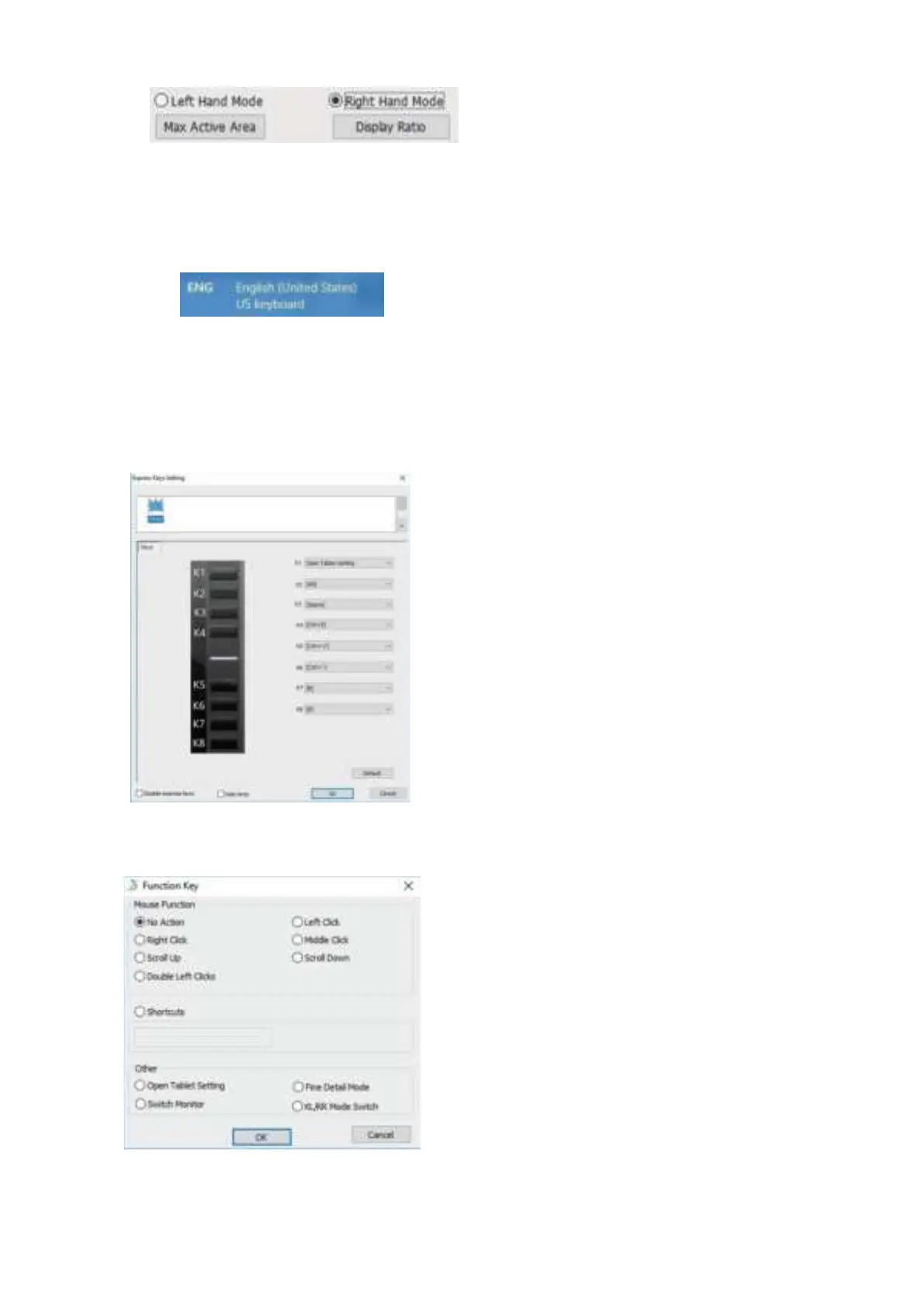
Image 4-7: Right/Left Hand Mode
&
Max Active Area/Display Ratio
1.7.
Shortcut Keys Setting
Note:
a.
The M708's
shortcut
keys are designed to work with US English keyboards.
Keys may not function correctly with other
keyboard languages.
I
mage 4-8: Keyboard
b.
By default, the M708's
shortcut
keys are mapped to standard Photoshop keyboard shortcuts. Keys can be customized to function
efficiently in other software.
In this tab, you may edit the functions of the M708
's shortcut keys. Use the
"Definition" option to program custom keystrokes.
Disable
shortcut
keys: When you enable it, all of the
shortcut
keys function will be di
sabl
ed.
Hide Hints: When you enable it, and click any
shortcut
keys the message will
not popup on the bottom of screen.
I
mage 4-9: Keys
You may customize the functions of your
shortcut
keys here. Use the"Function Key" option to program custom keystrokes.
Image 4-10: Function Key
1.8.
UGEE Logo


 To Next Page