Ulthera, Inc. Page 47
7.2.3. User Regions
The Ulthera System allows you to create and edit treatment guidelines to more
accurately reflect and record how treatments are performed. Treatment
energies are not editable beyond the safety limits that have been previously
determined.
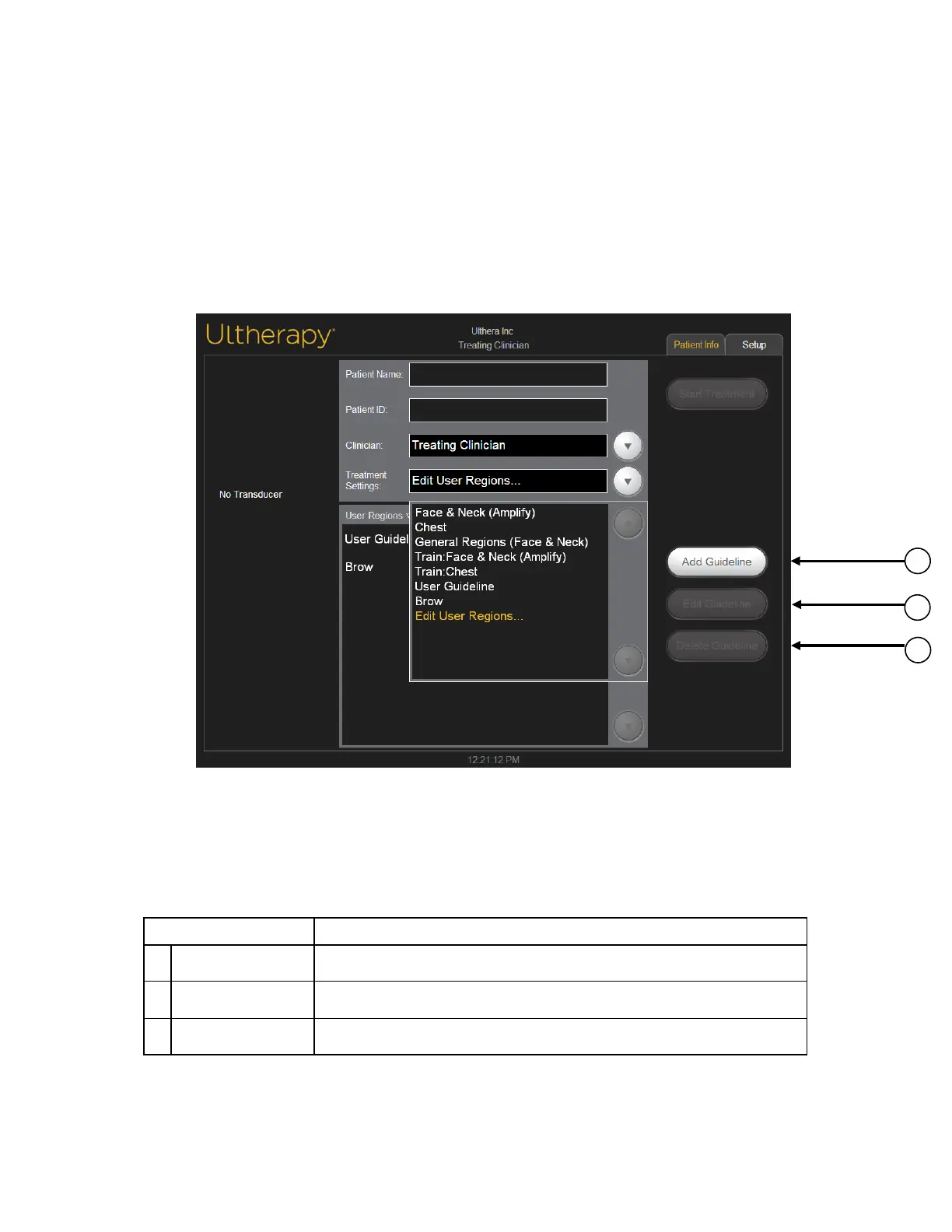
Under Treatment Settings select Edit User Regions from the drop down menu,
as shown in Figure 7.4:
Figure 7.4 User Regions, first screen
The User Regions section displays regions as created by the user, with
functionality depicted in Table 7.3 below.
Table 7.3 User Regions Action Buttons
1 Add Guideline Allows you to create a new guideline.
2 Edit Guideline Allows you to edit an existing guideline.
3 Delete Guideline Allows you to delete a guideline you created.



 To Next Page