EN
10
Zoom In/out
Intelligent Obstacle Avoidance
Automatic Screen Alignment
Press the button, select [More Settings]->[Projec-
tion Correction]->[Smart Recognition]->[Intelligent
Screen Alignment], select the function on/off.
Press the button, select [More Settings]->[Projec-
tion Correction]->[Digital Zoom], use the remote control
navigation buttons and to adjust the screen
size.
Press the button, select [More Settings]->[Projection
Correction]->[Smart Recognition]->[Intelligent Obstacle
Avoidance], select the function on/off.
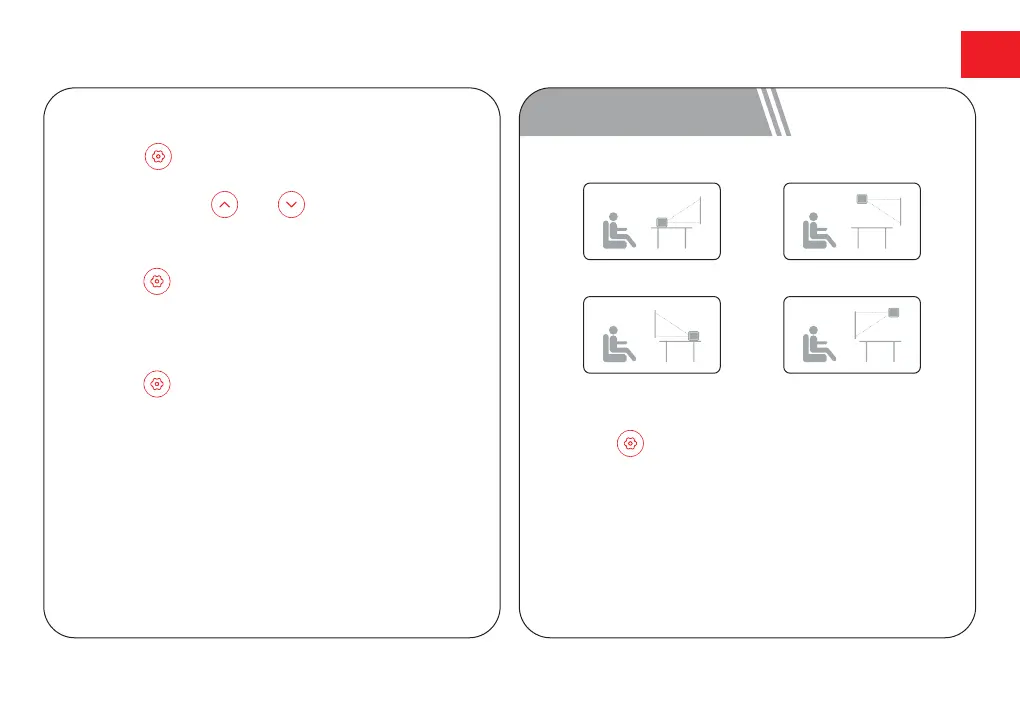
6 Projection Settings
Press the button, [More Settings]->[Projection
Settings]->[Projection Mode], select Desktop Front
Projection/Desktop Rear Projection/Ceiling Front
Projection/Ceiling Rear Projection.
Desktop Front Projection Ceiling Front Projection
Desktop Rear Projection Ceiling Rear Projection



 To Next Page