Remote Control
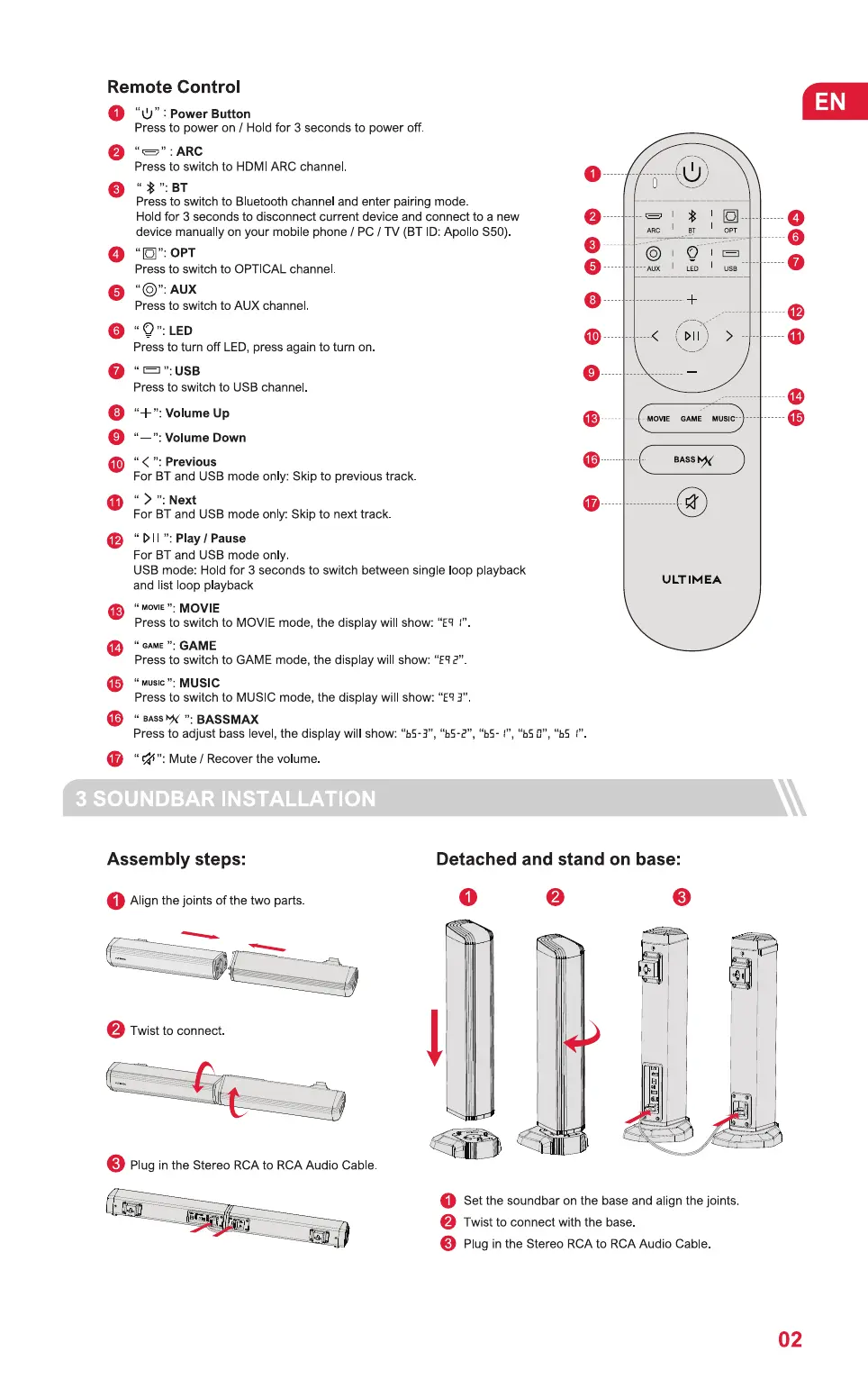
O "U" : PowerButton
Press to power on / Hold for 3 seconds to power off.
Press to switch to HDMI ARC channel
Press to switch to Bluetooth channel and enter pairing mode.
Hold for 3 seconds to disconnect current device and connect to a new
device manually on your mobile phone / PC / TV (BT 'D: Apollo S50)
O OPT
Press to switch to OPTICAL channel
O "O": AUX
Press to switch to AUX channel.
O LED
Press to turn off LED, press again to turn on.
": USB
Press to switch to USB channel
O "+ ': VolumeUp
Volume Down
O " < ": Previous
For BT and USB mode only: Skip to previous track.
" > ": Next
For BT and USB mode only: Skip to next track.
": Play/ Pause
For BT and USB mode only
USB mode: Hold for 3 seconds to switch between single oop playback
and list loop playback
" MOVIE
Press to switch to MOVIE mode, the display will show: "Eq l"
: GAME
Press to switch to GAME mode, the display will show: "ER2"
MUSIC
Press to switch to MUSIC mode, the display will show: "ER3"
" BASS"c
Press to adjust bass level, the display will show: "bS-3", "bS-?
" 4": Mute / Recover the volume.
EN
O
O
o
o
O
• MOVIE GAME
>
MUSIC' •
BASSYd
ULTIMEA
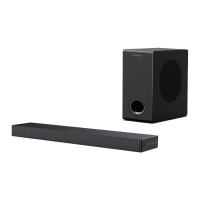
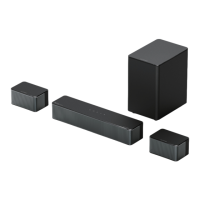
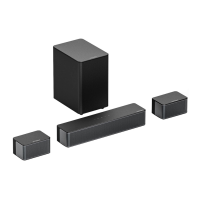
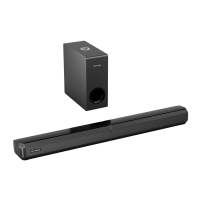
3 SOUNDBAR INSTALLATION
Assembly steps:
O Alignthejointsofthetwoparts
Twist to connect.
Plug in the Stereo RCA to RCA Audio Cable
Detached and stand on base:
O o
O Setthesoundbaronthebaseandalignthejoints
Twist to connect with the base.
O PlugintheStereoRCAto RCAAudioCable.
02


 To Next Page