Need help?
Do you have a question about the ULTIMEA Nova S40 and is the answer not in the manual?
Press to power on or hold for 3 seconds to power off.
Switch channels (ARC, Optical, Coaxial, BT, AUX, USB) or enter BT pairing mode.
Powers the device on or off.
Increases the volume.
Decreases the volume.
 General
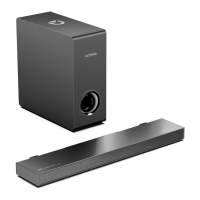
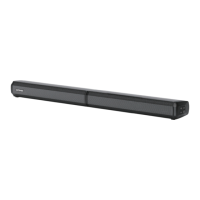
| Speaker Type | Soundbar |
|---|---|
| Channels | 2.0 |
| Total Harmonic Distortion | <1% |
| Color | Black |
| Connectivity | Bluetooth, AUX, USB |
| Bluetooth Range | 10 meters |
| Power Supply | 100-240V, 50/60Hz |

 To Next Page