ARC USB
AUX
OPTICAL
COAXIAL
SUB OUT
DC IN
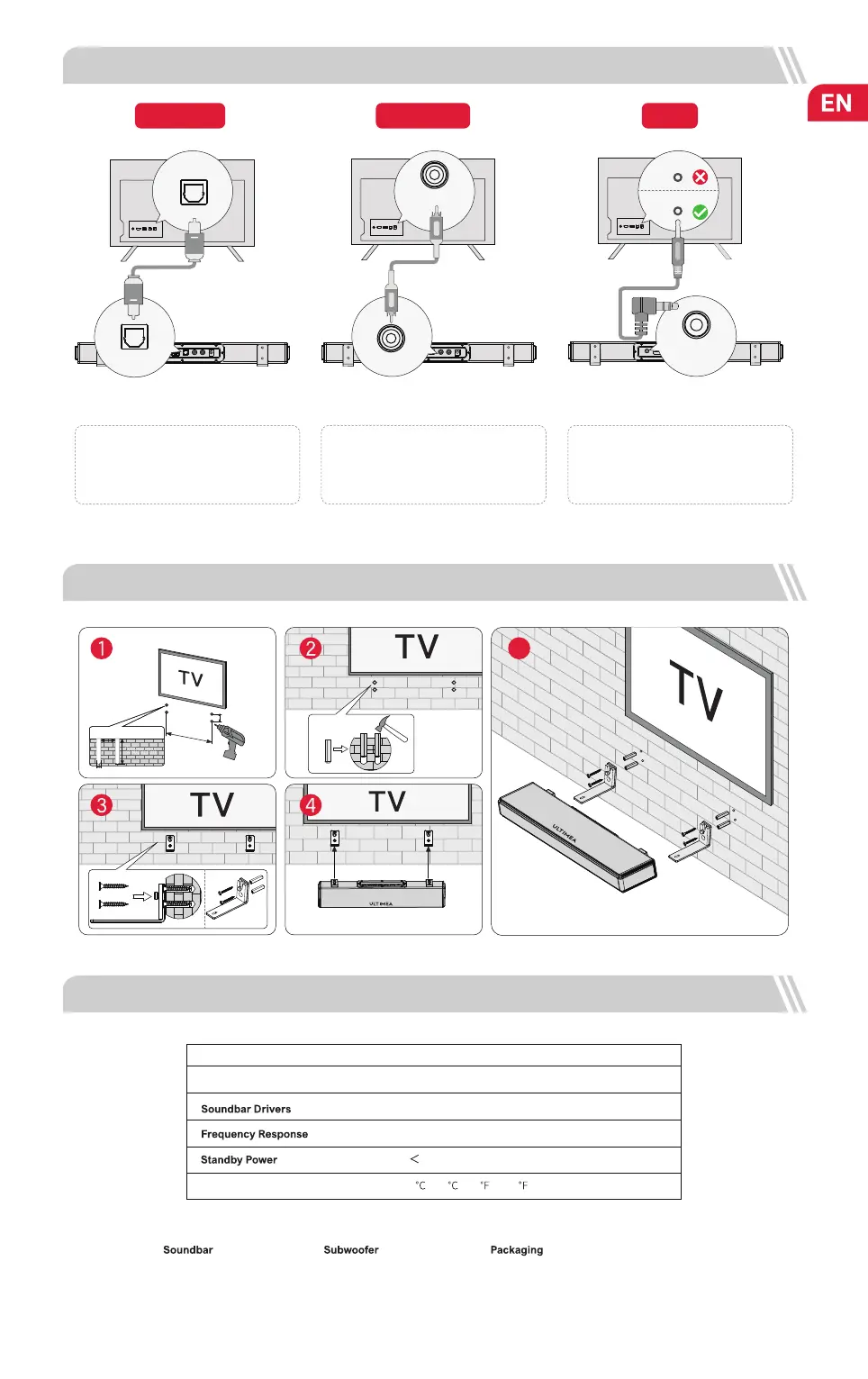
5 CONNECT TO TV VIA OPTICAL / COAXIAL / AUX
AUX
OPTICAL
OPTION 1: OPTICAL
NOTE:
1. Make sure the TV's port is OPTICAL OUT.
2. If audio is playing from the internal TV
speakers, mute or minimize TV volume.
6 WALL MOUNT INSTALLATION
OPTION 3: AUX
NOTE:
1. Use the 3.5mm to 3.5mm audio cable to
connect to your TV’s RCA AUDIO OUT port.
7 SPECIFICATIONS
Net Weight
3.3 kg
Gross Weight
4.2 kg
Model No U2100
Power Supply
AC 100-240V, ~50/60Hz
(1.2” x 3.8”) x 2 (Soundbar) + 5.25” (Subwoofer)
45Hz - 20kHz
0.5W
Operating Temperature
0
- 45 / 32 - 113
Dimensions and Weight:
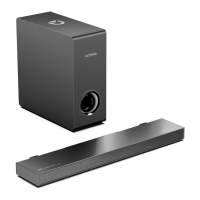
400(W) x 80(H) x 38(D)mm
15.1” x 3.1” x 1.5”
270(W) x 270(H) x 115(D)mm
10.6” x 10.6” x 4.5”
432(W) x 322(H) x 190 (D)mm
17” x 12.77” x 7.5”
If there is no sound: try setting the TV audio output to PCM: TV Setings > Home > Setings> Sound > Digital Audio Output > PCM
DIGITAL AUDIO
OUT
OPTICAL
OPTICAL
OPTICAL
ARC USB
AUX
OPTICAL
COAXIAL
SUB OUT
DC IN
COAXIAL
OPTION 2: COAXIAL
NOTE:
1. Make sure the TV's port is COAXIAL OUT.
2. If audio is playing from the internal TV
speakers, mute or minimize TV volume.
COAXIAL
COAXIAL
03
ARC USB
AUX
OPTICAL
COAXIAL
SUB OUT
DC IN
AUX
AUDIO OUTPUT
AUDIO IN
300mm
20mm
20mm
5mm
28mm
5


 To Next Page