Need help?
Do you have a question about the ULTIMEA Poseidon D50 and is the answer not in the manual?
Overview of soundbar's power, input selection, and Bluetooth buttons.
Details on soundbar buttons for volume control and mode adjustment.
Functions of remote buttons for power, input selection, and basic operations.
Remote buttons for audio adjustment, playback control, and navigation.
Guidance on connecting the soundbar to a TV using the ARC connection.
Instructions for connecting the soundbar using Optical or AUX cables.
Steps to pair the soundbar with your phone, PC, or TV via Bluetooth.
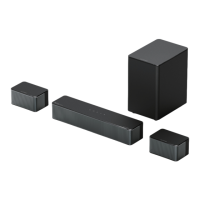
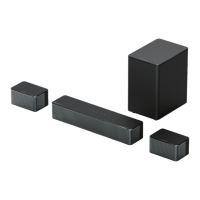
Guidance on connecting the subwoofer and surround speakers.
Steps to re-pair the subwoofer with the soundbar if no sound is detected.
Recommendations for optimal placement of soundbar and surround speakers.
Instructions for mounting the soundbar and surround speakers on the wall.
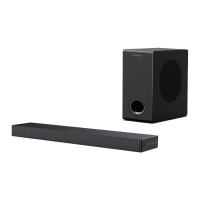
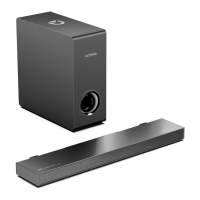
Technical details including model, power, drivers, frequency response, and dimensions.
Important precautions for safe usage, handling, and maintenance of the device.
Guidelines for environmentally responsible disposal of the product and its components.
Information regarding compliance with FCC rules and potential interference.
Warnings and compliance information related to Industry Canada regulations.
Manufacturer's declaration of product conformity with relevant directives and standards.
Information about registered trademarks like Bluetooth and HDMI.
Details on how to contact customer support for assistance.
 General
| Speaker Type | Soundbar |
|---|---|
| Channels | 2.1 |
| Bluetooth Version | 5.0 |
| Connectivity | Bluetooth, AUX, Optical |
| Sound Modes | Movie, Music, News |
| Mounting Type | Wall-mountable |
| Bluetooth Range | 10 m |

 To Next Page