“ ”: Volume Down
Poseidon D50
Model No.: U2500
Prefer video tutorial?
WE ARE
READY
TO HELP
support@ultimea.com
support.ultimea.com
+1 888-598-8875(US) Mon-Fri 9am-5pm(PST)
+49 89-628-25828(EU) Mon-Fri 9am-5pm(CET)
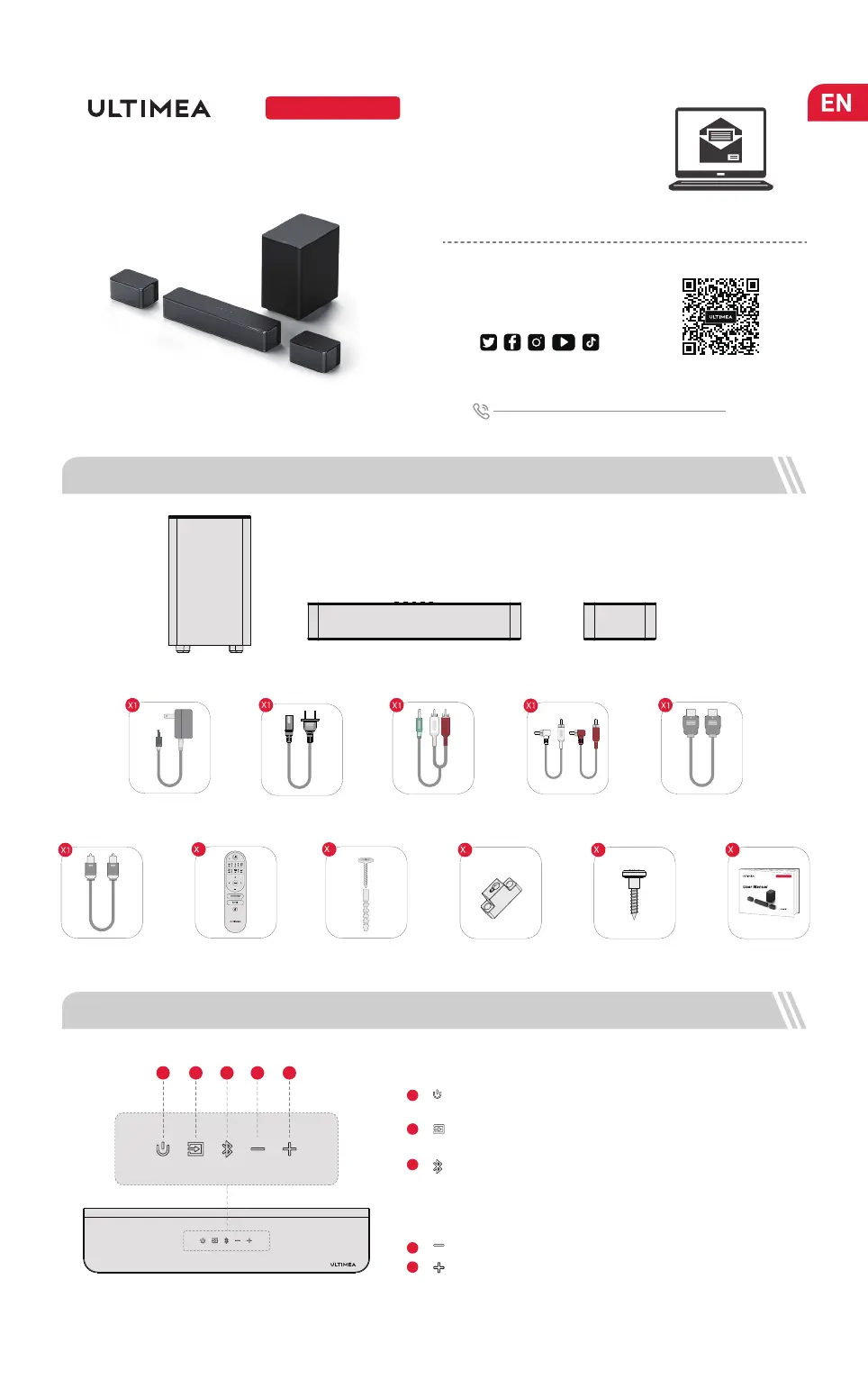
1 ACCESSORIES LIST
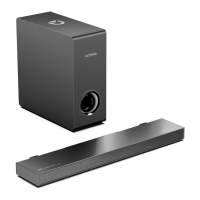
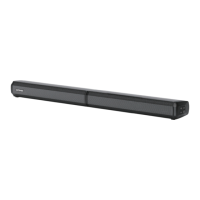
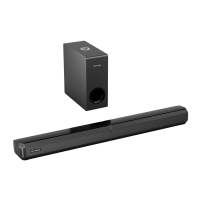
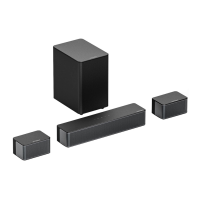
Soundbar
Control Panel
“ ”: Power Button
Press to power on / Hold for 3 seconds to power off.
1
“ ”: Input Mode
Press to switch channels: ARC-OPT(OPTICAL)-BT-AUX-USB.
2
3
“ ”: Bluetooth
“ ”: Volume Up
4
5
Setup guidance video, or USER
MANUAL on ULTIMEA website.
2 SOUNDBAR CONTROLS
4321
5
User Manual
Subwoofer Surround Speaker × 2
01
Press to switch to BT channel and enter pairing mode.
Hold for 3 seconds to disconnect current device and
choose to connect to a new device manually on your
mobile phone / PC / TV (BT ID: Poseidon D50).
@ultimea_official
Power Adaptor
HDMI Cable
Subwoofer Power
Cable
Stereo 3.5mm to RCA
Audio Cable
1
Remote Control
Digital Optical
Cable
Wall Mounted Kit
8
Wall Bracket
4
Mounting Screw
on Speakers
4
User Manual
1
Stereo RCA to
RCA Cable(6m)
2500
Poseidon D50


 To Next Page