“ ”: Volume Up
Nova S40
Model No.: U2100
Prefer video tutorial?
WE ARE
READY
TO HELP
support@ultimea.com
support.ultimea.com
+1888-598-8875(US) Mon-Fri 9am-5pm(PST)
+49 89-628-25828(EU) Mon-Fri 9am-5pm(CET)
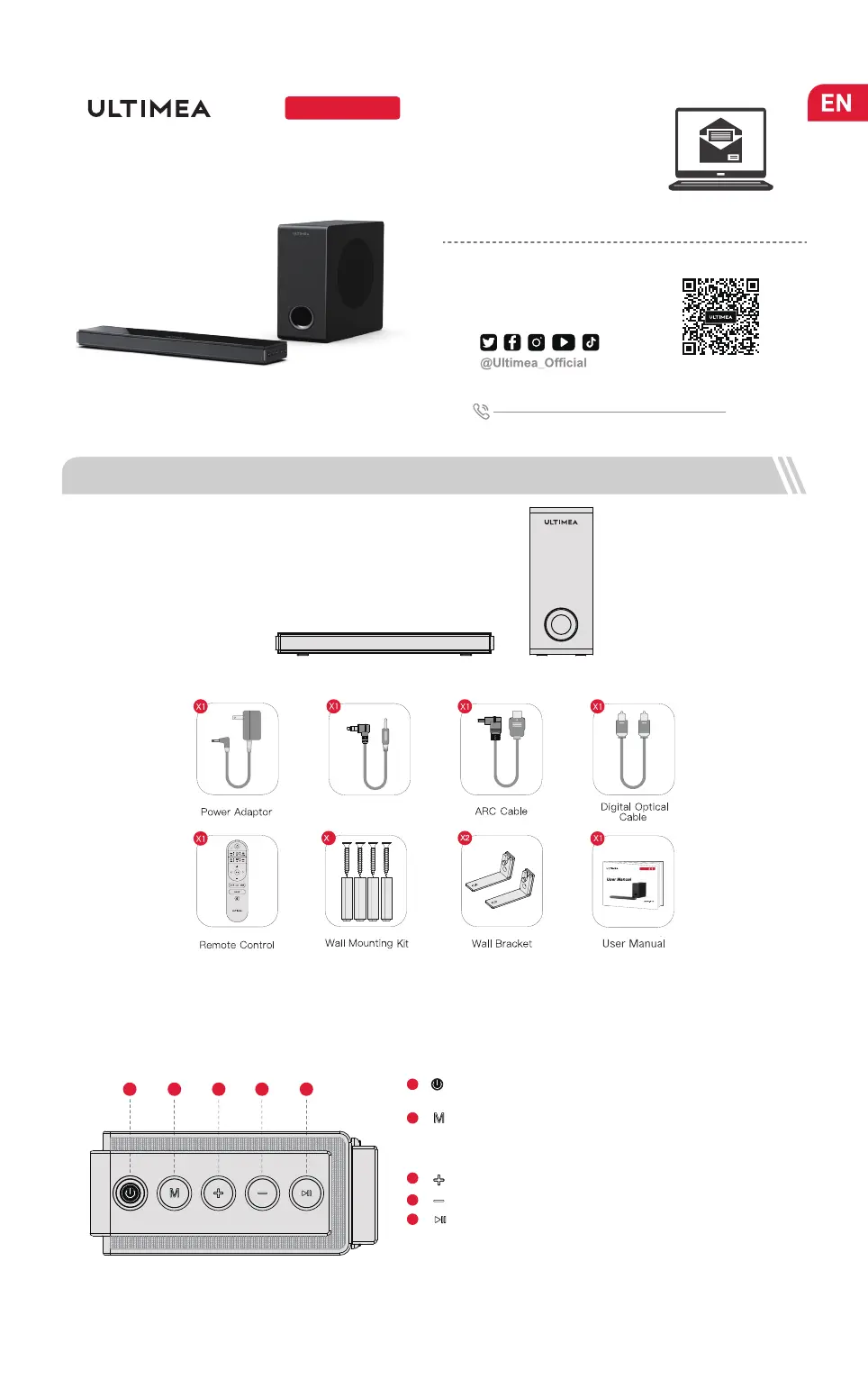
1 ACCESSORIES LIST
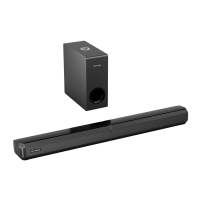
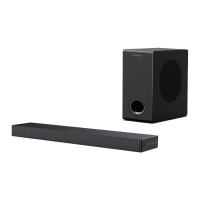
Soundbar
Control Panel
“ ”: Power Button
Press to power on / Hold for 3 seconds to power off.
1
“ ”: Input Mode
Press to switch channels: ARC - Optical - Coaxial - BT - AUX -
USB, hold for 3 seconds to switch to BT mode, and enter pairing
mode.
2
3
“ ”: Play/ Pause
For BT and USB mode only.
USB mode: Hold for 3 seconds to switch between single loop
playback and list loop playback.
“ ”: Volume Down
4
5
Setup guidance video, or USER
MANUAL on ULTIMEA website.
2 SOUNDBAR CONTROLS
4321
5
User Manual
Subwoofer
4
21
4
Nova
01
Stereo 3.5mm to
3.5mm Audio Cable


 To Next Page