780
HDD AUDIO VIDEO
USB
11
1098
7
6
Hardware Description
- 6 -
- 7 -
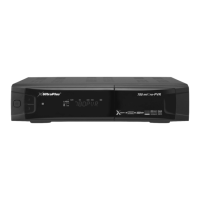
1. Front Panel Configuration
21 3 4 5 6 7 8 9
Safety
Precautions
Before
You Begin
Connections
Guide of
Functions
Guide of
Main Menu
Troubleshooting
Specifications
Multi-Brand
IR Remote
Controller
3
Hardware
Descriptions
Hardware Description
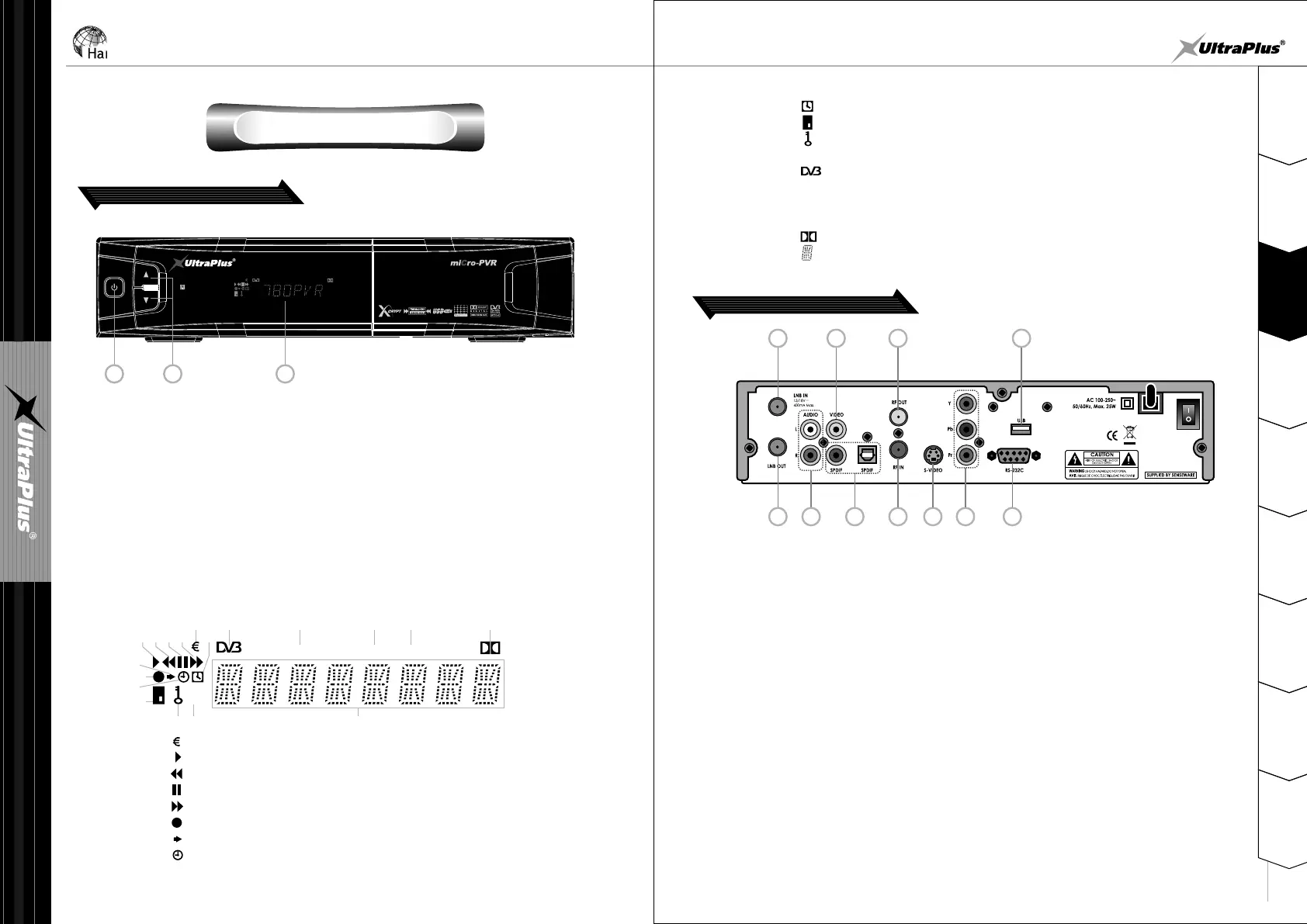
2. Rear Panel Configuration
1. LNB IN : Use to connect a satellite antenna.
2. LNB OUT : Use it when connecting to another STB for loop-through.
3. AUDIO L/R : Use to connect audio left, right of TV or VCR.
4. VIDEO : Use to connect to video input of TV or VCR.
5. SPDIF : Use to connect SPDIF to digital audio equipment.(Coaxial or Optic)
6. RF OUT : Use to connect to RF(ANT) input jack of TV.
7. RF IN : Use to connect a general Aerial Antenna.
8. S-VIDEO : Use to connect to S-VHS video input on your TV or VCR.
9. Y/Pb/Pr : Use it when connecting component video to TV.
10. RS-232C : Use it when connecting to your PC.
11. USB : Use to connect to external USB device
1 2
3
1
2
3
4
5
Press to change services in normal mode, to move the highlighted-bar
UP/DOWN in menu mode.
3. VFD(Vacuum Fluorescent Display)
The VFD consist of 8-digit letter and various icons. These letters and icons
display the status of receiver as follows.
: Indicates that current service is pay channel.
: Turned on during playback.
: Turned on during rewind in playback mode.
: Indicates that current service is paused.
: Turned on during fast forward in playback mode.
: Turned on during recording.
: Turned on when you press a button in remote controller.
: Indicate that sleep timer is set up.
HDD AUDIO VIDEO
USB
q
ew r t
y
u
i
o
a
s d
f g h j k
l
q
w
e
r
t
y
u
i
: The time that is set with timer manager is come, this icon is turned on.
: Indicates that smart card is inserted.
: Indicates that current channel is locked.
: Indicates that external USB device is connected.
: Turned on during live mode.
: Indicates that set-top box is accessing files in the external USB device.
: Indicates that current service is radio service.
: Indicates that current service is TV service.
: Indicates that current service supports Dolby digital audio.
: Display service name, time and other information with letter.
o
a
s
d
f
g
h
j
k
l
USB
HDD
AUDIO
VIDEO
2. CH Up/Down Button
1. POWER Button
Press to switch between STANDBY and POWER ON modes.


 To Next Page
 Loading...