38
Finding a Lost Handset
Using Hold, Conference and Transfer
Using Hold, Conference and Transfer
Placing a Call on Hold
During a call, press CLEAR/INT’COM to place the caller on hold. If you leave a caller on hold for more than ten
seconds, the display screen will read, Line On Hold.
To return to the party on hold, press TALK/FLASH or
. The phone will return to the holding party.
Notes: • You can only place a caller on hold for fi ve minutes. Once fi ve minutes has passed, that party’s line will be
disconnected and the phone will return to standby.
• While a call is on hold, Call Waiting and CID on Call Waiting do not work.
Conferencing
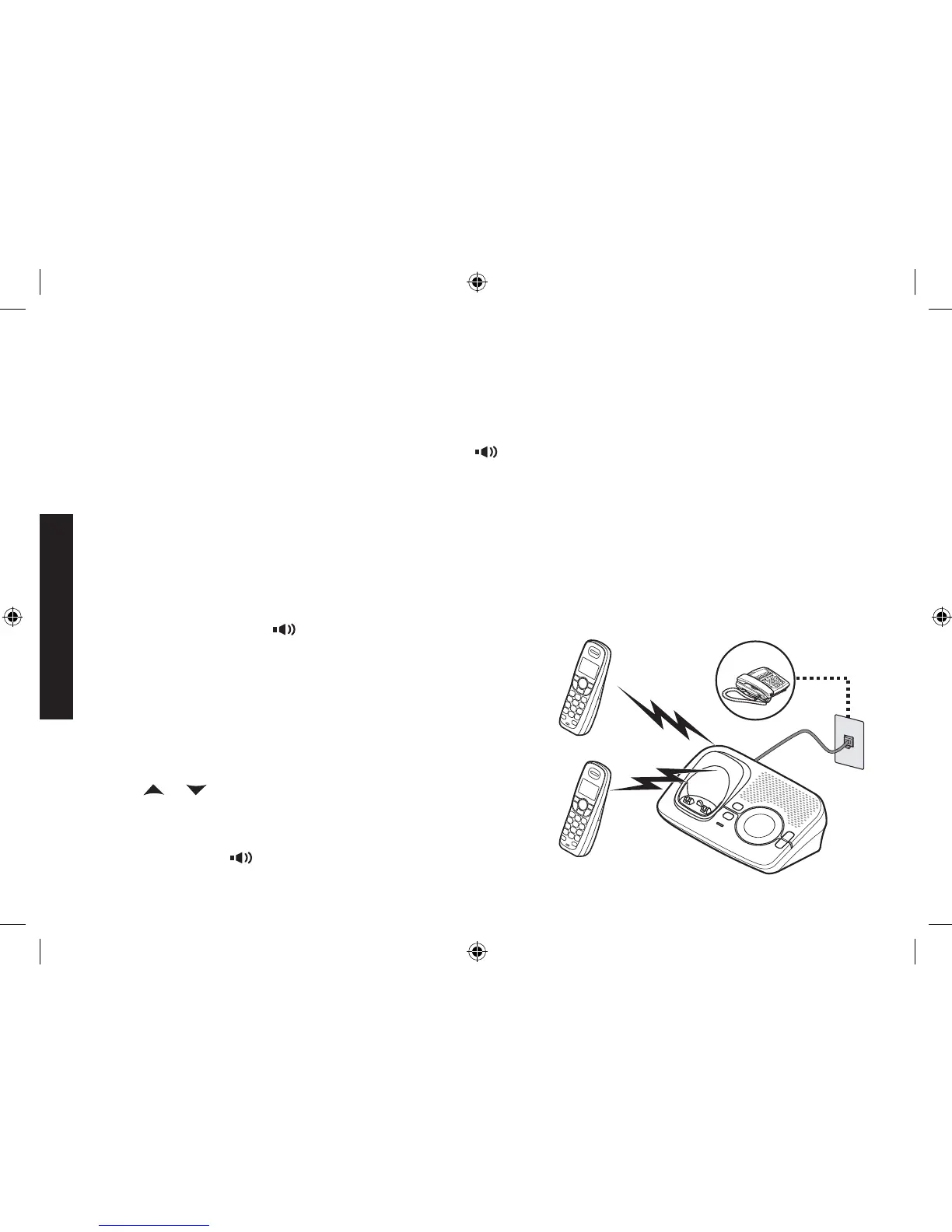
If you have more than one handset, up to three people can participate in a conference call. A three-way conference
call consists of an outside line and two handsets. You can easily join a call already in progress. The handsets must
be currently connected to the same base (see page 15).
Press TALK/FLASH or
to join the call.
To hang up, return the handset to the cradle or press END.
The other party will still be connected to the call.
Transferring a Call
You can transfer a call from one handset to another. The handsets
must be currently connected to the same base (see page 15).
During a call, press CLEAR/INT’COM.
Use
or to select the handset you want to transfer the
call to, and then press MENU/SELECT. Select All to page
all other handsets. The call will automatically be placed on
hold, and a paging tone sounds. To cancel the transfer, press
TALK/FLASH or
.
1.
2.
1.
2.
1.
2.
Handset #1
Handset #2
Outside call
DECT 2035+1 OM.indb 38DECT 2035+1 OM.indb 38 15/7/08 12:00:26 PM15/7/08 12:00:26 PM


 To Next Page