EasyManua.ls Logo

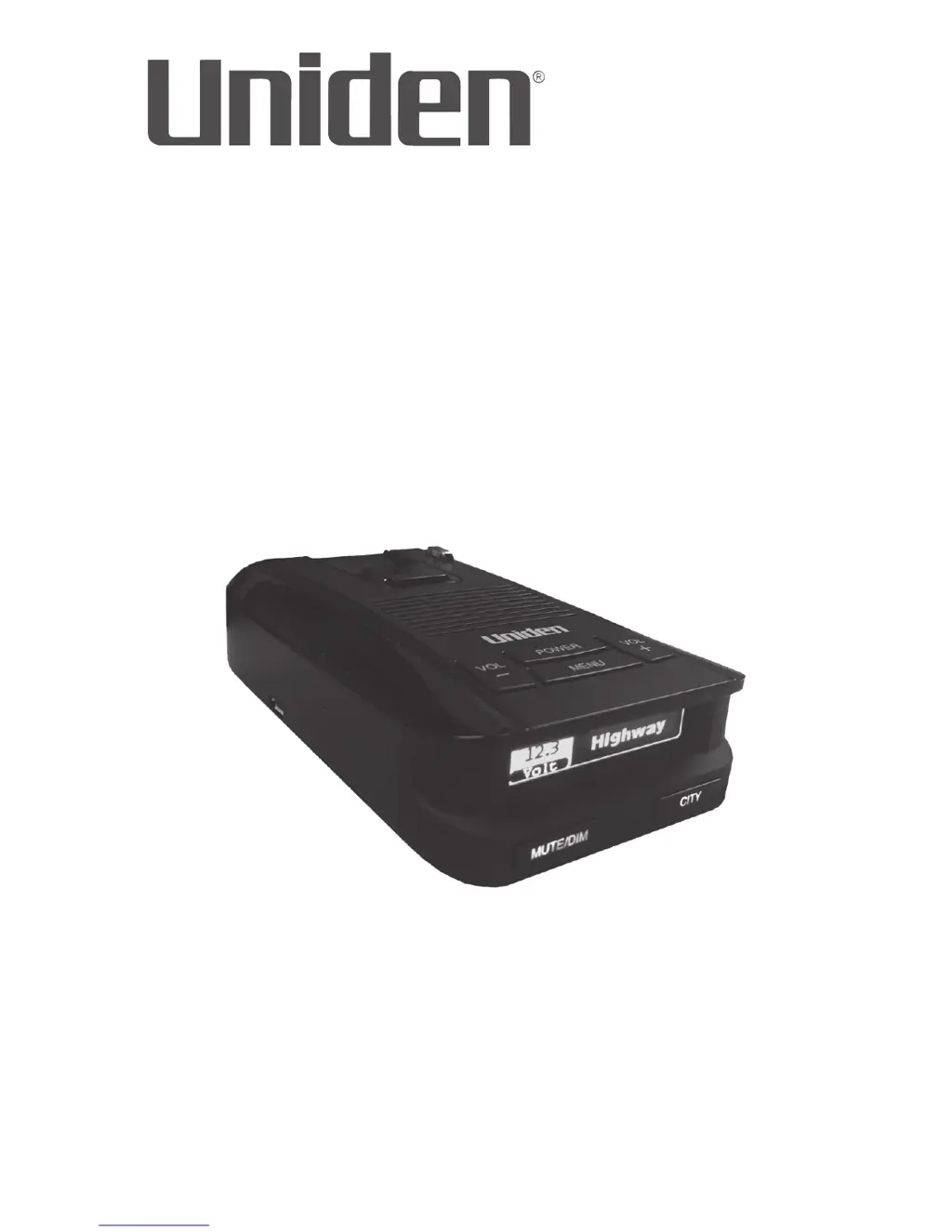
Uniden DFR8 - User Manual

Uniden DFR8
16 pages
Print Icon
To Next Page IconTo Next Page
Loading...
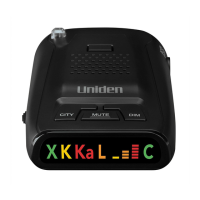
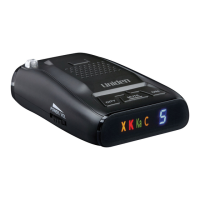
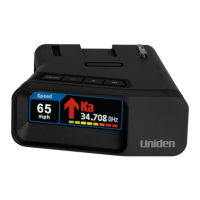
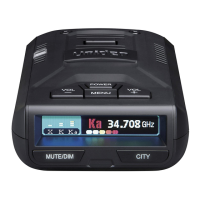
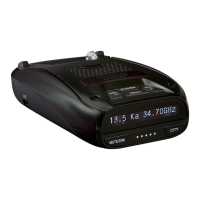
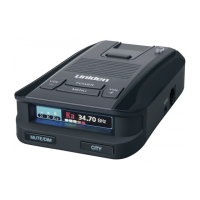
LONG RANGE Radar/Laser Detector
Detailed Users Manual
DFR8
Issue 1, July 2018
Printed in Korea
© 2018 Uniden America Corporation
Irving, Texas

Questions and Answers

  • P
    Pamela SmithJul 27, 2025
    What to do if my Uniden Radar Detector DFR8 does not turn on when the vehicle starts?
    • N
      Nathan MorenoJul 27, 2025
      If your Uniden Radar Detector DFR8 does not turn on when the vehicle starts, make sure the power cord is properly connected to both the unit and the cigarette lighter jack.
  • S
    susan27Aug 1, 2025
    How to fix Uniden DFR8 that won’t turn on?
    • B
      Bridget WarnerAug 1, 2025
      If your Uniden Radar Detector won’t turn on, check all the connections to ensure they are secure.
  • T
    Timothy RodriguezAug 6, 2025
    What to do if my Uniden DFR8 has no display or audio?
    • R
      reidtravisAug 6, 2025
      If your Uniden Radar Detector has no display, check the connections to ensure they are secure. If there is no audio, verify that the Voice setting is not turned off.
  • A
    Amy Harris MDAug 11, 2025
    Why my Uniden Radar Detector DFR8 did not alert when a police car was in view?
    • G
      Glenn GonzalezAug 11, 2025
      If your Uniden Radar Detector DFR8 doesn't alert you when a police car is nearby, it might be because the officer's radar/laser isn't active. Also, verify that the band is turned on. Press the MENU button to check band settings; if a band is off, the OLED will display 'OFF'. Turn the band on.
  • C
    Caleb AdamsAug 16, 2025
    What to do if my Uniden DFR8 Radar Detector alarms when the vehicle hits bumps?
    • J
      Jamie CharlesAug 16, 2025
      If your Uniden Radar Detector alarms when the vehicle hits bumps, check all the connections to make sure they are secure.
  • R
    Richard MooreAug 21, 2025
    Why does my Uniden DFR8 alarm briefly in the same location?
    • R
      Richard EdwardsAug 21, 2025
      The Uniden Radar Detector may be alarming briefly in the same location because a motion sensor or house alarm is in use within range.

Summary

INSTALL AND TURN ON DFR8

INSTALL

How to mount the DFR8 on the windshield or dashboard, ensuring clear visibility.

TURN ON

Steps to connect power and start the DFR8 unit, which performs an automatic system check.

MENU SYSTEM

BASIC OPERATIONS

HOW DO I...?

Guides on common tasks like adjusting volume, muting alarms, and changing screen brightness.

FEATURE DETAILS

HIGHWAY VS CITY VS ADVANCED MODE

Explains different operational modes and their impact on radar sensitivity and detection.

ALARMS

Auto Mute

AUTOMATIC OLED BRIGHTNESS

TROUBLESHOOTING

SPECIFICATIONS

ONE-YEAR LIMITED WARRANTY

Uniden DFR8 Specifications

General IconGeneral
GPS TechnologyYes
Display TypeOLED
Bands DetectedX, K, Ka, Laser
City/Highway ModesYes
Auto LearnYes
Low Noise Amplifier (LNA)Yes
Red Light Camera AlertsYes
Speed Camera AlertsYes
Auto MuteYes
360° ProtectionYes
AlertsVoice Alerts, Visual Alerts
Sensitivity SettingsCity, Highway
Weight6.4 oz

Related product manuals