EasyManua.ls Logo

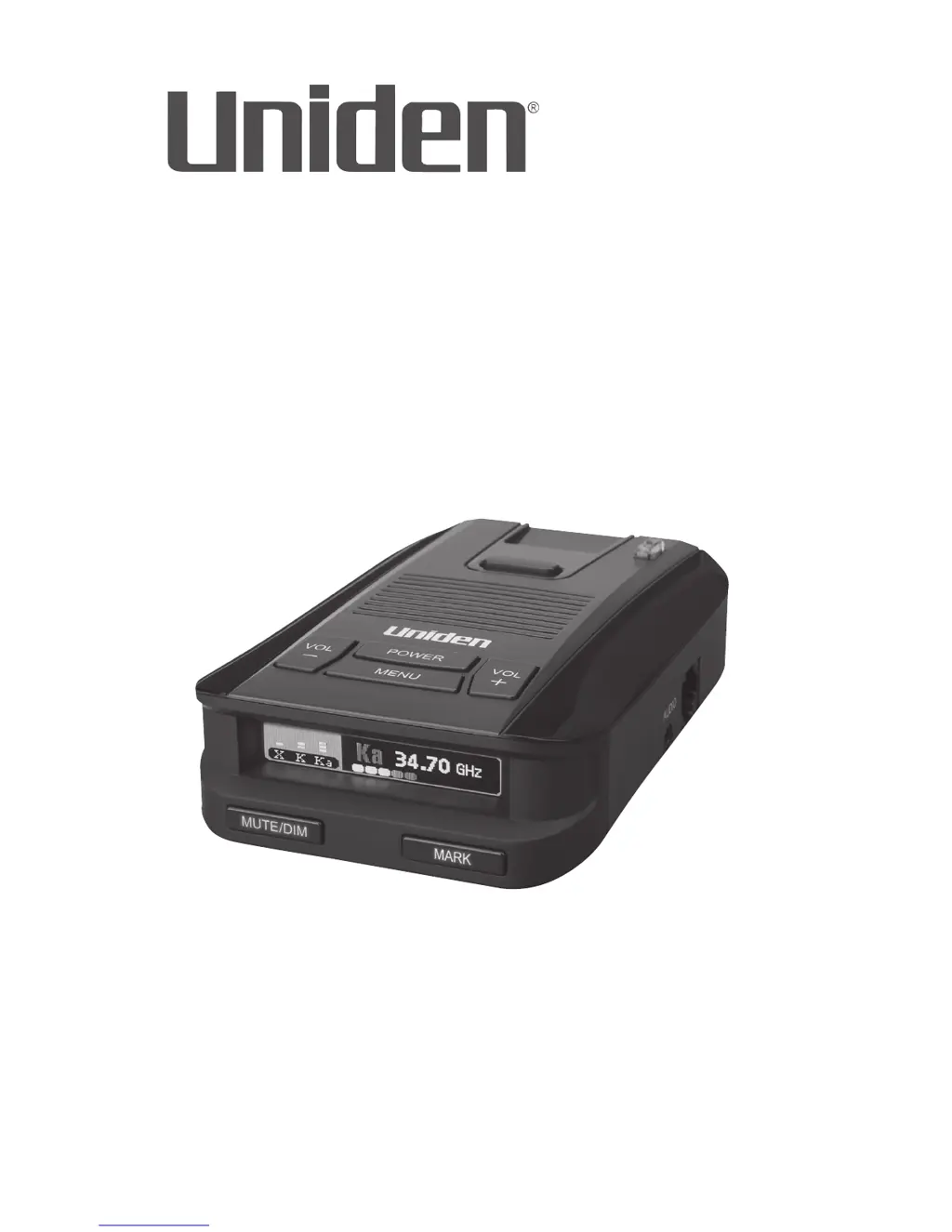
Uniden DFR9 - User Manual

Uniden DFR9
32 pages
Print Icon
To Next Page IconTo Next Page
Loading...
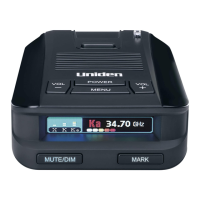
LONG RANGE Radar/Laser Detector
Detailed Users Manual
DFR9
Issue 1, August 2018
Printed in Korea
© 2018 Uniden America Corporation
Irving, Texas

Questions and Answers

  • N
    Natasha BennettJul 27, 2025
    What to do if my Uniden DFR9 Radar Detector doesn't turn on after the car starts?
    • C
      Carolyn FlynnJul 27, 2025
      If your Uniden DFR9 Radar Detector doesn't turn on, make sure the power cord is firmly plugged into both the unit and the cigarette lighter jack.
  • B
    Benjamin MooreAug 1, 2025
    What to do if my Uniden Radar Detector won’t turn on?
    • J
      Jessica WilliamsAug 1, 2025
      Check the connections to make sure they are secure.
  • J
    John HowellAug 6, 2025
    Why is my Uniden DFR9 Radar Detector not alerting when a police car is nearby?
    • J
      Jennifer BrownAug 6, 2025
      The police officer may not have their radar/laser units activated. Also, ensure that the band is turned on. To check, press the MENU button to cycle through the options until you reach the bands setting. If a band is off, the OLED will display OFF. Turn the band on.
  • P
    pvargasAug 11, 2025
    What to do if my Uniden Radar Detector has no display or audio?
    • D
      Dana SmithAug 11, 2025
      If there is no display, check the connections to ensure they are secure. If there is no audio, verify that the Voice feature is not turned off.
  • J
    Jo RobinsonAug 16, 2025
    Why does my Uniden DFR9 alarm in the same location with no radar source?
    • D
      Deborah WeissAug 16, 2025
      The brief alarms in the same location without a visible radar source may be due to a motion sensor or house alarm operating within range.
  • J
    Jennifer BlackAug 21, 2025
    What to do if my Uniden DFR9 Radar Detector alarms when the vehicle hits bumps?
    • P
      Peggy HolmesAug 21, 2025
      Check the connections to be sure they are all secure.

Summary

DFR9 Overview

Installation and Power On

Whats Included in the Box

DFR9 Components Identification

Menu System Configuration

Mode and Sensitivity Settings

Configure detection mode and band sensitivity levels.

GPS and Camera Alert Settings

Set up GPS for camera alerts and voice notifications.

Basic Operations Guide

Power On and Volume Control

Instructions for powering the unit and adjusting audio volume.

Detailed Feature Explanations

User Mark Functionality

How to set, delete, and manage user-defined radar/laser sites.

Alarm Priorities

Mute Memory Usage

Threat Detection

Automatic OLED Brightness

User-Defined Speed Limit

Quiet Ride Functionality

Red Light Camera Quiet Ride

Speed Camera Alerts

Maintenance Procedures

Troubleshooting Common Issues

Technical Specifications

Uniden DFR9 Specifications

General IconGeneral
GPS TechnologyYes
Voice AlertsYes
Display TypeOLED
Power Source12V DC
City/Highway ModesYes
Red Light and Speed Camera AlertsYes
Auto MuteYes
Auto SensitivityYes
Radar Bands SupportedX, K, Ka
False Alert FilteringAdvanced

Related product manuals