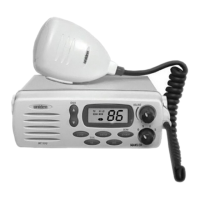
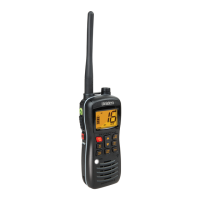
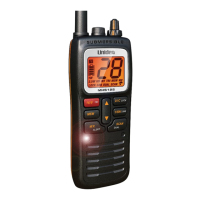
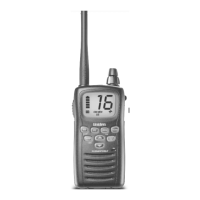
Controls and Indicators
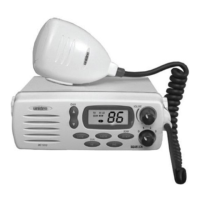
Front Panel
1. VOLUME (On/Off/Volume) - Turns the MC 1010 On or Off and varies the
audio output.
2. SQUELCH - Eliminates background noise when no signal is being
received.
Note: Items 3 through 7 are Multi-Function keys. Refer to the
“Multi-Function Keys” section for detailed descriptions.
3. STEP
4. H/L (Hi/Low)
5. MEM
6. 16/9
7.
WX (Weather)
8. CHAN - This control is used to manually select the desired
Communication Channel (01 - 28 and 60 - 88), or Weather Channel
(0 - 9).
9. LCD Panel - Indicators for TX, SCAN, TRI,UIC,HI,LO,MEM, WX, and
Channel Number.
4
8
76 453 2
91
C:...MC 1010.vp
Thu Jan 28 14:42:51 1999
Color profile: Disabled
Composite Default screen

 To Next Page
 Loading...