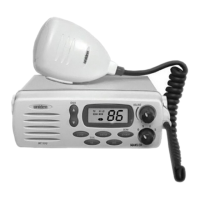
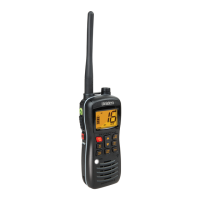
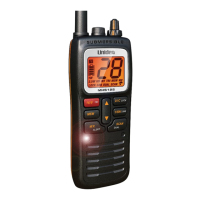
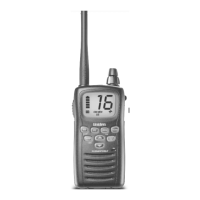
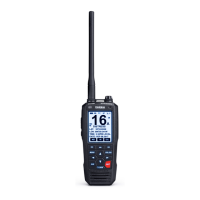
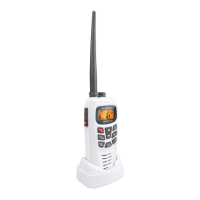
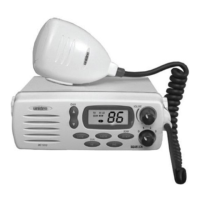
13. LCD Numerical Channel Display - Indicates Channel Number in use.
Weather Channels are displayed as single digits. (Example: 0, 1, 2, 3,
etc.) Communication Channels are displayed as two digits (Example: 01,
02, 03, etc.).
Note: LCD Status Indicators appear when status is selected by
pressing the corresponding button.
14. WX - Indicates that Weather Channels have been selected. When
pressed, remains active for eight (8) seconds.
15. U (US) - Indicates US Channels have been selected.
I (International) - Indicates International Channels have been selected.
C (Canada) - Indicates Canada Channels have been selected.
16. TRI (Triple Watch) - Indicates Triple Watch s has been selected.
17. SCAN - Indicates that you are scanning the channels in memory.
18. TX (Transmit) - LED lights when transmitting.
19. HI (High) - Indicates transmitted output is 25 Watts.
20. LO (Low) - Indicates transmitted output is 1 Watt.
21. MEM (Memory) - Indicates if the displayed channel is in memory for
scanning.
6
C:...MC 1010.vp
Thu Jan 28 14:42:52 1999
Color profile: Disabled
Composite Default screen

 To Next Page
 Loading...