EasyManua.ls Logo

Uniden SC180 - User Manual

Uniden SC180
35 pages
Print Icon
To Next Page IconTo Next Page
Loading...
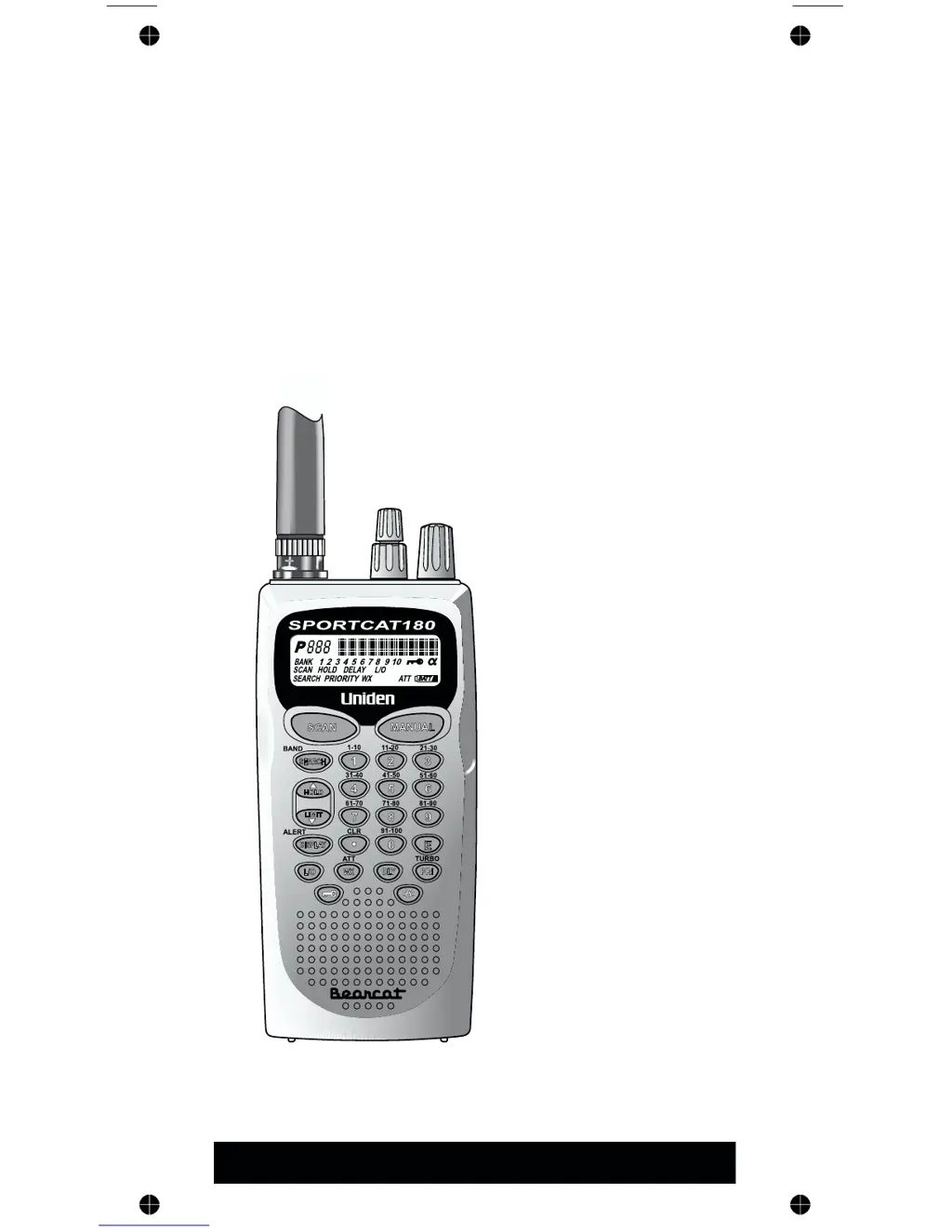
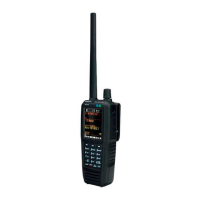
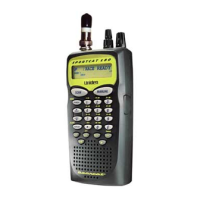
SC180
100-Channel
Programmable
Twin Turbo
Hand-Held
Sports
Scanner
OPERATING GUIDE

Questions and Answers

  • M
    melissa66Jul 30, 2025
    Why won't my Uniden SC180 work?
    • R
      Rebecca WilliamsJul 30, 2025
      If your Uniden Scanner isn't working, first ensure that the power connections are secure and the power switch is turned on. Also, check the volume and squelch settings to make sure they are properly adjusted.
  • K
    Kathleen SilvaAug 5, 2025
    What to do if my Uniden SC180 Scanner scan won’t stop?
    • M
      Michelle CarsonAug 5, 2025
      If the scan on your Uniden Scanner won’t stop, it might be because none of the programmed frequencies are active. Try adjusting the Squelch Control and checking the antenna connection. You can also try Band Search.
  • J
    jillian40Aug 11, 2025
    Why is the reception improper on my Uniden SC180?
    • K
      Kristi Miller DDSAug 11, 2025
      Improper reception on your Uniden Scanner could be due to a few reasons. Check the antenna connection first. It's also possible you're in a fringe area, so try repositioning the scanner.
  • C
    chelsea25Aug 17, 2025
    What to do if my Uniden SC180 scan won’t start?
    • A
      Ashley PhillipsAug 17, 2025
      If the scan on your Uniden Scanner won’t start, ensure that you have programmed some channels. Also, adjust the Squelch Control.
  • D
    Deborah PerezAug 23, 2025
    Why won't the search start on my Uniden Scanner?
    • D
      dana09Aug 23, 2025
      If the search function on your Uniden Scanner won't start, try adjusting the Squelch Control.

Summary

Precautions

NICKEL-CADMIUM BATTERY WARNING

Describes hazards and warnings related to Ni-Cad batteries, including potential cancer risk and explosion danger.

Controls and Indicators

Feature Highlights

Setup

Charging the Battery Pack

Details the process for charging the rechargeable Nickel-Cadmium battery pack, including duration and warnings.

Operation Overview

Programming Channels

Programming By Manual Entry

Details how to manually input specific frequencies into memory channels using the numeric keypad and store them.

Programming SEARCH

Describes how to use the search feature to find active frequencies within specified band limits and store them.

Programming Channels with Alpha Characters

Details how to assign text labels (Alpha Names) to memory channels for easier identification and reference.

Scanning

Bank Scanning

Explains how to scan through programmed channels stored within selected banks, skipping locked-out channels.

Priority Scan

Describes how to set and use priority channels to monitor important transmissions while scanning other channels.

Locking Out Channels

Details how to prevent specific channels from being scanned by marking them as 'Locked Out'.

Weather Channel Scanning

Searching

Band Search

Explains how to scan through preprogrammed frequency bands to find active signals.

Care and Maintenance

Replacing the Battery Pack

Provides step-by-step instructions for safely removing and replacing the scanner's rechargeable battery pack.

Troubleshooting

Technical Specifications

Uniden SC180 Specifications

General IconGeneral
TypeHandheld Scanner
Channels200
Modulation TypesAM, FM
Weight7.4 oz (without batteries)
BandsVHF, UHF
Memory Channels200
Battery4 x AA
Power Supply4 AA batteries or AC adapter
Battery LifeApproximately 10 hours with alkaline batteries

Related product manuals