EasyManua.ls Logo

Uniden SC200 - User Manual

Uniden SC200
60 pages
Print Icon
To Next Page IconTo Next Page
Loading...
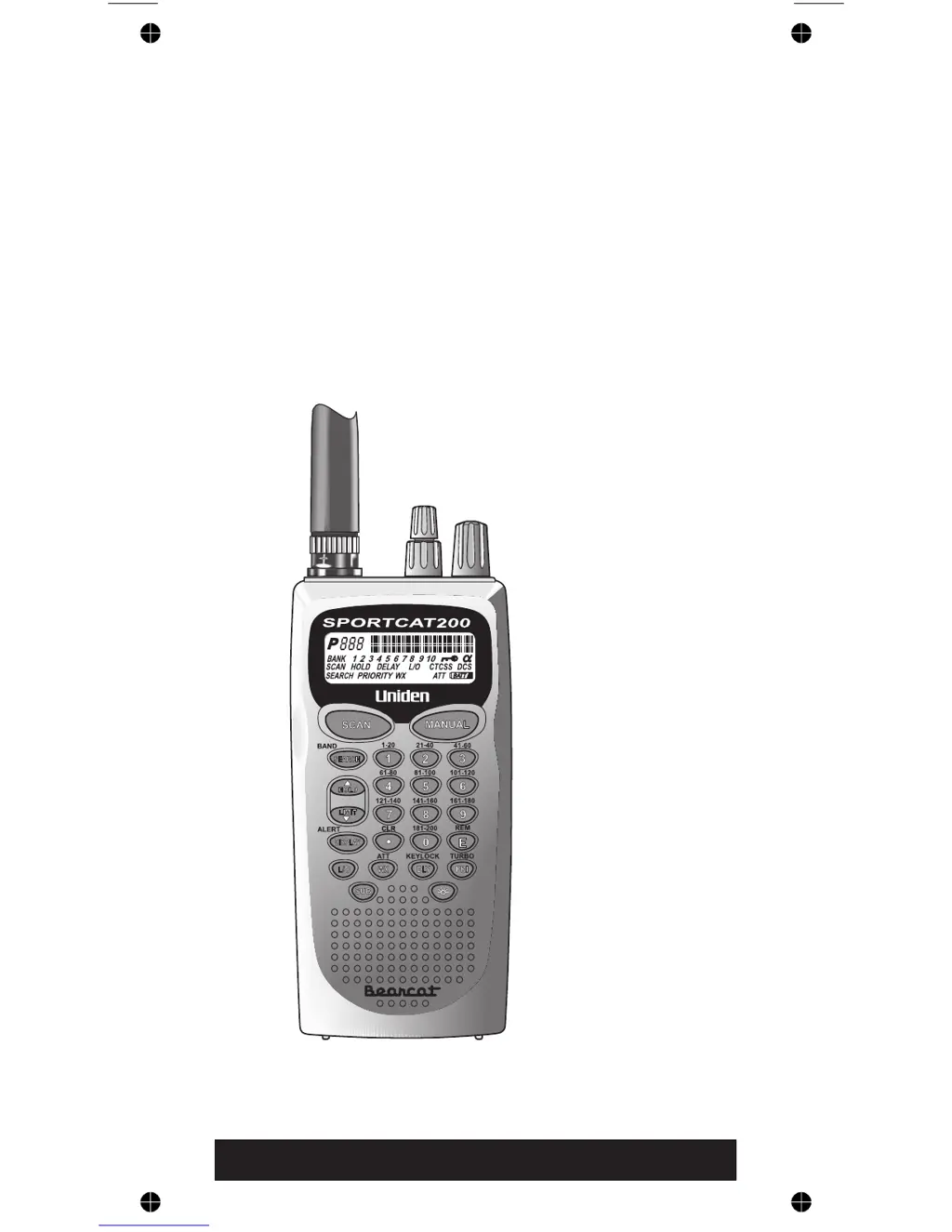
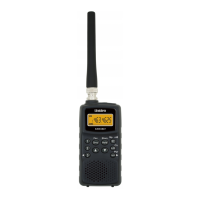
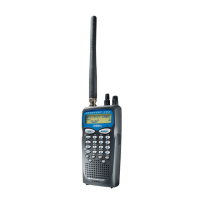
SC200
200-Channel
Programmable
Twin Turbo
Hand-Held
Sports
Scanner
OPERATING GUIDE

Table of Contents

Questions and Answers

  • A
    Adrian NguyenJul 30, 2025
    What to do if my Uniden SC200 scan won’t start?
    • V
      Vincent PhillipsJul 30, 2025
      If your Uniden Scanner isn't starting a scan, try these steps: First, press the scan key again. If that doesn't work, adjust the SQUELCH control. Also, make sure that not all channels are locked out, as this would prevent the scanner from starting.
  • S
    Steven KnightAug 5, 2025
    How to fix weather scan not working on Uniden SC200?
    • K
      Kathleen SheaAug 5, 2025
      If the Weather Scan is not working on your Uniden Scanner, try these steps: First, adjust the squelch threshold. Second, check the antenna connection.
  • R
    Ronald BakerAug 12, 2025
    Why won't my Uniden SC200 scan stop?
    • J
      Jose MillerAug 12, 2025
      If your Uniden Scanner won’t stop scanning, here are a few things you can check: 1. Adjust the squelch threshold. 2. Check the antenna connection. 3. Make sure that not many channels are locked out. 4. Review each channel’s frequency to ensure it is still stored in memory and is correct. 5. Consider that none of the programmed frequencies might be currently active.
  • T
    Thomas DiazAug 17, 2025
    Why are the Channel Activity Indicators flashing but no sound is heard on my Uniden SC200 Scanner?
    • T
      Terri McdonaldAug 17, 2025
      If the Channel Activity Indicators are flashing but you're not hearing any sound on your Uniden Scanner, it could be due to a private or telephone interconnect call being intentionally blocked. Another possibility is that the ID in your display is not active.
  • S
    Susan GeorgeAug 23, 2025
    How to improve the reception on my Uniden SC200 Scanner?
    • J
      Jeremy HallAug 23, 2025
      If you're experiencing improper reception on your Uniden Scanner, try the following: 1. Check the antenna connection and reposition the antenna. 2. Move the scanner to a different location. 3. If you are in a remote area, you might need an optional multi-band antenna.

Summary

Precautions

Safety and Handling Precautions

Covers warnings about waterproofing, earphone use, volume levels, battery safety, and disposal.

Important Notice

Feature Highlights

Twin Turbo Scan & Search

Describes the high-speed scanning and searching capabilities of the SportCat scanner.

Controls and Indicators

Top View Controls

Identifies and explains the controls located on the top panel of the scanner.

Front View Controls and Display

Details the front panel layout, including the LCD display and keypad buttons.

LCD Display and Mode Indicators

Explains the various elements shown on the Liquid Crystal Display (LCD) and mode indicators.

Setup

Installing the Battery Pack

Provides step-by-step instructions for installing the rechargeable battery pack into the scanner.

Operation Overview

Bank Scanning Procedure

Explains how to initiate and manage Bank Scanning to monitor programmed channels.

Search Mode Operation

Describes how to use the Search Mode to find active frequencies within specified bands or ranges.

Programming Channels

Manual Channel Programming

Step-by-step guide for manually entering frequencies and data into scanner channels.

Deleting Stored Frequencies

Instructions on how to remove a frequency from a programmed channel.

Programming via Band Search

How to find active frequencies using search modes and store them into channels.

Programming with Alpha Characters

Guide to assigning text labels (Alpha Names) to programmed channels for easier identification.

Scanning Operations

Bank Scanning Details

Advanced options for Bank Scanning, including deselecting banks and resuming scans.

Searching Frequencies

Band Search Procedure

How to search through predefined frequency bands for active transmissions.

Limit Search Function

Instructions for searching within a user-defined frequency range.

CTCSS;CDCSS Tone Operations

Programming CTCSS;CDCSS Tones

Step-by-step guide to programming specific CTCSS or CDCSS tones for channels.

Remote Interface Features

Care and Maintenance

Troubleshooting Guide

Uniden SC200 Specifications

General IconGeneral
Digital ModeNo
DisplayLCD
BandsVHF, UHF
Memory Banks10
Scan Speed50 channels per second
Frequency Range25-512 MHz, 764-960 MHz, 1240-1300 MHz
Size6.3 x 2.0 x 7.1 inches
Weight12 oz
Display TypeLCD

Related product manuals