EasyManua.ls Logo

Uniden UDR444 - User Manual

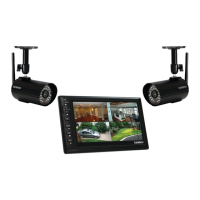
Uniden UDR444
38 pages
Print Icon
To Next Page IconTo Next Page
Loading...
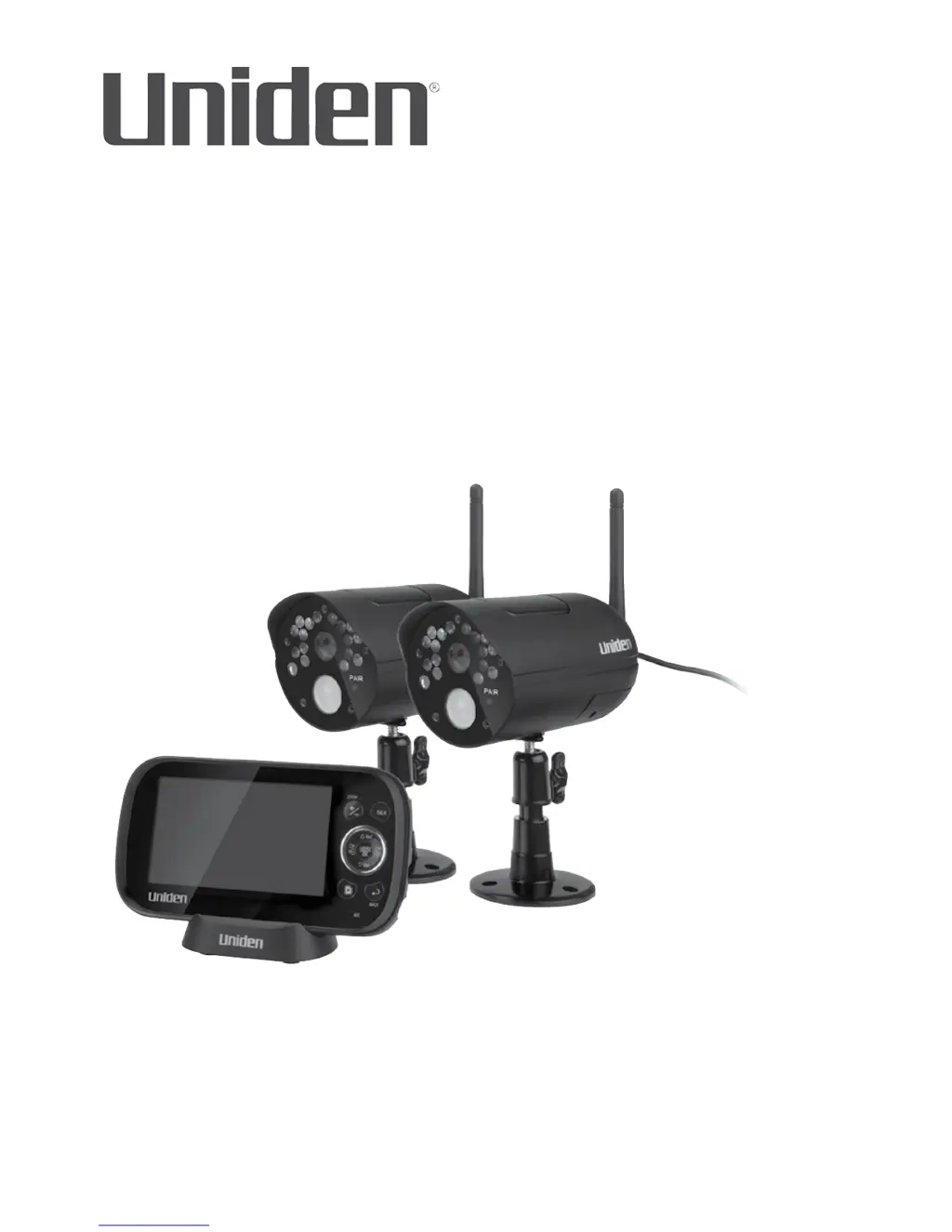
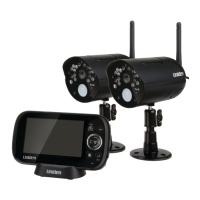
UDR444
WIRELESS VIDEO
SURVEILLANCE
Owners Manual
www.uniden.com

Other manuals for Uniden UDR444

Questions and Answers

  • E
    emillerJul 29, 2025
    What to do if my Uniden UDR444 Security Camera has recording problems?
    • B
      Brandon MasonJul 29, 2025
      If you're experiencing recording problems with your Uniden Security Camera, first ensure the microSD card is correctly inserted. Then, check that the microSD card memory isn't full. Finally, verify that the microSD card is compatible; the UDR444 supports up to a 32GB microSD card.
  • S
    susan90Aug 2, 2025
    How to fix Uniden UDR444 picture that keeps dropping?
    • M
      Mitchell RodriguezAug 3, 2025
      To resolve a picture that keeps dropping on your Uniden Security Camera, try moving the camera closer to the monitor. Additionally, reposition the camera, monitor, or both to improve reception.
  • J
    Joyce HallAug 6, 2025
    What to do if the Uniden UDR444 picture is choppy?
    • J
      Jasmine MatthewsAug 7, 2025
      If the picture on your Uniden Security Camera is choppy, move the camera and monitor closer to each other. Also, remove any obstructions between the camera and monitor.
  • L
    lisa26Aug 11, 2025
    What to do if the Uniden UDR444 Security Camera monitor picture has frozen?
    • N
      nunezjenniferAug 11, 2025
      If the monitor picture of your Uniden Security Camera has frozen, use a blunt object like an unbent paper clip to press Reset and reset the monitor.
  • V
    Victoria StewartAug 15, 2025
    Why does my Uniden UDR444 have no picture?
    • R
      Rita WilliamsAug 15, 2025
      If your Uniden Security Camera displays no picture, check all camera connections and verify that the AC adapter is plugged in. Also, ensure the monitor is turned on and the camera is within range.
  • M
    mary52Aug 19, 2025
    Why is there no sound on my Uniden UDR444?
    • Q
      qfisherAug 19, 2025
      If there is no sound on your Uniden Security Camera, increase the volume. Also, make sure there is sound within range of the camera’s microphones.
  • S
    Stephanie WilliamsAug 25, 2025
    How to stop loud screeching noises from Uniden UDR444 Security Camera?
    • K
      Karina SmithAug 25, 2025
      To eliminate loud, screeching noises (audio feedback) from your Uniden Security Camera, move the camera and the monitor farther apart.

Summary

GETTING STARTED

Installation and Setup

Covers general placement, monitor and camera setup, mounting, and powering up the system.

BASIC OPERATION

Wireless Monitor Controls

Detailed explanation of the buttons and features on the wireless monitor.

Wireless Camera Controls

Explains the functions of the controls and components on the wireless camera.

Using the UDR444

How to perform common operations and navigate system modes.

Common Operations

Step-by-step guides for frequent actions like recording and playback.

UDR444 SYSTEM MENUS

System Date & Time Settings

Allows adjustment of the system's date and time settings.

Pair Accessory Cameras

Instructions for pairing additional cameras with the monitor.

Camera Channel On;Off

Controls whether individual camera channels are active or inactive.

Record Trigger Recording Time

Determines how long the system records after a motion or other trigger event.

Schedule Recording

Creates a custom weekly schedule for automatic video recording.

SPECIAL FEATURES

Viewing Live Video on Mobile;Remote Devices

Setup and viewing live video remotely using Skype on smartphones/computers.

Pairing Accessory Cameras

Instructions for adding and pairing extra cameras to the system.

MAINTAINING YOUR SYSTEM

TROUBLESHOOTING

No Picture Troubleshooting

Steps to resolve issues where no video is displayed.

Recording Problems

Steps to resolve issues related to video recording functionality.

Frozen Monitor Screen Troubleshooting

Instructions for resolving a frozen or unresponsive monitor display.

SPECIFICATIONS

Uniden UDR444 Specifications

General IconGeneral
Camera includedYes
Camera interface-
Number of cameras2
Placement supportedOutdoor
Night vision distance12.19 m
Connectivity technologyWireless
Surveillance camera form factorBullet
Channels quantity- channels
Recorder includedNo
USB 2.0 ports quantity1
Compatible memory cardsSD
Display diagonal4.3 \
RF transmission range152.4 m
Package depth101.6 mm
Package width355.5 mm
Package height330.2 mm
Package weight2267 g

Related product manuals