18
www.uniformation3d.com
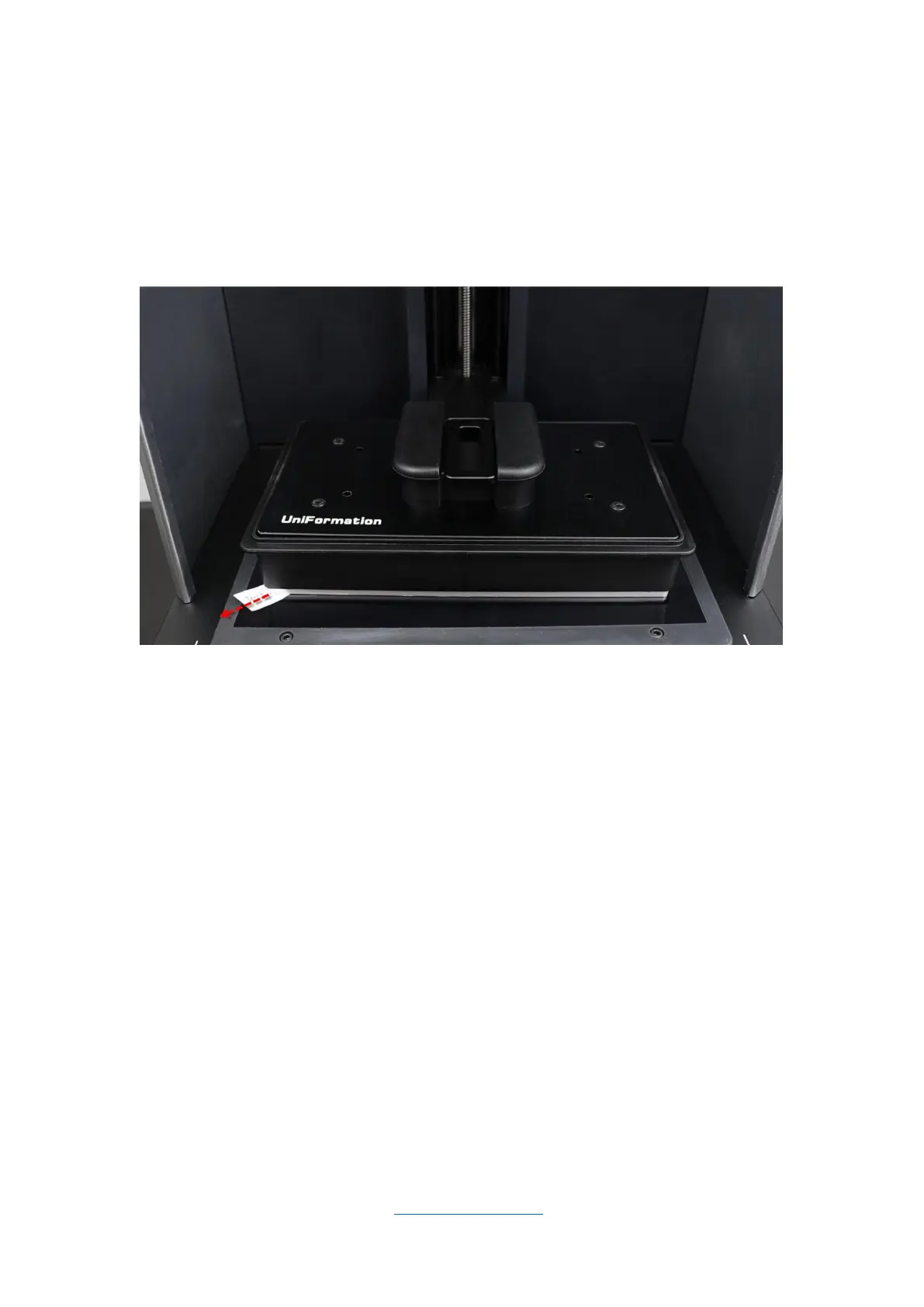
5.3.2 Try to pull out the 4 strips, it should be tight to pull each corner. If
you can move them it is too loose. Please watch the video on the USB
drive if you are unsure.
5.4 Heating Function
The heating function can be turned on in the system settings. When the
heating function is on, the printer will heat to the preset temperature
before starting to print. When the heating function is off, the printer will
start printing directly.
Note: Please try to set the heating temperature to 25°C when the
ambient temperature is very low to avoid the heater not being able to



 To Next Page