22
www.uniformation3d.com
6.2 Print Model
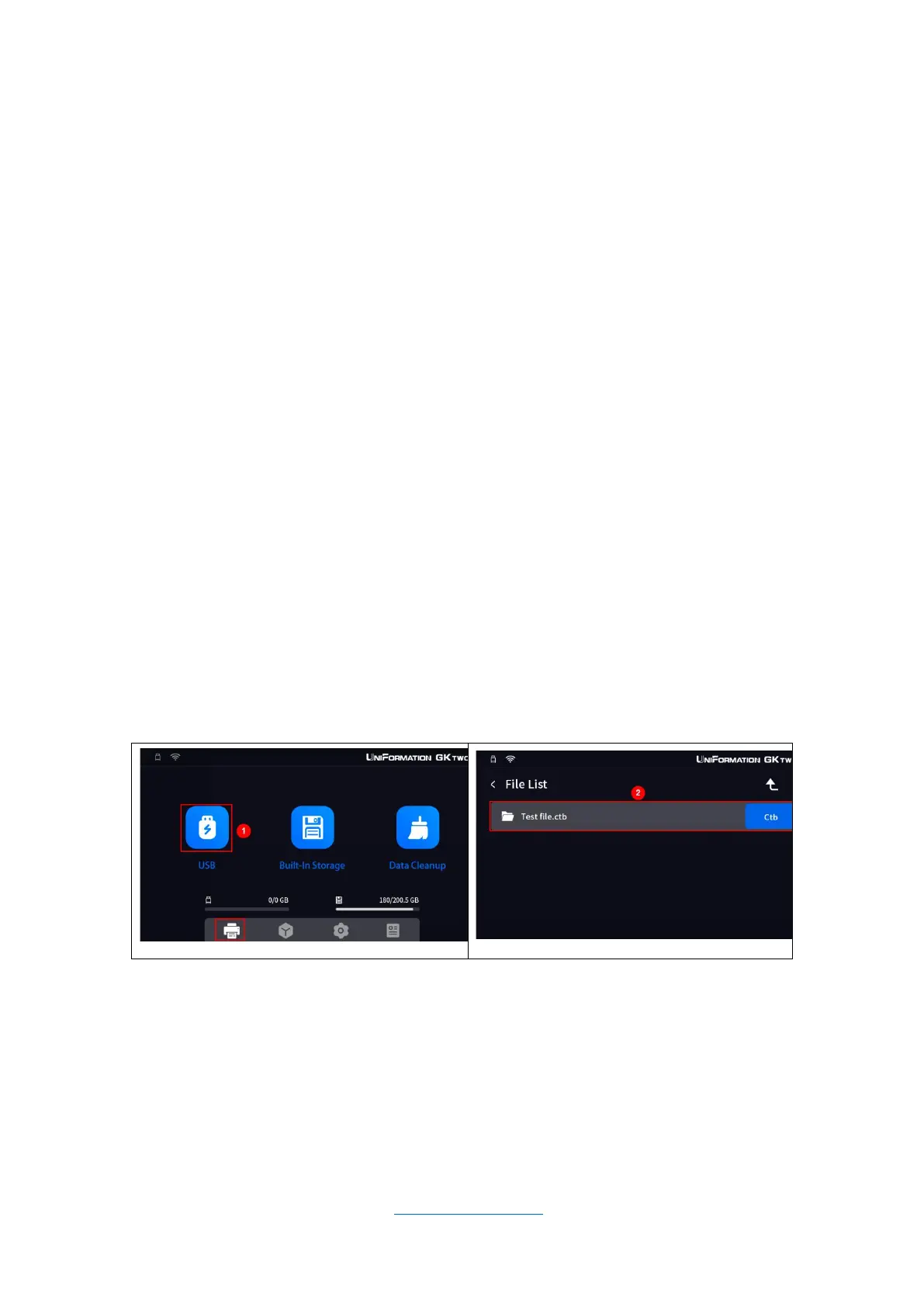
Close the lid, and insert the USB flash drive.
- In the UI , select the Print icon. The USB should be listed, please
select it then select the sliced file you created in the slicer.
- A preview of the sliced file will be displayed. Please make sure you
add enough resin (an estimated volume will be shown).
- Click the Print button inside the preview window. You are supposed
to confirm the printing, please select yes (CHECK), the printer will
automatically copy the file to the built-in storage and then start printing.
Please note the print time and resin consumption are estimates. No
guarantee of their accuracy is given.



 To Next Page