EasyManua.ls Logo

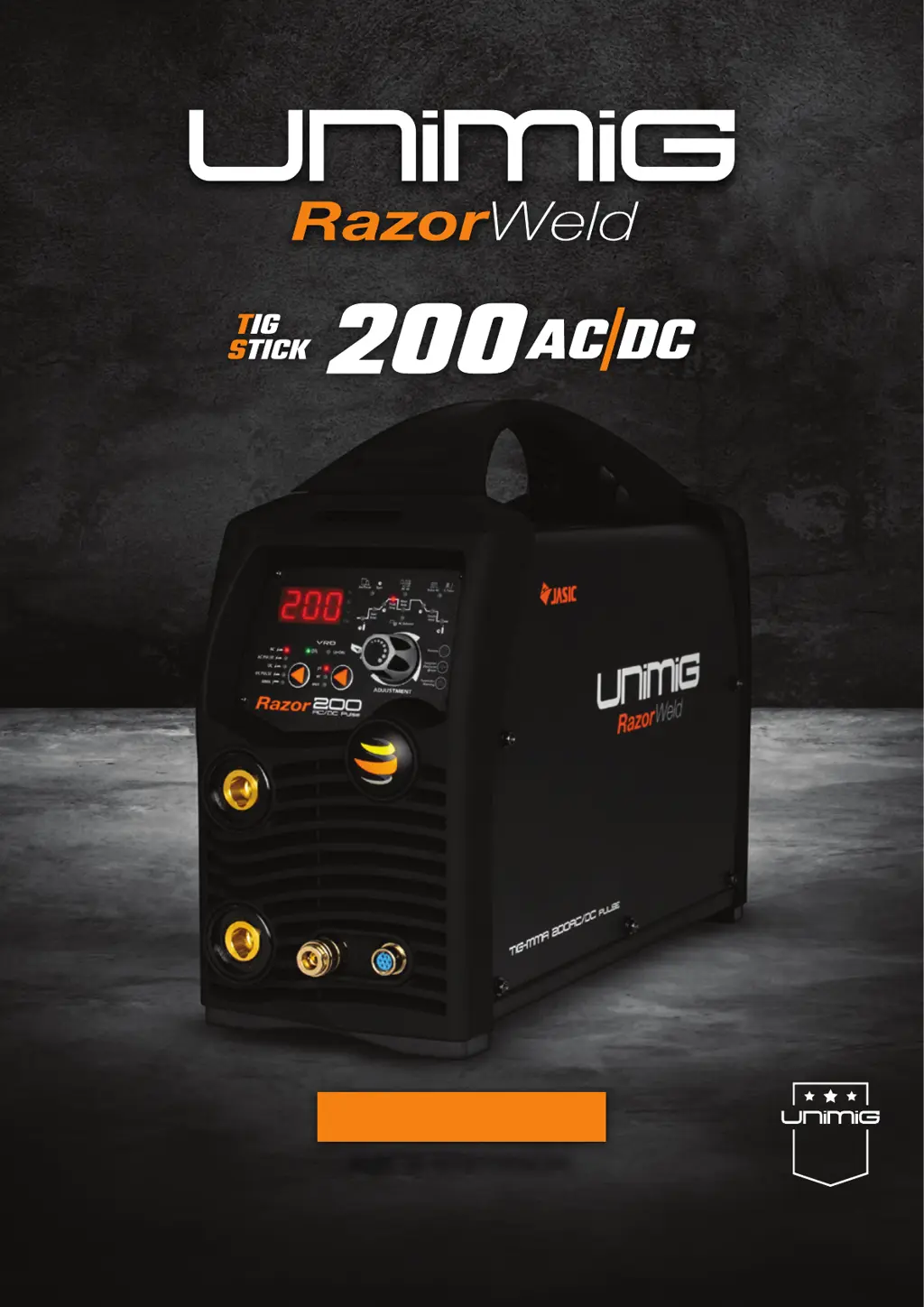
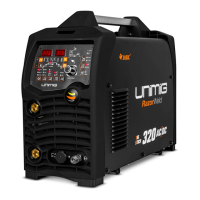
Unimig RAZOR TIG 200 AC/DC - User Manual

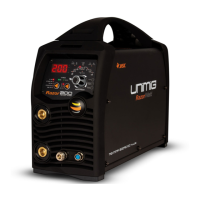
Unimig RAZOR TIG 200 AC/DC
40 pages
Print Icon
To Next Page IconTo Next Page
Loading...
KUM-M-RTIG200ACDC
OPERATING MANUAL
Please read and understand this instruction manual carefully
before the installation and operation of this equipment. © Welding Guns Of Australia PTY LTD 2019
3 YEAR
WARRANTY
(POWER SOURCE)

Questions and Answers

  • A
    April GomezAug 1, 2025
    Why does my Unimig RAZOR TIG 200 AC/DC Welding System have porosity, resulting in poor weld appearance and color?
    • M
      Michele MossAug 1, 2025
      Porosity and poor weld appearance in your Unimig Welding System can be due to several reasons. It might be caused by using the wrong gas, having poor gas flow, or gas leaks. Use pure argon and ensure the gas is connected, hoses, gas valve, and torch are not restricted, and set the gas flow between 6-12 l/min. Also, check hoses and fittings for holes or leaks. Another cause could be contaminated base metal or filler wire. Remove moisture and materials like paint, grease, oil, and dirt from the base metal and ensure your filler metal is clean. Finally, verify that you are using the correct filler wire and change it if necessary.
  • P
    Philip SmithAug 5, 2025
    How to prevent tungsten from burning away quickly with my Unimig RAZOR TIG 200 AC/DC?
    • D
      Dr. Victoria CostaAug 5, 2025
      To prevent tungsten from burning away quickly when using your Unimig Welding System, consider the following: Ensure you are using pure Argon gas. Check that your cylinder has gas, is connected, turned on, and the torch valve is open. Verify adequate gas flow by checking connections, hoses, the gas valve, and the torch for restrictions. Make sure the torch back cap is correctly fitted with the o-ring inside the torch body. Connect the torch to the DC- output terminal. Use the correct type of tungsten. After welding, keep shielding gas flowing for 10–15 seconds after arc stoppage, approximately 1 second for each 10 amps of weld current. Set the gas flow between 6-12 l/min flow rate. Protect the welding zone from wind and drafts.
  • C
    Christina CampbellAug 9, 2025
    What to do if the arc is difficult to start or will not start DC welding with my Unimig Welding System?
    • J
      julian15Aug 9, 2025
      If you're having trouble starting the arc with your Unimig Welding System during DC welding, here are some things to check: First, ensure your machine setup is correct. Verify that the gas is connected, the cylinder valve is open, and that hoses, the gas valve, and torch are not restricted. Set the gas flow between 10 - 15 l/min. Check that you are using the correct tungsten size and type, and change it if needed. Make sure all connectors are tight and secure. Finally, ensure the earth clamp is directly connected to the workpiece.
  • J
    James EdwardsAug 13, 2025
    Why is the arc unstable during DC welding with my Unimig RAZOR TIG 200 AC/DC Welding System?
    • L
      Lisa GreenAug 13, 2025
      An unstable arc during DC welding with your Unimig Welding System can stem from several issues. Ensure the torch is connected to the DC- output terminal. Remove any materials like paint, grease, oil, dirt, and mill scale from the base metal. If the tungsten is contaminated, remove 10mm of it and regrind. Also, make sure the arc length isn't too long; lower the torch, so the tungsten is 2 - 5mm off the workpiece.
  • K
    Kyle GuzmanAug 17, 2025
    What causes the arc to wander during DC welding with my Unimig Welding System?
    • D
      douglas98Aug 18, 2025
      If the arc wanders during DC welding with your Unimig Welding System, check the following: Ensure proper gas flow, setting it between 10 - 15 l/min. Correct the arc length by positioning the torch so the tungsten is 2 - 5mm from the workpiece. Verify you're using the correct type of tungsten in good condition; remove 10mm from the weld end and resharpen it. Make sure the tungsten is properly prepared, with grind marks running lengthwise, not circular, using the correct grinding method and wheel. Lastly, ensure the base metal and filler wire are free from contaminants like paint, grease, oil, dirt, and mill scale; remove any grease, oil, or moisture from the filler metal.
  • S
    Shelby HollandAug 22, 2025
    Why is there yellowish residue or smoke on the alumina nozzle and discolored tungsten on my Unimig RAZOR TIG 200 AC/DC?
    • K
      Kimberly StewartAug 22, 2025
      The presence of yellowish residue or smoke on the alumina nozzle and discolored tungsten in your Unimig Welding System could be due to several factors: You may be using the incorrect gas; ensure you are using pure Argon gas. Inadequate gas flow can also cause this issue; set the gas flow between 10 - 15 l/min. Finally, the alumina gas nozzle might be too small; try increasing its size.
  • V
    vkingAug 27, 2025
    What to do if the tungsten gets contaminated when using my Unimig Welding System?
    • P
      Paul GrahamAug 27, 2025
      If the tungsten becomes contaminated while using your Unimig Welding System, it's likely due to: Touching the tungsten into the weld pool. To avoid this, keep the tungsten from contacting the weld puddle and raise the torch so that the tungsten is off of the work piece 2 - 5mm. Another cause may be touching the filler wire to the tungsten. Ensure that you keep the filler wire from touching the tungsten during welding, feed the filler wire into the leading edge of the weld pool in front of the tungsten.

Summary

SAFETY PRECAUTIONS

General Safety and Hazards

Covers electric shock, fumes, arc rays, fire, gas cylinders, and hot parts.

PRODUCT FEATURES AND TECHNICAL DATA

MACHINE LAYOUT AND FRONT PANEL OPERATION

Front Panel Controls and Parameters

Explains front panel controls, mode selectors, and weld parameter configuration.

WELDING PROCEDURES AND TECHNIQUES

DC Pulse TIG Welding

Explains DC Pulse TIG, its parameters, and provides a setup example.

AC Pulse TIG Setup

Step-by-step guide for configuring AC Pulse TIG welding parameters.

REMOTE FOOT CONTROL OPERATION

TROUBLESHOOTING AND WARRANTY

Welding Troubleshooting Guides

Addresses common TIG and MMA welding problems and their solutions.

Unimig RAZOR TIG 200 AC/DC Specifications

General IconGeneral
Input PhaseSingle Phase
AC Frequency50/60 Hz
Pulse FunctionYes
Cooling SystemFan Cooled
AC BalanceAdjustable
Input Voltage240V
Output Current Range (TIG)10A - 200A
Duty Cycle (TIG)60% @ 200A
Duty Cycle (MMA)60% @ 200A
Pulse Frequency0.5-500Hz

Related product manuals