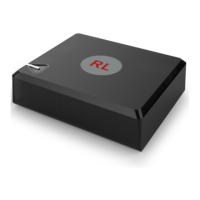
Your new RosettaLive device has
already been pre-configured and
registered in our system for a quick
and easy installation!
Before you begin your installation process, please find a suitable location
for your device. Preferably in a room where it is easily connected to the
screen projector/video distributor.
The device must:
Be connected to the internet via a LAN cable and linked to your cinema
screen audio/video devices using a HDMI lead or alternative
Be plugged into an AC socket using the power adapter supplied in your
starter package
Always be powered on
Overview
3
RosettaLive Installation Guide v.1
www.uniquex.com/rosettalive/
RL
RosettaLive
TM
Broadband Event Streaming


 To Next Page