RosettaLive Installation Guide v.1
www.uniquex.com/rosettalive/
RL
RosettaLive
TM
Broadband Event Streaming
7
Connecting the Remote Control
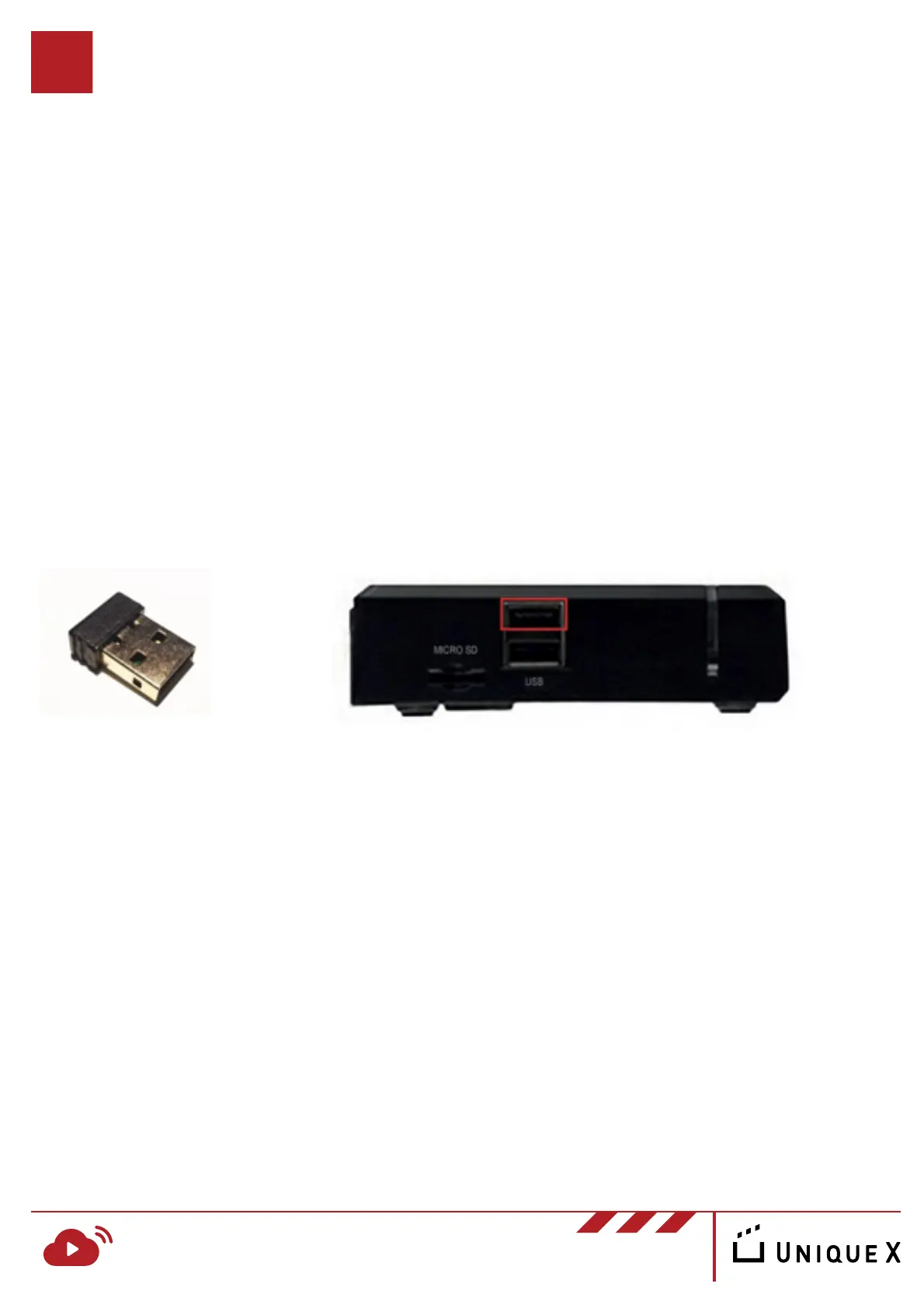
To connect the RosettaLive remote control, simply insert the supplied USB
dongle into the USB port on the side of the device.
As the device is managed remotely during events, use of the remote control is
only necessary when testing the performance of the network or manually
changing settings.


 To Next Page