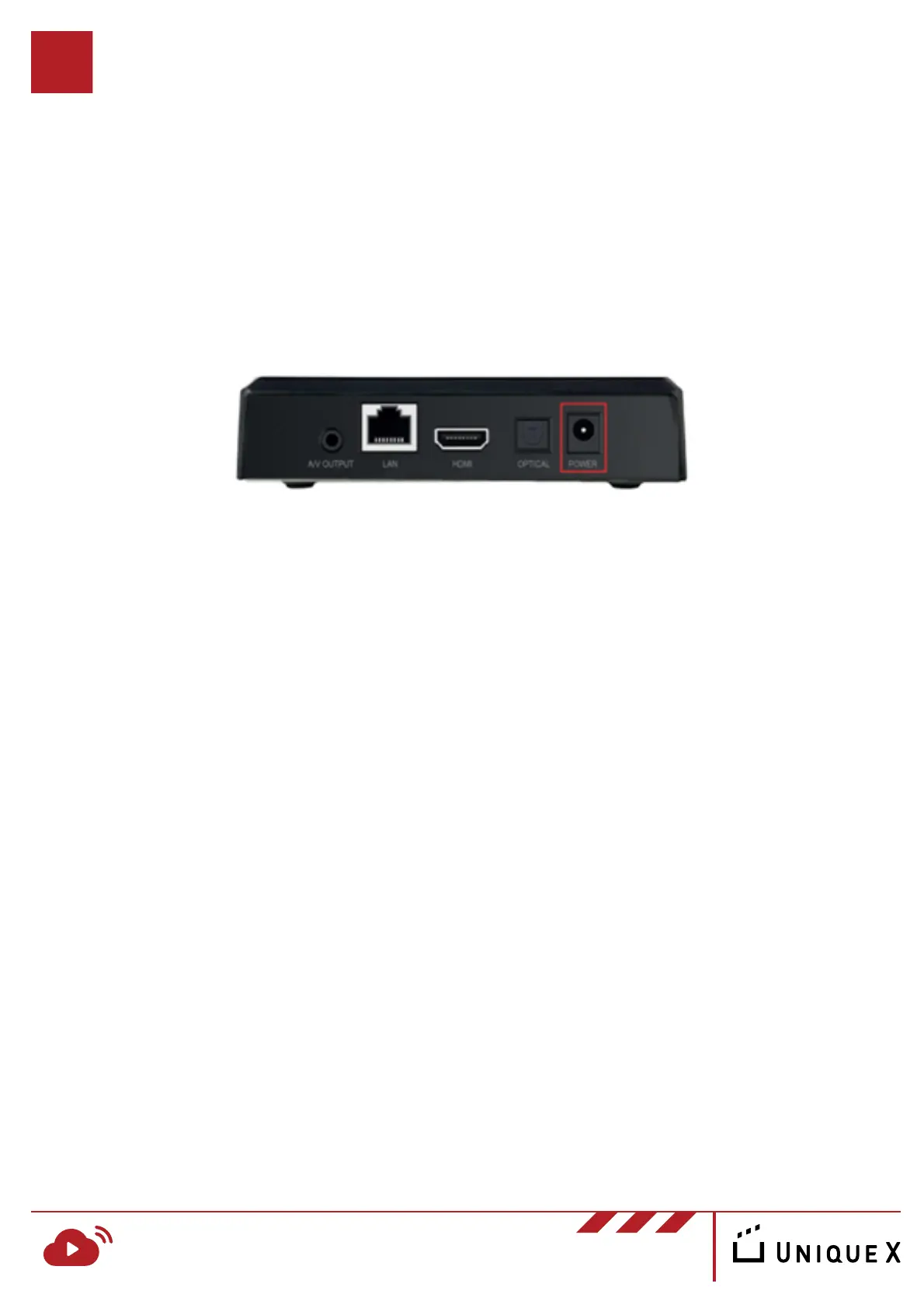
Using the powder adapter we have provided, insert the cable into the marked
“POWER” port and ensure it is plugged into a suitable power outlet.
Installing your RosettaLive Device
Powering the Device
RosettaLive Installation Guide v.1
www.uniquex.com/rosettalive/
RL
RosettaLive
TM
Broadband Event Streaming
4
Note: it is important that the selected outlet is not connected to
another outlet that is turned off at any time - your RosettaLive
device must always be turned on.


 To Next Page