EasyManua.ls Logo

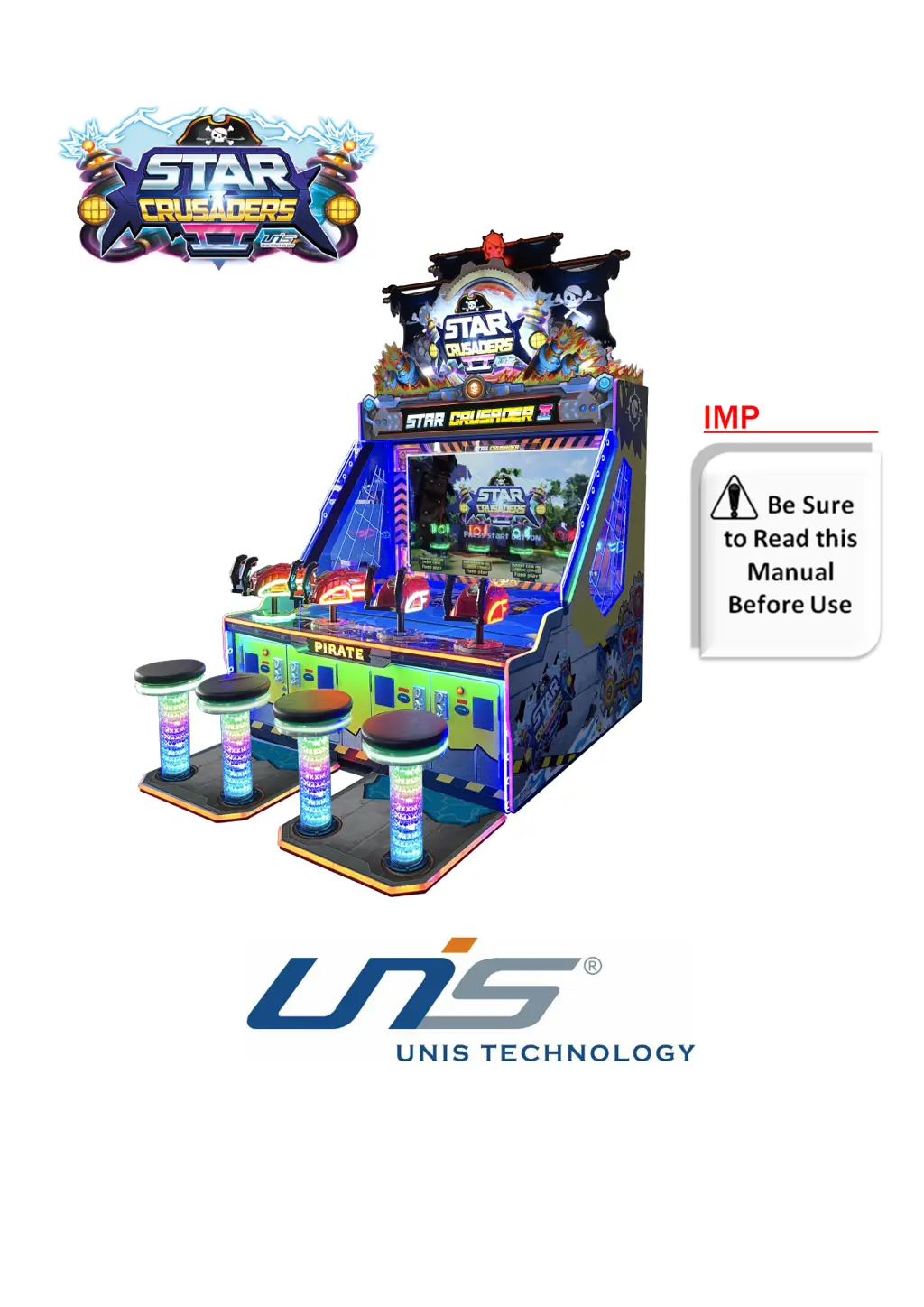
UNIS Star Crusaders 2 - User Manual

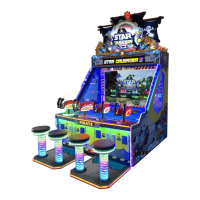
UNIS Star Crusaders 2
26 pages
Print Icon
To Next Page IconTo Next Page
Loading...
Operation Manual
IMPORTANT

Questions and Answers

  • S
    Scott TateAug 11, 2025
    What to do if my UNIS Star Crusaders 2 Arcade Game Machines power off?
    • S
      Samuel MurphyAug 11, 2025
      If your UNIS Arcade Game Machine suddenly powers off, it might be due to the circuit protector switching the power off. Try turning the power switch back on. However, if this continues to happen, it indicates a problem with the machine, and you should contact UNIS Service for assistance.
  • S
    Sarah CastroAug 17, 2025
    What to do if UNIS Star Crusaders 2 Arcade Game Machines display black screen?
    • T
      Tiffany JonesAug 17, 2025
      If your UNIS Arcade Game Machine displays a black screen, ensure all connectors are securely plugged in. If the problem persists, test the display with another source, like a PC, to see if the display is working correctly. Also, check the RAM and reinsert it, if it is loose.
  • D
    David SmithAug 25, 2025
    How to troubleshoot no sound on UNIS Arcade Game Machines?
    • K
      kimberlyrichardAug 25, 2025
      If there is no sound coming from your UNIS Arcade Game Machine, first, check the volume and increase it if it's too low. Then, inspect all connectors to ensure they are secure. Verify the speaker is working correctly. Make sure the POT is correctly installed and replace it if faulty. Check the audio cable, reconnect or replace it if necessary. If the PC has crashed, restart it or perform a system recovery. Lastly, try restarting the audio driver in case of a driver problem.
  • D
    Dillon GrayAug 29, 2025
    Why does my UNIS Star Crusaders 2 Arcade Game Machines display a blue screen?
    • A
      Aaron Higgins DDSAug 29, 2025
      If your UNIS Arcade Game Machine displays a blue screen, check if the PC power cord is loose and ensure the VGA signal cable is properly connected. Also, reseat the PC video card. If you see a “0X000000A” code, contact service.
  • J
    James BlakeSep 4, 2025
    What causes display problems in UNIS Star Crusaders 2 Arcade Game Machines?
    • N
      Nathan MartinezSep 4, 2025
      If the display on your UNIS Arcade Game Machine is not working correctly, begin by checking and reconnecting any loose connections between the IO board and PC. If cables became loose during transport, check and reconnect them. If the cable quality is poor, replace it after verifying the connection between the IO board and PC. If the IO board is faulty, reboot the game after checking connections and cables. If the issue continues, contact the service department.

UNIS Star Crusaders 2 Specifications

General IconGeneral
Players2
ManufacturerUNIS
ModelStar Crusaders 2
Game TypeShooter
TypeVideo Arcade Machine
ControlJoystick
Number of Players2

Related product manuals