7
corresponding to the best sound performance, is reached after
about 15 minutes from switching on.
After the initial warm up the outputs are enbled, the last
input used is selected and the corresponding led on the front
panel lights on.
VOLUME CONTROL
Before swithcing on the unit, ensure that the volume control
is at the minimum (fully anticlockwise) position.
During the initial warm up keep the volume at the minimum
to avoid any possible sollicitation due to transient effects.
After the warm up time it is possible to regulate the volume
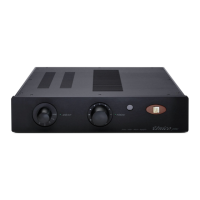
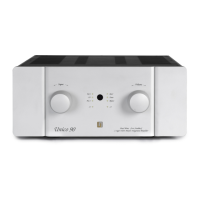
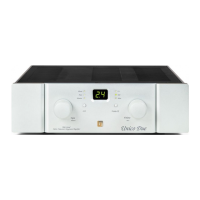
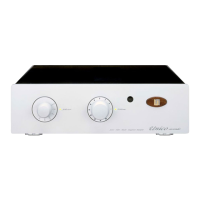
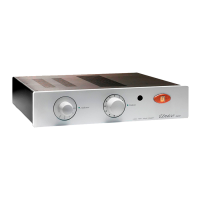
either rotating the volume control handle on the front panel or
pushing the dedicated buttons on the remote handset.
IMPORTANT !
All the operations at the inputs or outputs should be
preferably executed when the device is switched off or
anyway keeping the volume at the minimum.
INPUT SELECTION
The desired input can be selected either rotating the input
selector handle on the front panel or from the remote control.
Inputs are activated in sequence; the one currently active is
identified be the corresponding led on the front panel switched
on.
In case you use the remote control, press the “Sel” button
until you reach the desired input (see remote control functions).


 To Next Page