o
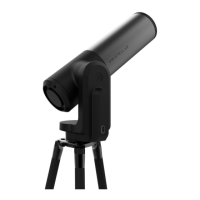
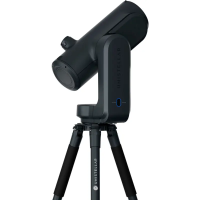
Set up the eVscope using the 1. INSTALL and 2. CONNECT and 3. FOCUS & TRACK
sections of the Quick Start Guide.
o
Point toward a bright star by selecting a visible one in the list of proposed stars.
o
Center the target using the joystick.
Note: the joystick of the app can be used in 2 different ways: drag the yellow dot for fast
movement or simply touch the edge of the disc for slow movement. The short touches allow
a slow movement. In the "eVscope" tab, display the settings by touching the icon at the top
right and activate the "Auto" mode.
o
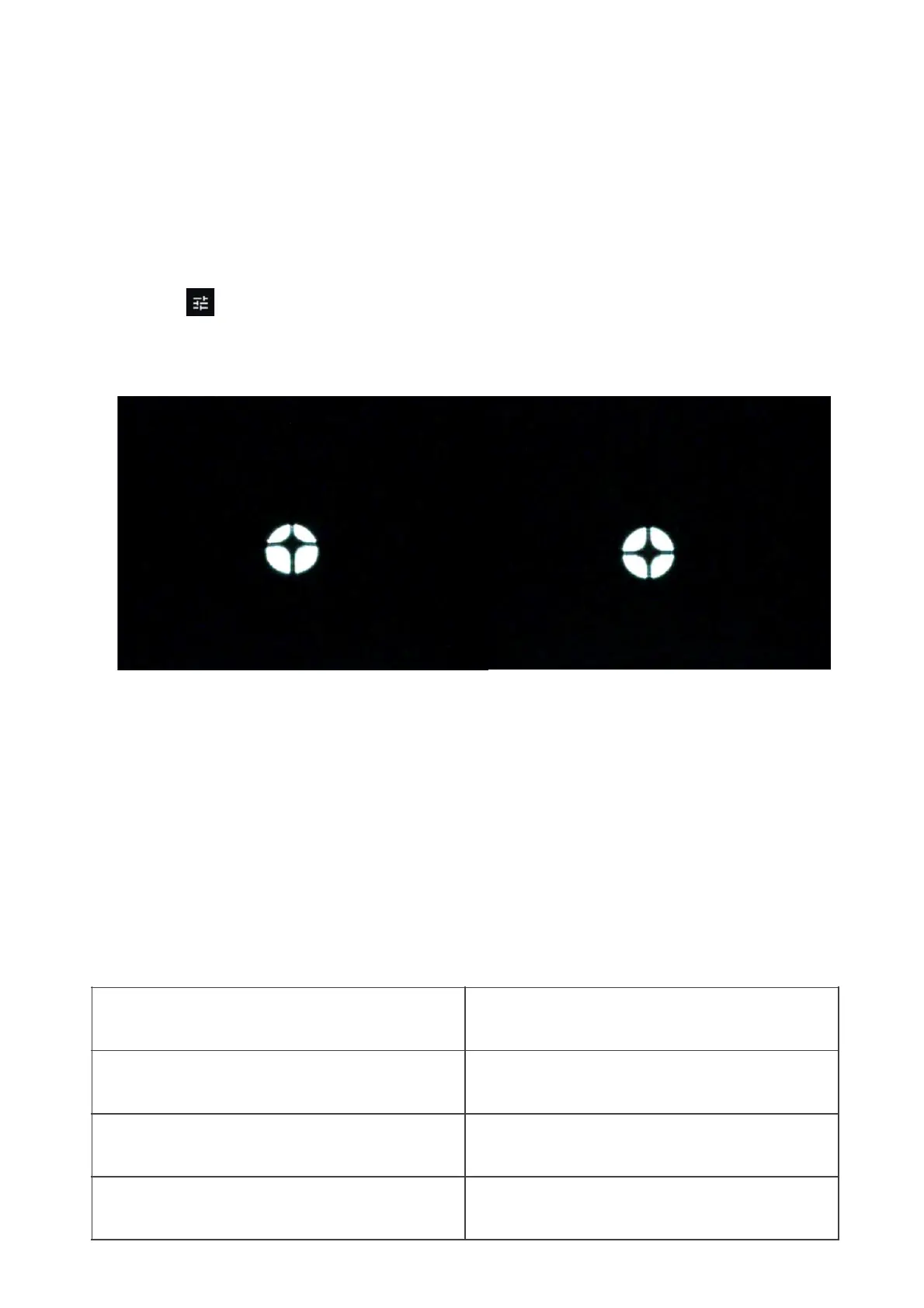
Fully rotate the large focus wheel clockwise without forcing. You should see this :
o
If the dark cross is not centered (as shown in the above image on the left), you need to
realign your mirror.
o
Find the smallest hex key (S2 3mm) in the toolbox.
o
First, move the telescope with the in-app joystick (touch the edge of the circle quickly) to
put the star at the edge in the direction indicated in the table below:


 To Next Page