o
Accurate focus: To ensure perfect accuracy, point the eVscope on a
bright star and use the Bahtinov mask to adjust the focus and the coma
(see Mirror Alignment).
i. Here’s how to focus with the mask. In the « Explore » tab of your app, go to Star and
select the first one. Select « GoTo » to move the eVscope on it. Go to « eVscope »
tab, then touch the Settings icon : on the top right of your screen and activate the
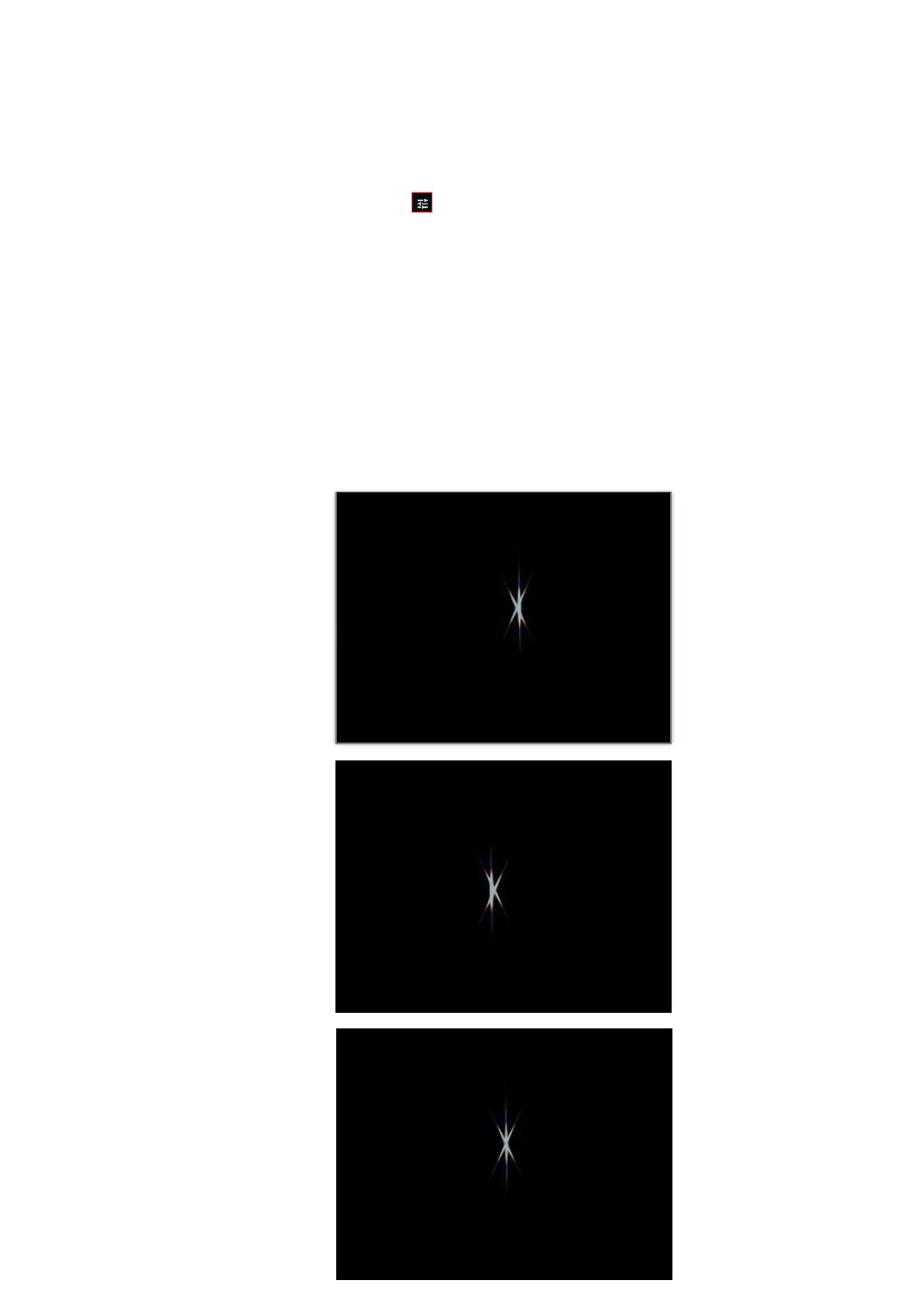
« Auto » mode. Put the mask on top of the tube. This will create a specific diffraction
pattern for that bright star, with a central line and two spikes forming an X, which you
can see in the eyepiece. If the central line is positioned exactly in the middle of X, it
means your eVscope is perfectly focused. To achieve this result, you just need to
manually rotate the bottom of your eVscope and observe the results in the eyepiece.
The orientation of the cross doesn’t matter
ii. In these three images, you can see the star Rigel observed with our mask. The first
two images are out of focus, but by rotating the wheel, we were able to achieve perfect
focus.



 To Next Page