NOT POWERING ON
The telescope is not powering on
The push button is not working. Please contact support.
The telescope turns on but does not charge
1 - Your charger is defective or broken:
The charger uses a standard USB-C port. Please try using another compatible charger in
the USB-C port. If the telescope is o and the LED is ashing blue, the original charger is
defective or broken.
2 - The telescope does not charge even though the charger works ne:
Please turn on your telescope, insert the charger, and then turn o your telescope.
If the telescope still does not charge after following these steps, the USB-C port is defective
or damaged. Please contact support.
The telescope does not charge or turn on
Please keep the charger inserted for 3 days. If the telescope still does not charge,
please contact support.
Images
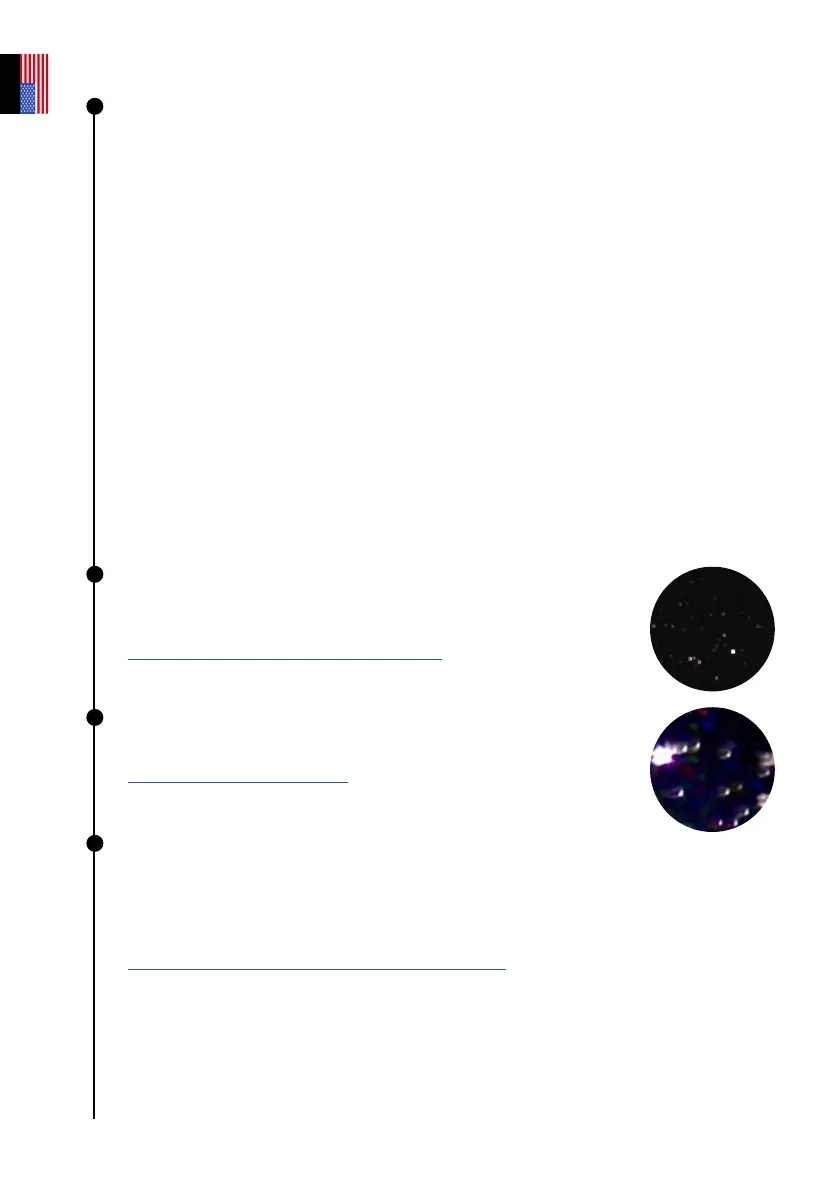
The stars are not round and dened.
The telescope is out of focus. Please refer to the section
USING YOUR TELESCOPE | Adjusting the focus
Stars are distorted
The collimation is not optimized. Please refer to the section
COLLIMATING YOUR TELESCOPE
Stars are blue and red
This is caused by electronic noise.
You should put the cover on top of the telescope and take a dark frame. This image
reveals the electronic noise that is inherent to the sensor. The noise will then be
subtracted from the final image, and you will no longer have colored pixels.
OBSERVATION TIPS | Sensor calibration (or dark frame)
User guide | 30
English



 To Next Page