47
Copyright 2013 Unitech Electronics Co., Ltd. All rights reserved. Unitech is a registered trademark of Unitech Electronics Co., Ltd.
z
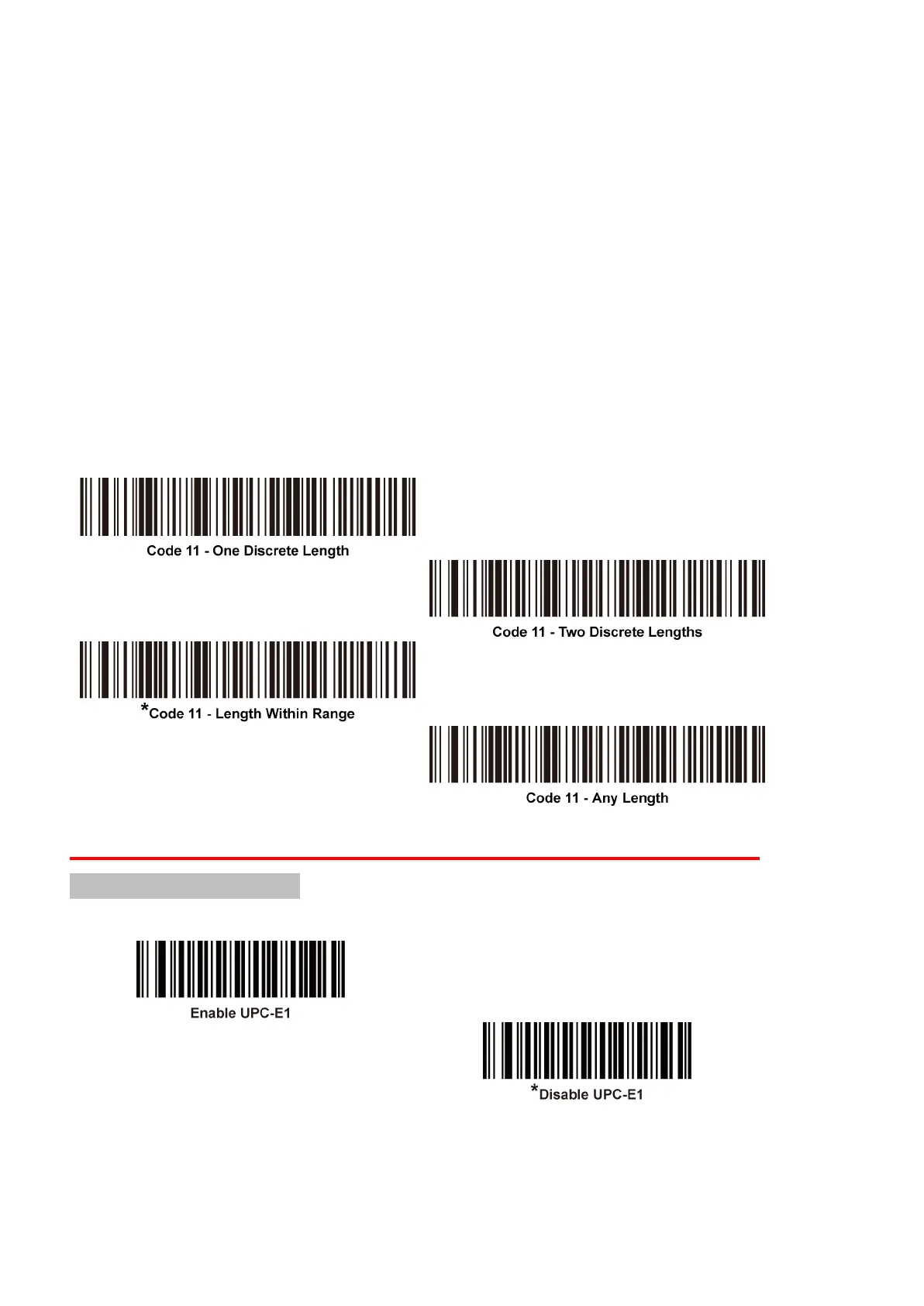
Two Discrete Lengths - Select this option to decode only Code 11 symbols
containing either of two selected lengths. Select lengths using the numeric bar codes
in the appendix of Numeric Bar Codes. For example, to decode only Code 11
symbols containing either 2 or 14 characters, select Code 11 – Two Discrete
Lengths, and then scan 0, 2, 1, and then 4. To correct an error or to change the
selection, scan the Cancel bar code.
z
Length Within Range - Select this option to decode a Code 11 symbol with a
specific length range. Select lengths using numeric bar codes in the appendix of
Numeric Bar Codes. For example, to decode Code 11 symbols containing between
4 and 12 characters, first scan Code 11 - Length Within Range. Then scan 0, 4, 1,
and 2 (enter a leading zero for single digit numbers). To correct an error or change
the selection, scan the Cancel bar code.
z
Any Length - Scan this option to decode Code 11 symbols containing any
number of characters within the decoder’s capability.
UPC-E1
Enable/Disable UPC-E1
UPC-E1 is disabled by default.
To enable or disable UPC-E1, scan the appropriate bar code below.
Note: UPC-E1 is not a UCC (Uniform Code Council) approved symbology.


 To Next Page