7
© 2022 Unitech Electronics Co., Ltd. All rights reserved.
Unitech is a registered trademark of Unitech Electronics Co., Ltd.
All product and company names are trademarks, service marks, or registered trademarks of their respective owners
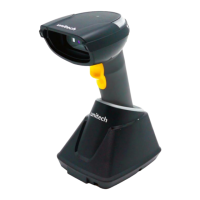
1.4.3 Cradle Function & Operation
1. Charging
2. Update scanner firmware
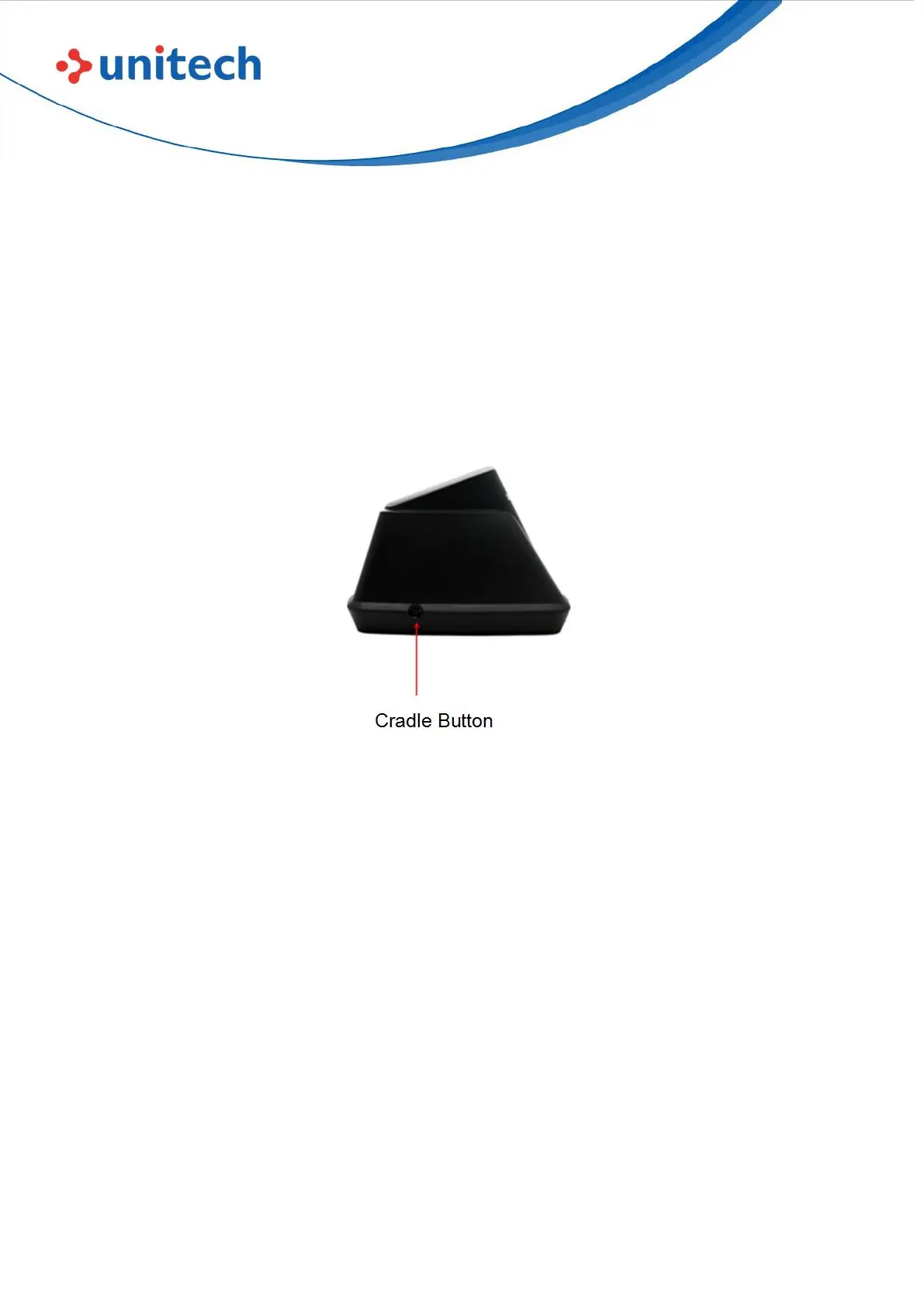
- Cradle button is for updating MS852P firmware
- Connect cradle to PC or an adaptor and plug in the socket.
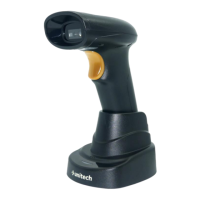
- Place the MS852P scanner into the cradle under power off condition.
Press and hold the cradle button and MS852P trigger key for around 2
seconds, release after you hear beeper sound. It means MS852P scanner
has enter firmware update process.


 To Next Page