6
© 2022 Unitech Electronics Co., Ltd. All rights reserved.
Unitech is a registered trademark of Unitech Electronics Co., Ltd.
All product and company names are trademarks, service marks, or registered trademarks of their respective owners
1.4 Getting Started
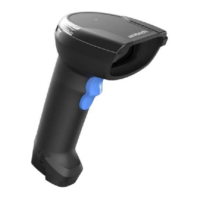
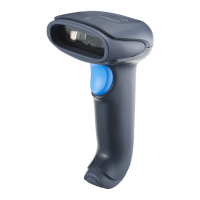
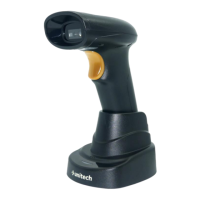
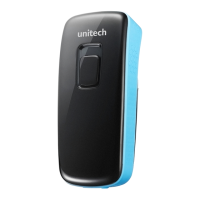
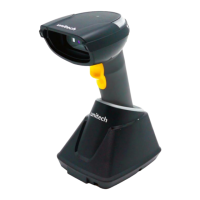
Scanner Turn on : Long press the trigger key for 2 seconds until you hear a
long beep sound.
Scanner Turn off : Long press the trigger key for about 7 seconds until you
hear a short beep sound.
1.4.1 How to pair the scanner with the receiver
1. Long press the trigger key for 2 seconds until you hear a long beep sound to
turn on the MS852P.
2. Scan the MAC address on the dongle with MS852P.
3. Insert a dongle into a USB port of the computer or laptop PC.
4. When being successfully connected to the dongle, the scanner will
beep with low-medium-high sound.


 To Next Page