@
sales@utplindia.in
+91 7046223333 , 9427301436
www.utplindia.in
www
UT-1412
10
Step : 4
Please clean pH Electrode using D.M water and dry it before Calibration. Dip the Electrode in
9.2 pH Buffers and wait for few seconds to steady the Display reading. Display shows some
reading near 9.20 pH. Use 9.2 pH Calibration [ ] function as per under showing procedure
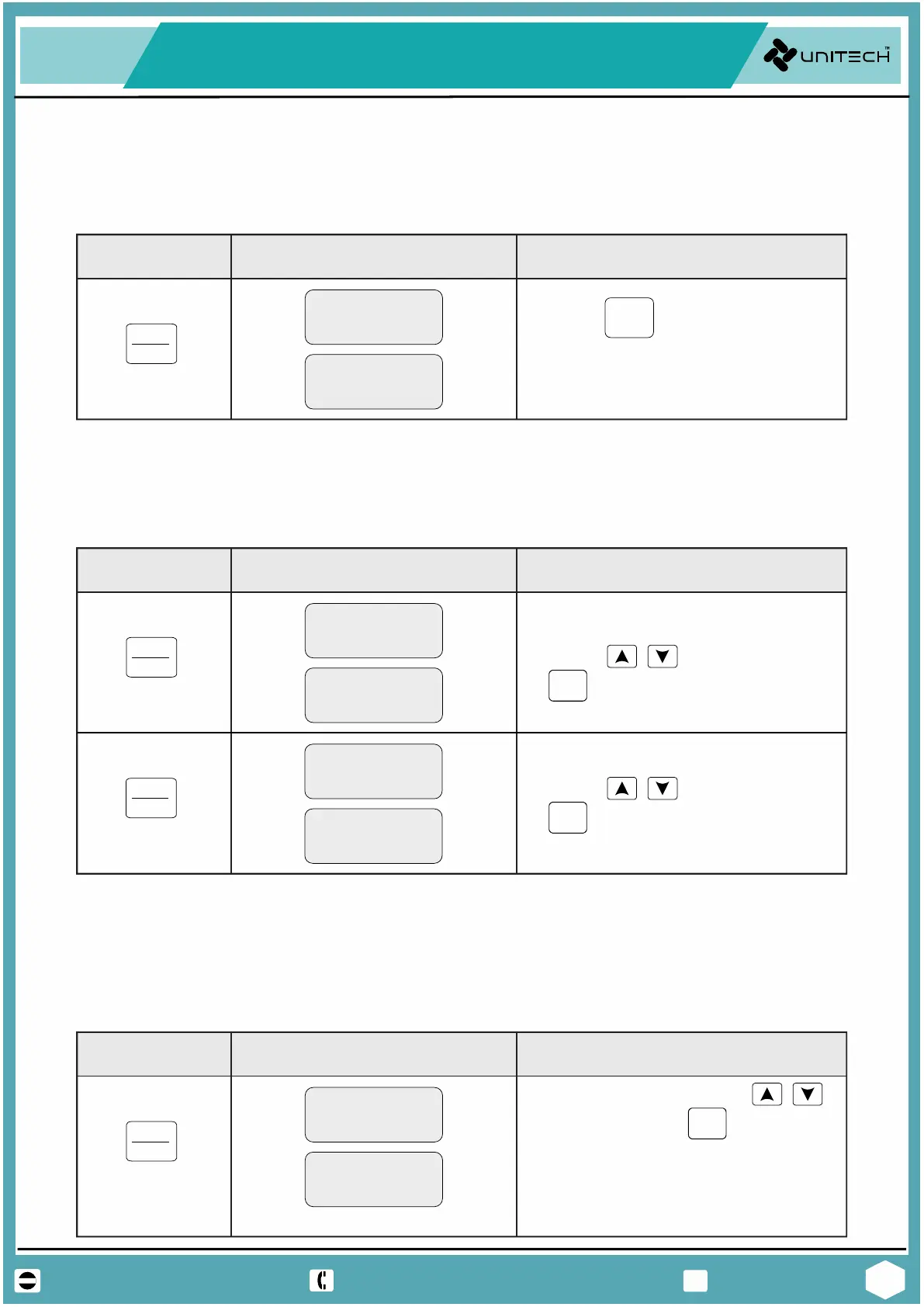
Press Key Display Showing Operaon Needed
CNF
CAL
SET
Press 3 times
Press Key. The Buffer
value is displaying on upper
display.
key
The pH Meter has optional RS-485 Modbus Communication. For this the Nod address slave
device id [ ] is set as per showing procedure.
Press Key Display Showing Operaon Needed
CAL
SET
Press 7 times
key
It is Function for using High / Low alarm control setting. For use Low Alarm [ ] and High
Alarm [ ] functions as per showing procedure.
Press Key Display Showing Operaon Needed
CNF
CAL
SET
Press 5 times
Set Low alarm for controlling
using keys, the press
key for next High alarm
set
key
4.5 Alarm Relay seng.
CAL
SET
Press 6 times
key
CNF
Set Low alarm for controlling
using keys, the press
key for next Parameter
set.
4.6 Node Address seng.
Note :-
The Low and High Set points are for examples only. User can set these values as control action
CNF
Set Slave ID by using
keys, the press key for save
Now Meter will exit from the
Note - Default ID : 0001.
Set ID from 0001 to 0250
setting Menu.
PH INDICATOR / CONTROLLER


 To Next Page