17
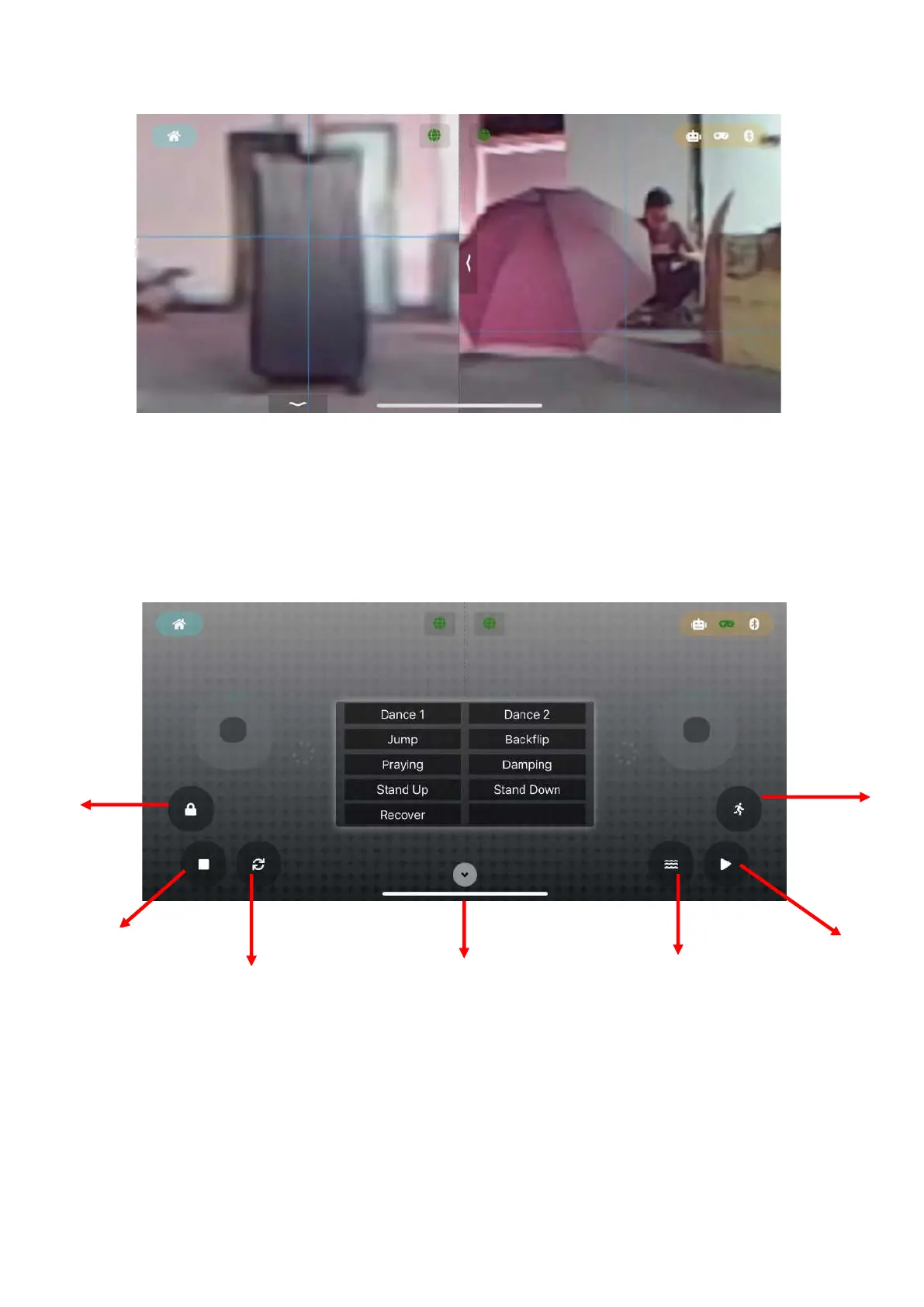
Note: Each camera screen is a real-time screen with adjustable viewing angle by default. AI
portrait recognition only supports 1 screen at the same time. Therefore, after clicking AI
switch, the corresponding camera screen will switch to AI screen, and if there are other
camera AI screens before , The screen will switch back to the real-time screen with
adjustable viewing angle
7、 Virtual joystick
The robot dog can be remotely controlled through this interface (not yet open)
8、 BLE Gamepad



 To Next Page