6
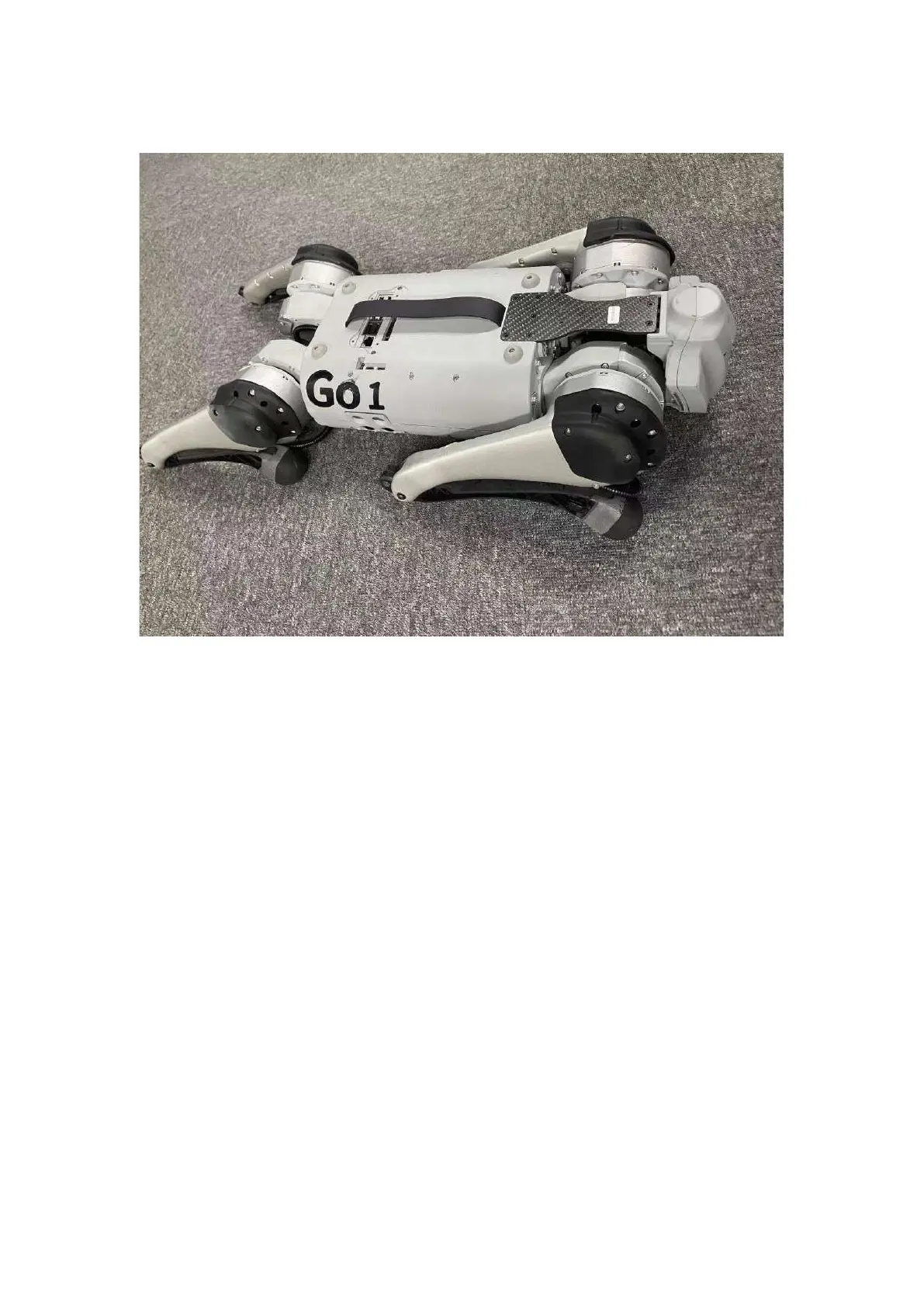
The GO1 should then be placed in the following configuration, with all 4 limbs flat on the ground:
Proper starting configuration of GO1
To switch the GO1 on, locate the power button on the GO1's battery pack and
perform 1 short press followed by 1 long press. Awhirring sound will be heard and
the robot will stand up by itself. In this case, the robot dog can be controlled by the
remote control



 To Next Page