The Technical Stuff
_____________________________________________________________
27
Maintenance Information
Meter Calibration
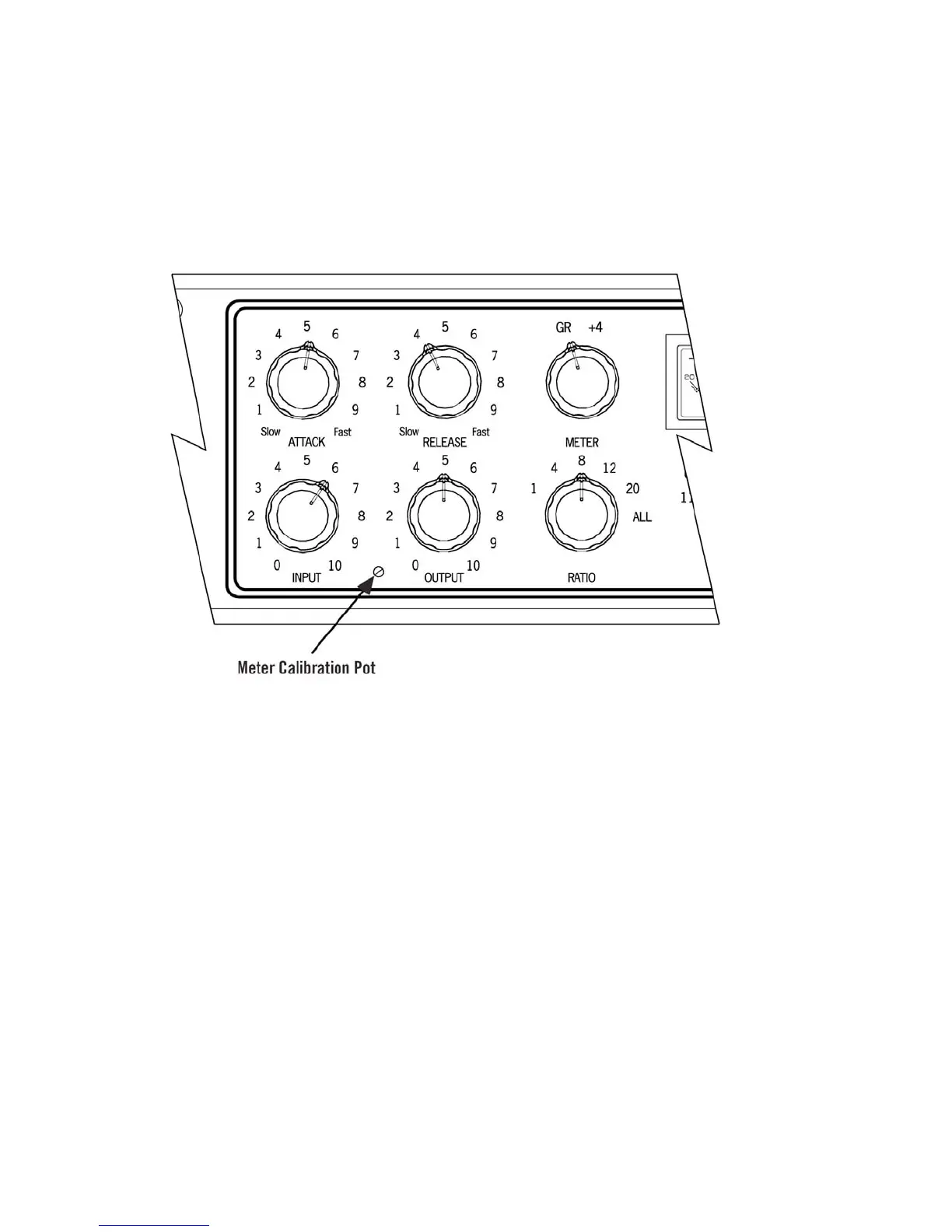
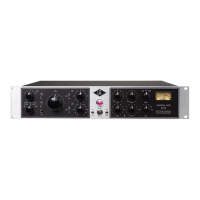
The 6176 meter may occasionally need to be calibrated. This is accomplished by adjusting the GR
Zero Set pot, located through a small hole on the front panel between the Input and Output knobs.
The procedure for adjusting the meter is as follows:
1) Power on the 6176 and allow it to warm up for five minutes.
2) Set the Meter switch to the GR (Gain Reduction) position.
3) Set the Input control fully off (turn the knob fully counterclockwise).
4) Use a small screwdriver to slowly adjust the GR Zero Set trim pot so that the meter reads 0 dB.
Watch how the meter settles before completing the calibration.



 To Next Page