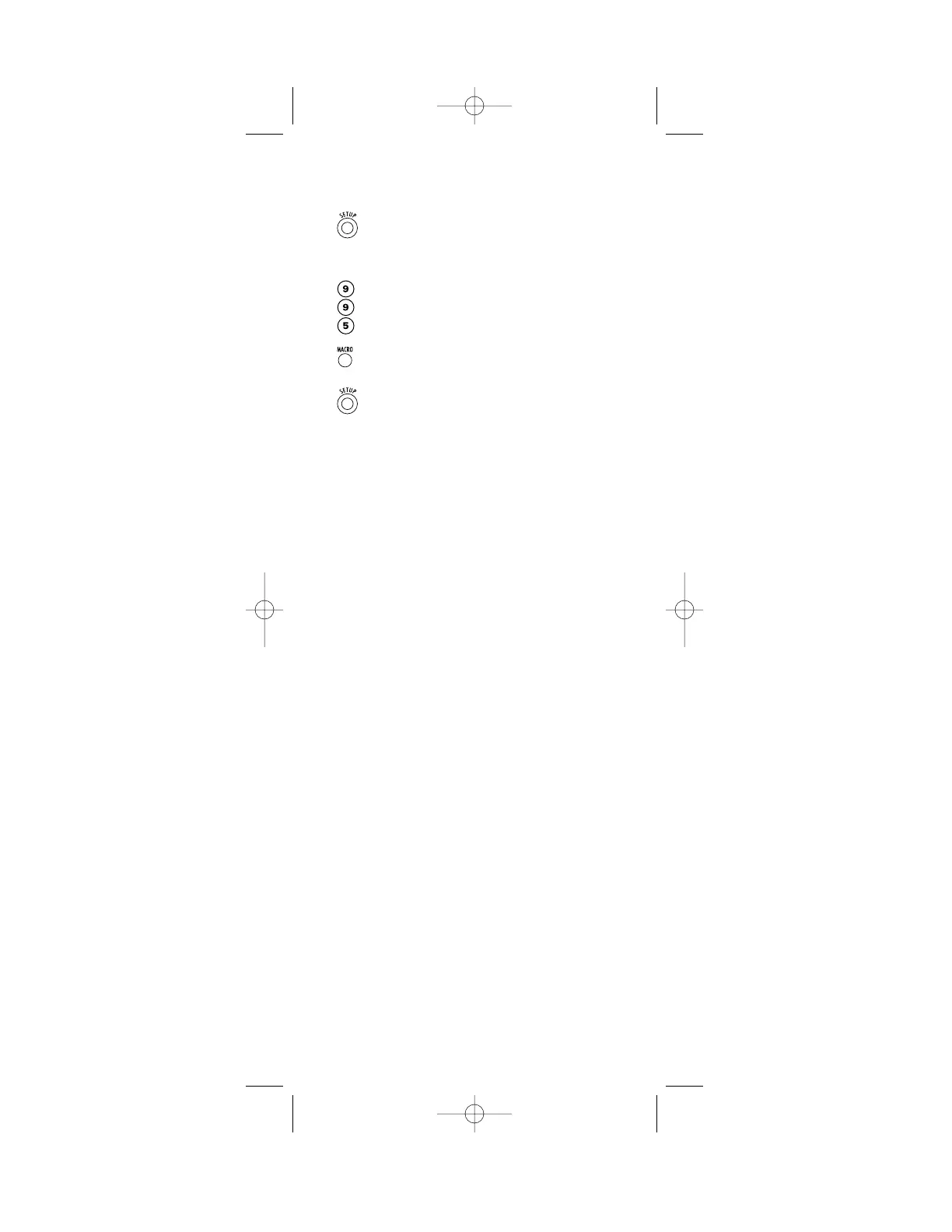
To Clear A Macro:
1. On the remote control,press and hold SETUP
until the last-selected device key blinks twice,
then release SETUP.
2. Enter 9 - 9 - 5.
3. Press MACRO once.
4. Press and hold SETUP until the last-selected
device key blinks twice, then release SETUP.
NOTE: A macro will be cleared in the order it was
originally stored.
27




 To Next Page