10 www.mynevo.com
Home Screen and Everyday Use
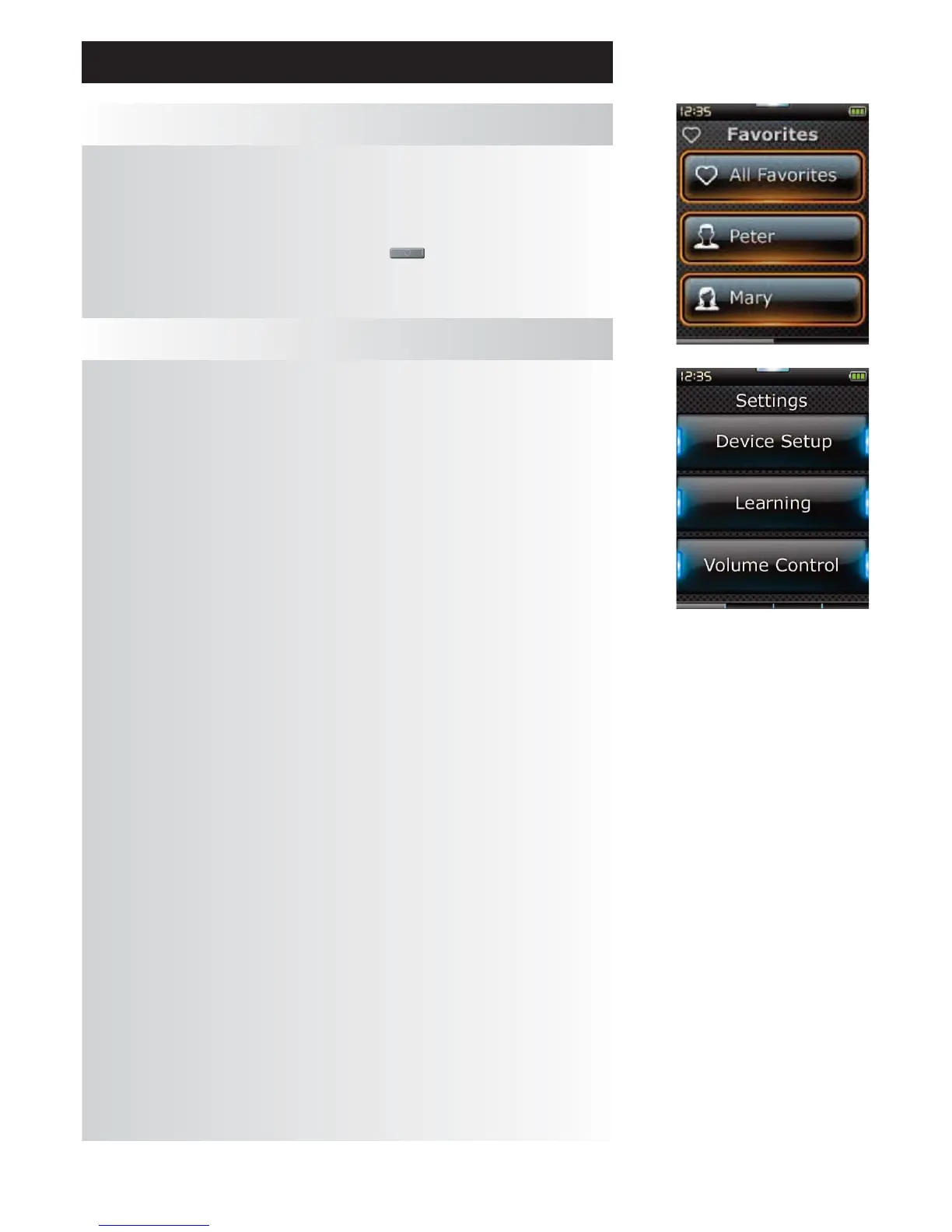
Profiles
A “Profile” is a collection of Favorites that could be grouped by User (e.g. Mom, Dad, Kids etc) or Genre
(e.g. Movies, News, Sport etc). Once the initial group of Favorites (up to 70) has been set up, you can then
choose sub-sets of Favorites to be Profiles.
Profiles can be set up using PC setup only.
To access Profiles at any time, you can press the “Favorites” key underneath the screen and you
will then be able to choose between All or individual Profiles.
Settings
The “Settings” key will take you to a menu allowing you to change options on the remote, as well as
adding or deleting devices, and learning commands from your original remote control(s). See the next
section for more details.




 To Next Page