6. HOW TO PLAY
Insert coin(s). Press “single player” button or “link game” button to start the game.
Start shooting balls. The LED display will show time and score. The default setting is: 30
points for Stage 1. 60 points for Stage 2, and 100 points for Stage 3. If the player cannot
reach the minimum score, game is over.
Tickets will be paid out according to the score.
(Notice: It is suggested to use 6 balls per machine.)
7. SWITCHES CONTROL SIGNAL
7.1 Main Board
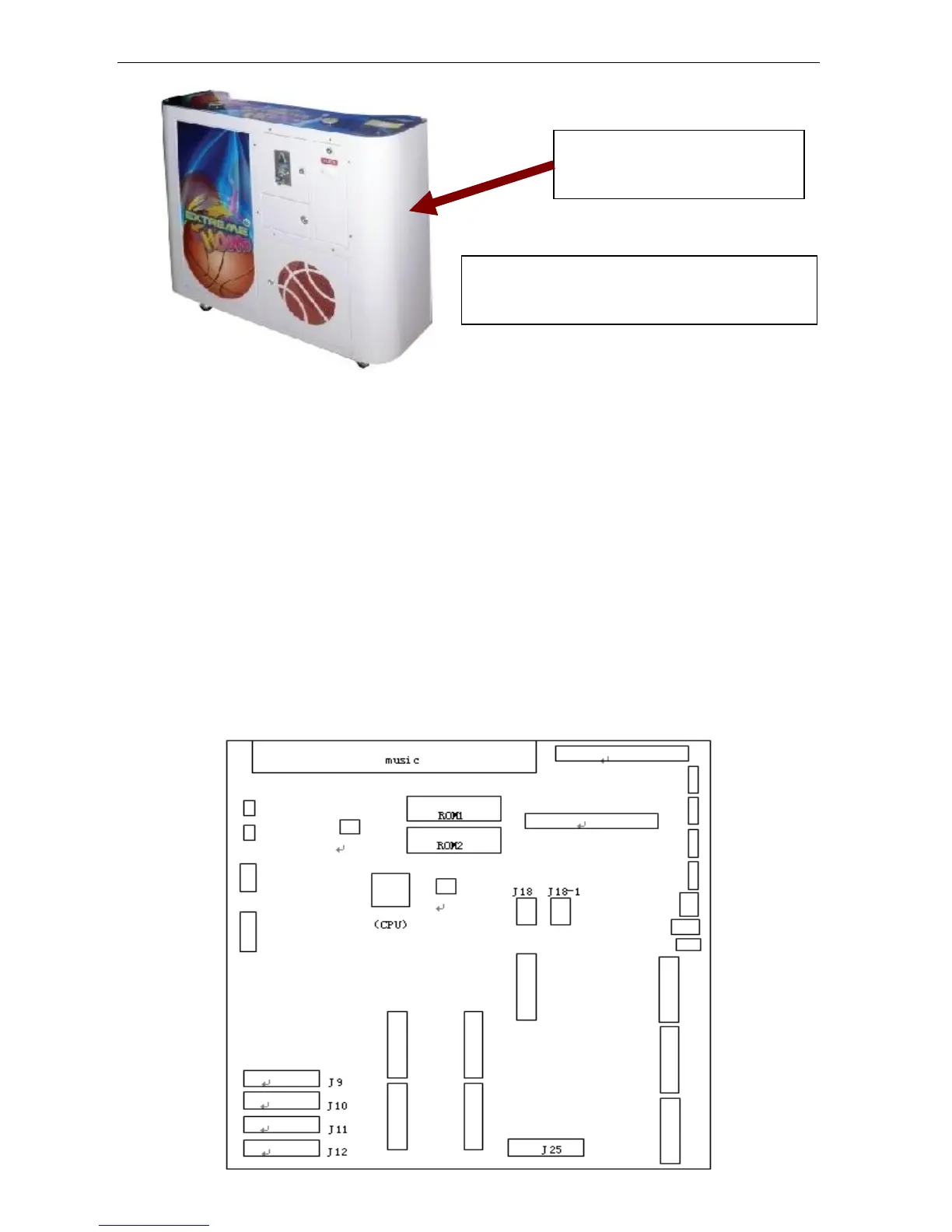
Refer to the attached I/O chart and schematics. To adjust DIP SWITCH, refer to the I/O chart.
The initial setting is in CAPITAL LETTERS.
Main board:


 To Next Page