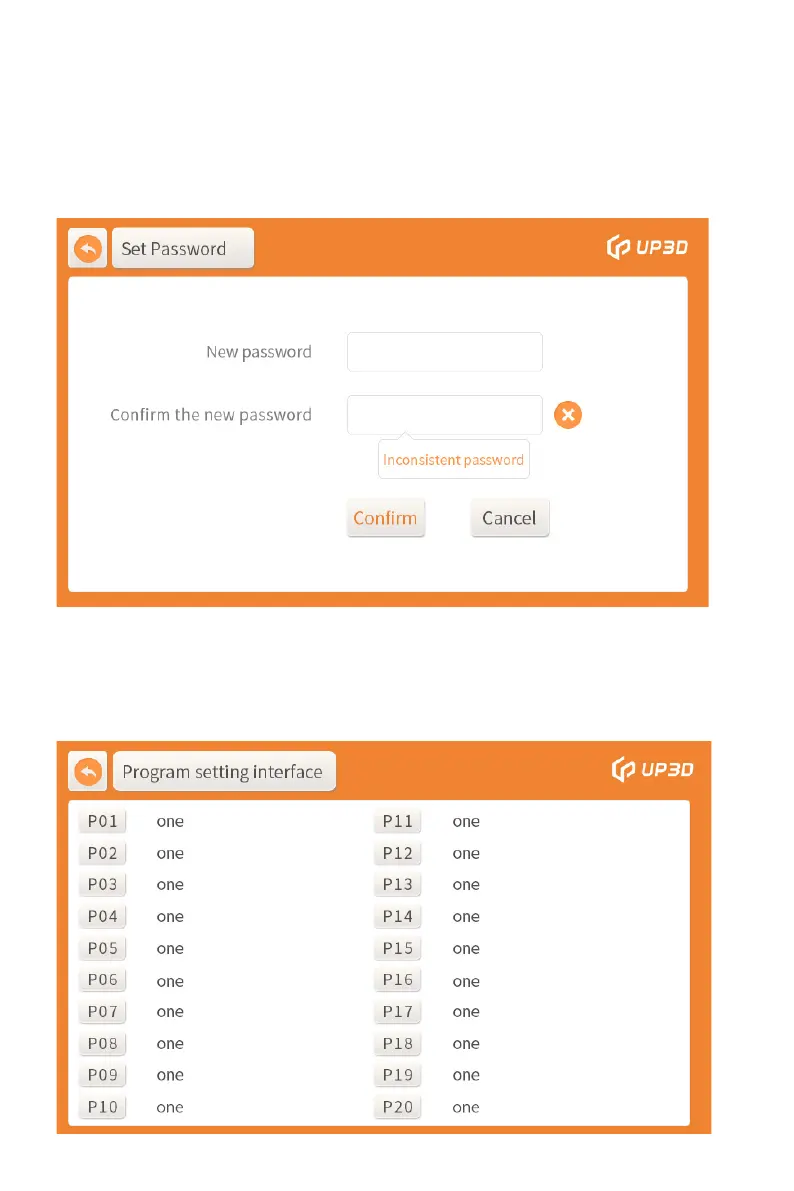
12
After re-entering the same new password, click OK to complete
the password change. Note that you must remember the
6-digit new password after change. If you forget it, you can
only restore it and reset it, which will ca use the loss of the
customized sintering program.
4) Sintering program display box: When you need to customize
sintering program or select a defined sintering program, click
the sintering program display box to enter the program setting
interface.


 To Next Page