13
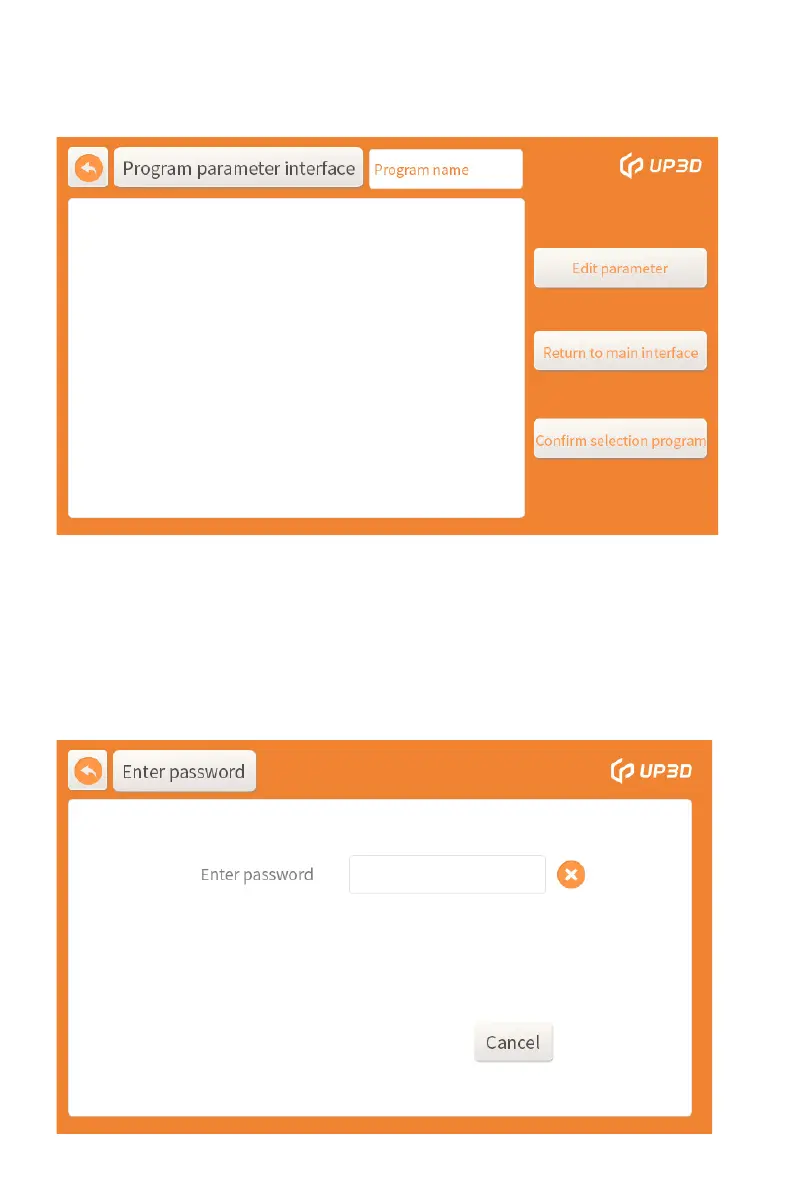
Click the program confirmation box, it means that the program
is selected, and it will automatically return to the main interface.
When you need to customize and edit the sintering program,
you need to click the modify parameter box, and then enter the
password input interface.
Click the specific program or the serial number on display box to
enter the program parameter interface.


 To Next Page