16
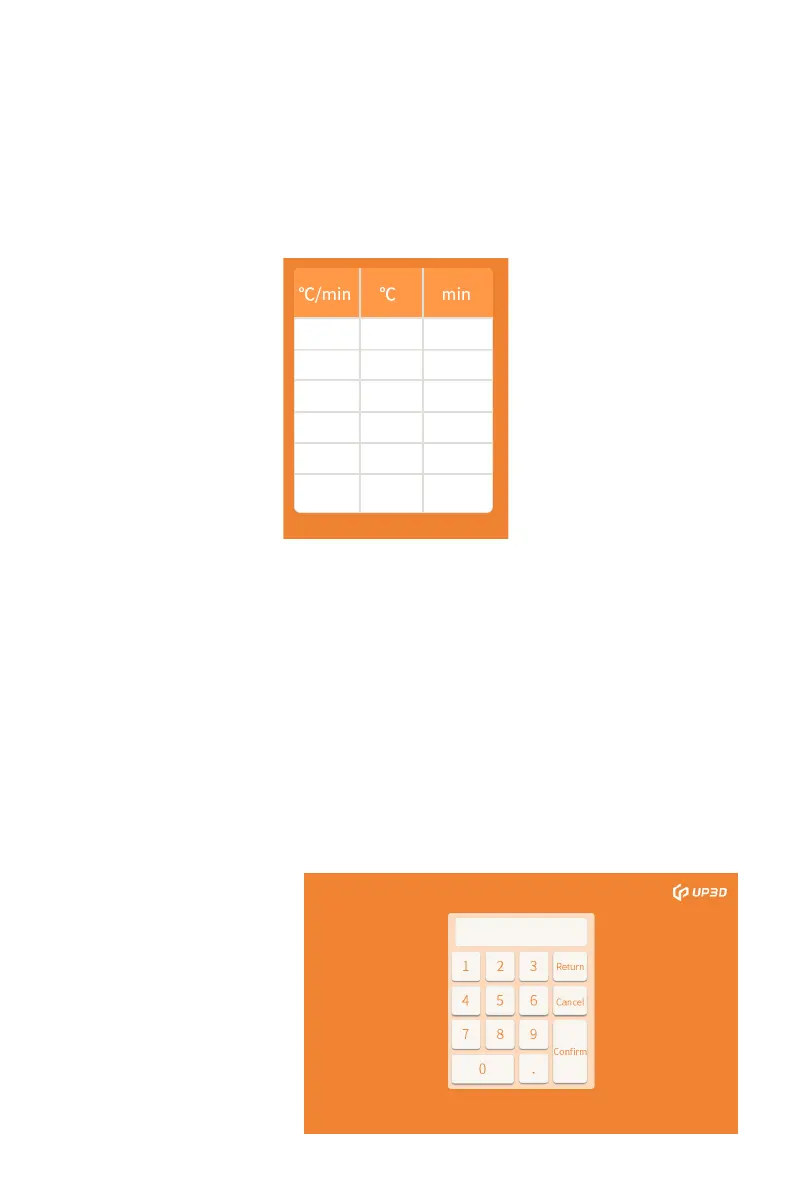
The white boxes in the parameter setting areas of heating,
temperature, and temp. preservation in the program parameter
interface represent different
definitions, and the range of parameter values that can be input
is also different. Note that the boxes totally white in below
picture is currently undefined and no parameters cannot be put
in.
Click the defined parameter setting box, the numeric keyboard
will pop up, enter the appropriate parameter value in the
numeric keyboard, click OK, the parameter setting for the
defined box is completed, after setting the corresponding
parameters according to different zirconia models and different
restoration types. Click the save setting box, the program name
and corresponding parameter settings are saved.


 To Next Page