1 Prepare installation
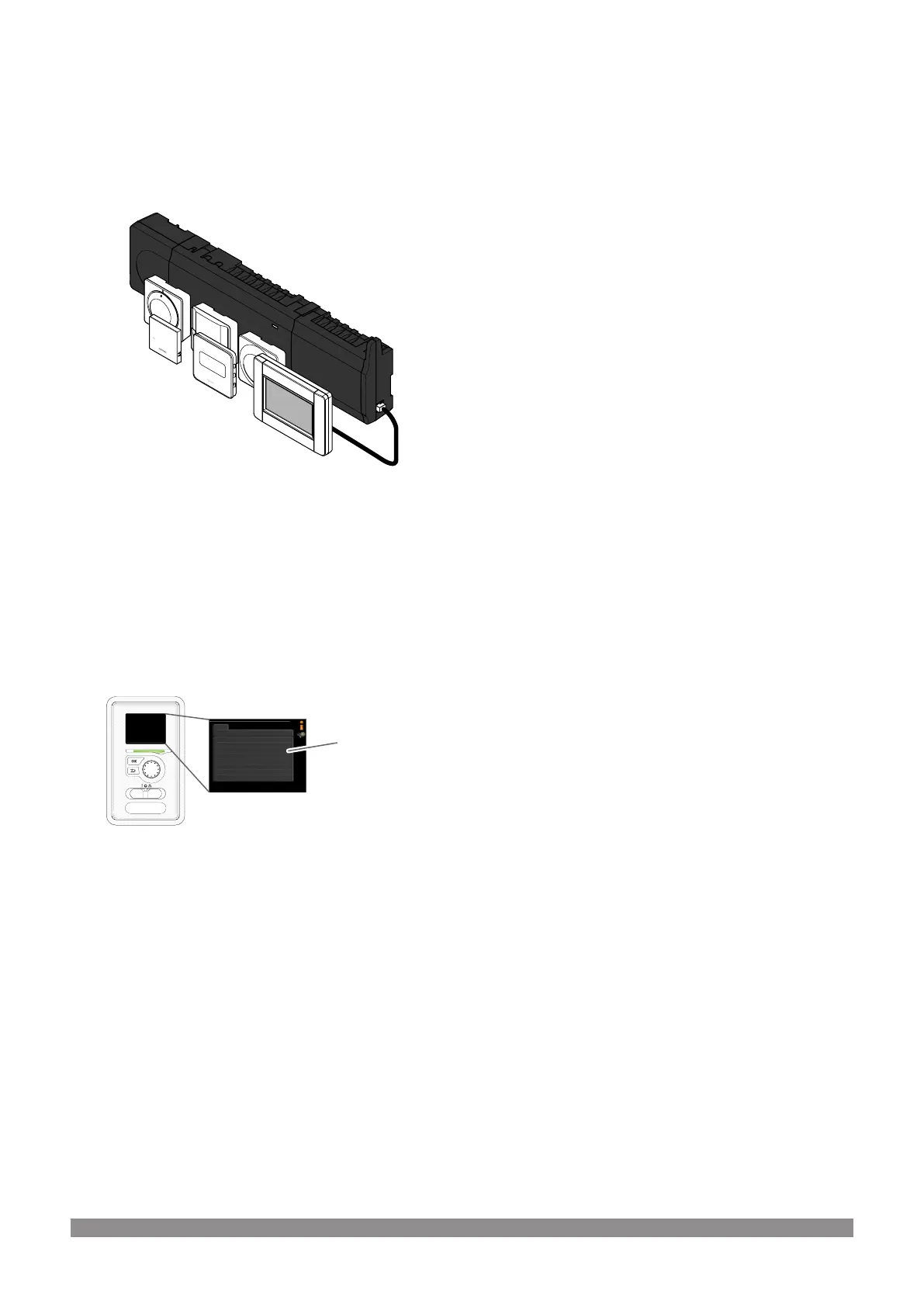
1.1 Uponor Smatrix Wave/Wave
PLUS/Base PRO
Make sure the system contains one of the following product setups.
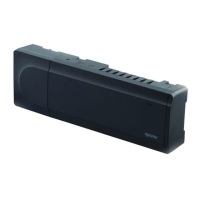
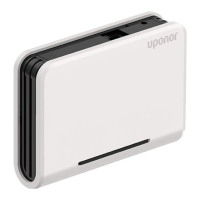
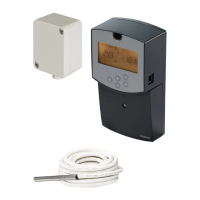
• Uponor Smatrix Wave X-165 (controller) and Uponor Smatrix
Wave I-167 (interface)
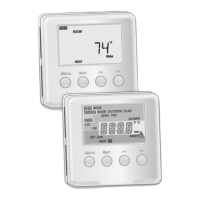
• Uponor Smatrix Wave PLUS X-165 (controller) and Uponor
Smatrix Wave PLUS I-167 (interface)
• Uponor Smatrix Base PRO X-147 (controller) and Uponor
Smatrix Base PRO I-147 (interface)
1.2 NIBE heat pump/indoor
module
input version
display version
CD0000020
Illustrations of NIBE products and and their components are subject to ©NIBE.
Make sure the NIBE heat pump/indoor module has the correct
hardware and software versions. Go to menu 3.1 in the NIBE product
and find input version (last section).
• input version must be 34 or higher.
Contact NIBE support to replace the input card if needed.
• display version must be 5539 or higher.
Update the display software using NIBE Uplink if needed.
Uponor Smatrix Heat Pump Integration to NIBE products
|
Quick Guide
|
3




 To Next Page