Need help?
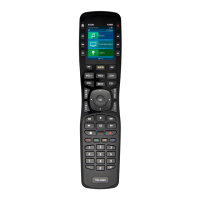
Do you have a question about the URC MX HomePro MXHP-R700 and is the answer not in the manual?
Important considerations prior to installing the MX HomePro system.
Instructions for connecting the battery and using the charging cradle.
Displays network information about the MXHP-R700 and its connection.
Returns the MXHP-R700 to its factory default settings.
 General
| Brand | URC |
|---|---|
| Model | MXHP-R700 |
| Category | Remote Control |
| Display | LCD |
| Programmable Buttons | Yes |
| Backlight | Yes |
| Weight | 0.5 lbs |
| Wi-Fi | Yes |
| Range | Up to 100 feet |
| Dimensions | 8.5 x 2.25 x 1.5 inches |


 To Next Page