Contents
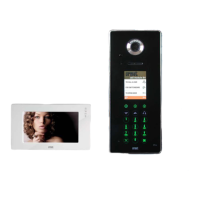
IPerCom system schematic Page 1
IPerCom combined with iPassan access control system schematic Page 2
Network installation and configuration requirements Page 3 & 4
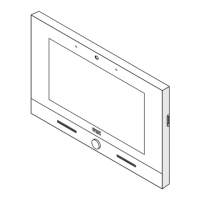
1717/31 or 1717/33 Max Pro Touchscreen Monitor
Controls Page 5
Connections Page 6 & 7
Mounting height Page 8
1717/41 or 1717/43 Max Lite Touchscreen Monitor
Controls Page 9
Connections Page 10 & 11
Mounting height Page 12
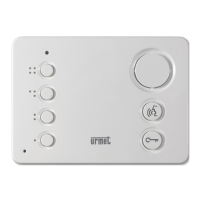
1060/3 Hands-free Audio Door Phone
Controls Page 13
Connections Page 14 & 15
Mounting height Page 16
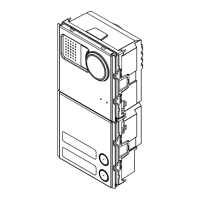
1060/13 Elekta, 1060/18 & 1060/19 Elekta Steel Call Modules
Connections overview Page 17
Maglock connection example Page 18
Fail safe and fail secure release connection examples Page 19
Interface to iPassan and third party access control systems Page 20
1060/18 & 1060/19 Mounting height Page 21
1060/13Mounting height Page 22







 To Next Page