
 Need help?
Do you have a question about the US Robotics 56K Series and is the answer not in the manual?
Describes the full-duplex speakerphone functionality with microphone and speaker support.
Explains how the modem functions as a messaging system with custom greetings and mailboxes.
Provides critical safety guidelines for installing the modem card in a computer.
Explains the automatic installation process using Plug and Play technology.
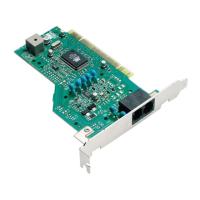
Provides step-by-step instructions for physically installing the modem card.
Essential initial steps and checks for resolving modem issues.
Important warnings regarding software configuration and compliance.
 General
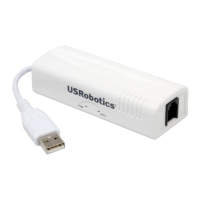
| Type | External |
|---|---|
| Modem Type | Dial-up |
| Max Speed | 56 Kbps |
| Error Correction | V.42, MNP 2-4 |
| Data Compression | V.44, V.42bis, MNP 5 |
| Fax Speed | 14.4 Kbps |
| Standards | V.90 |
| Interface | RS-232 |
| Fax Standards | V.17, V.29, V.27ter |












 To Next Page