Connect with Macintosh OSX
NOTE: Before you connect the Bluetooth Keyboard, please make
sure you have Bluetooth functionality on your system.
1. Prepare the keyboard for pairing by turning it on and pressing
the pair button.
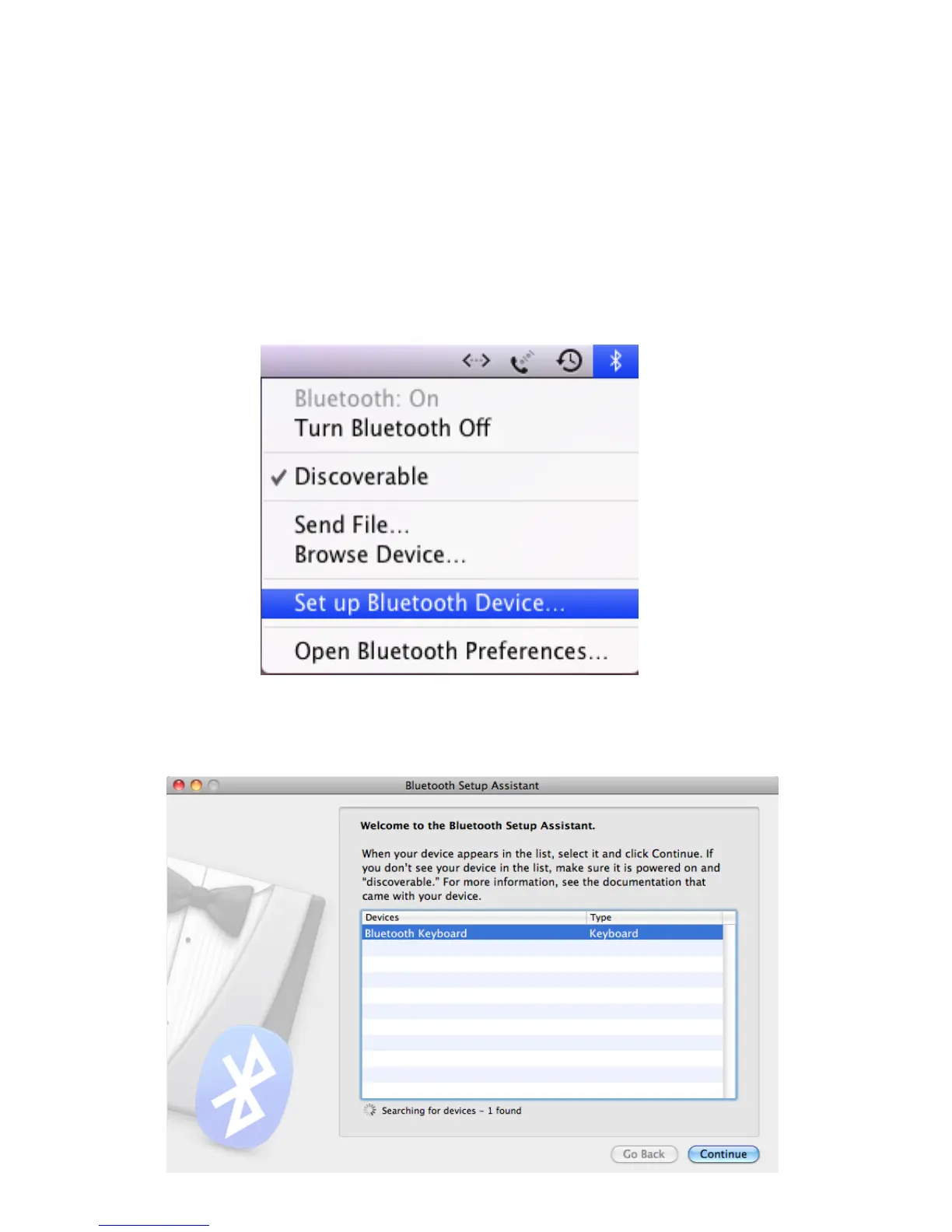
2. Make sure that the Bluetooth Function has been activated on your
computer. Select Set up Bluetooth device from the Bluetooth status
dropdown in the menu bar.
3. When the system finds the keyboard, select Bluetooth Keyboard
and click Continue.



 To Next Page