19
MULTI-TUNE
This feature allows completely different calibrations to be used for the
transmission at any time. The table selection switch can be a latching type
switch (maintained toggle switch, latching push-button, etc.) or a momentary
type switch (spring-loaded push-button switch, spring-loaded toggle switch, etc.)
which applies ground to the table select input at Vehicle connector pin 5 when
turned on. When a latching switch is used, it can only be used to switch
between two tables. When the latching switch is activated, the controller will use
the secondary calibration table (normally table 2), and it will run off of the
primary table (normally table 1) when the switch is off. A momentary switch will
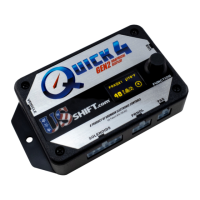
cycle through all of the tables in use (1-2-3-4-1...). The Table Selection input
may also be connected to a nitrous oxide system to provide an alternate
calibration for use when the nitrous system is engaged. Other uses for this input
include a “Sport/Economy” switch or a “Normal/Aggressive” switch. Whenever
the table state is changed, the table indicator on the controller’s display will be
updated accordingly.
There are alternative table select input methods that can be used. You can hold
the O/D button for 2 seconds, single-click the controller knob while at the status
screen, or attach a latching or momentary switch to the brown wire (pin 4). This
would free up the purple wire (pin 5) to be a low-range selection switch.
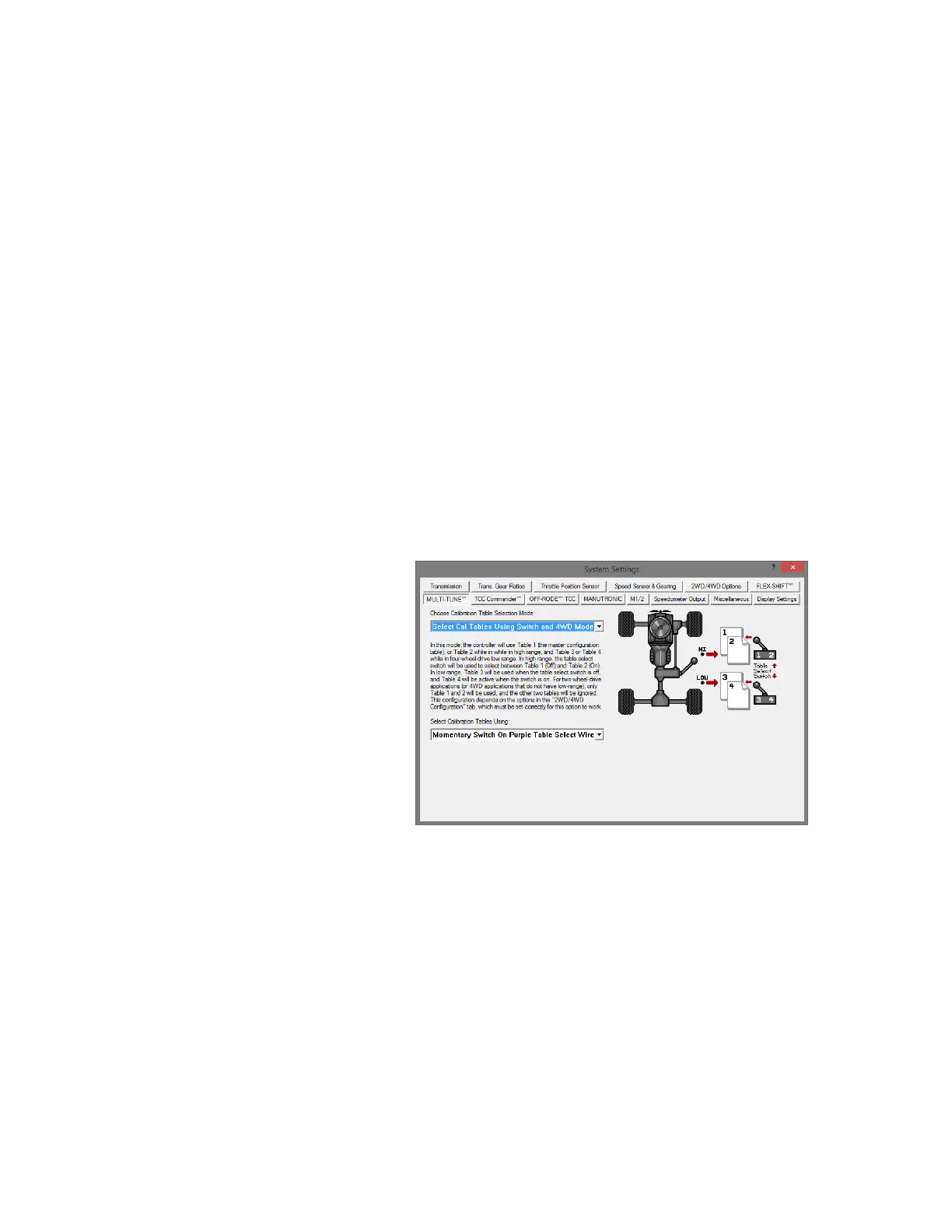
Different modes can be
selected in the tuning software
which will select different
tables for different situations.
For example, “Select Tables
Using Only 4WD Mode” will
use table 1 in 2WD and 4WD
high range, with table 2 for
4WD low range (Tables 3-4 will
be used for the second and
third low ranges, if equipped) If
a switch is connected to the
table select wire, “Select
Tables Using Switch and 4WD Mode” chooses tables 1 or 2 in 2WD mode and
table 3 or 4 in 4WD (depending on switch position).
“Select Tables Using O/D On-Off Mode” will choose the table according to the
Overdrive switch. O/D On will use table 1, O/D Off will use table 2, and Manual
mode will use table 3 (if enabled).
If the transbrake feature is enabled, one of these alternate methods must
be used.


 To Next Page